
Separate Fingerprint
Separate Cookies
Dedicated Proxy
Separate Local Data
Loading messages…
You are viewing a previous conversation.
Enter to send · Shift + Enter for a new line
Multi-Account Management
MasBrowser gives each account an isolated browser profile with separate fingerprints, cookies, proxies, and local data—reducing linkage risk while simplifying daily operations.
Separate Fingerprint
Separate Cookies
Dedicated Proxy
Separate Local Data
Separate Fingerprint
Separate Cookies
Dedicated Proxy
Separate Local Data
Separate Fingerprint
Separate Cookies
Dedicated Proxy
Separate Local Data
Separate Fingerprint
Separate Cookies
Dedicated Proxy
Separate Local Data
Linkage and Management Risk
Platforms may compare browser fingerprints, cookies, device settings, networks, and behavior. Reusing the same environment creates overlapping signals and makes account management harder.
Overlapping environment signals
Repeated device parameters and browser settings create overlapping signals.
Login sessions and local data are harder to keep separate.
Repeated logins, logouts, and verification add time and complexity.
Profiles, proxies, groups, status, and ownership become harder to track.
Profile Isolation
Each profile stores its own cookies, local data, proxy, browser fingerprint, and settings—keeping accounts isolated while preserving a consistent environment over time.
Data stays separate
Data stays separate
Data stays separate
Built into MasBrowser
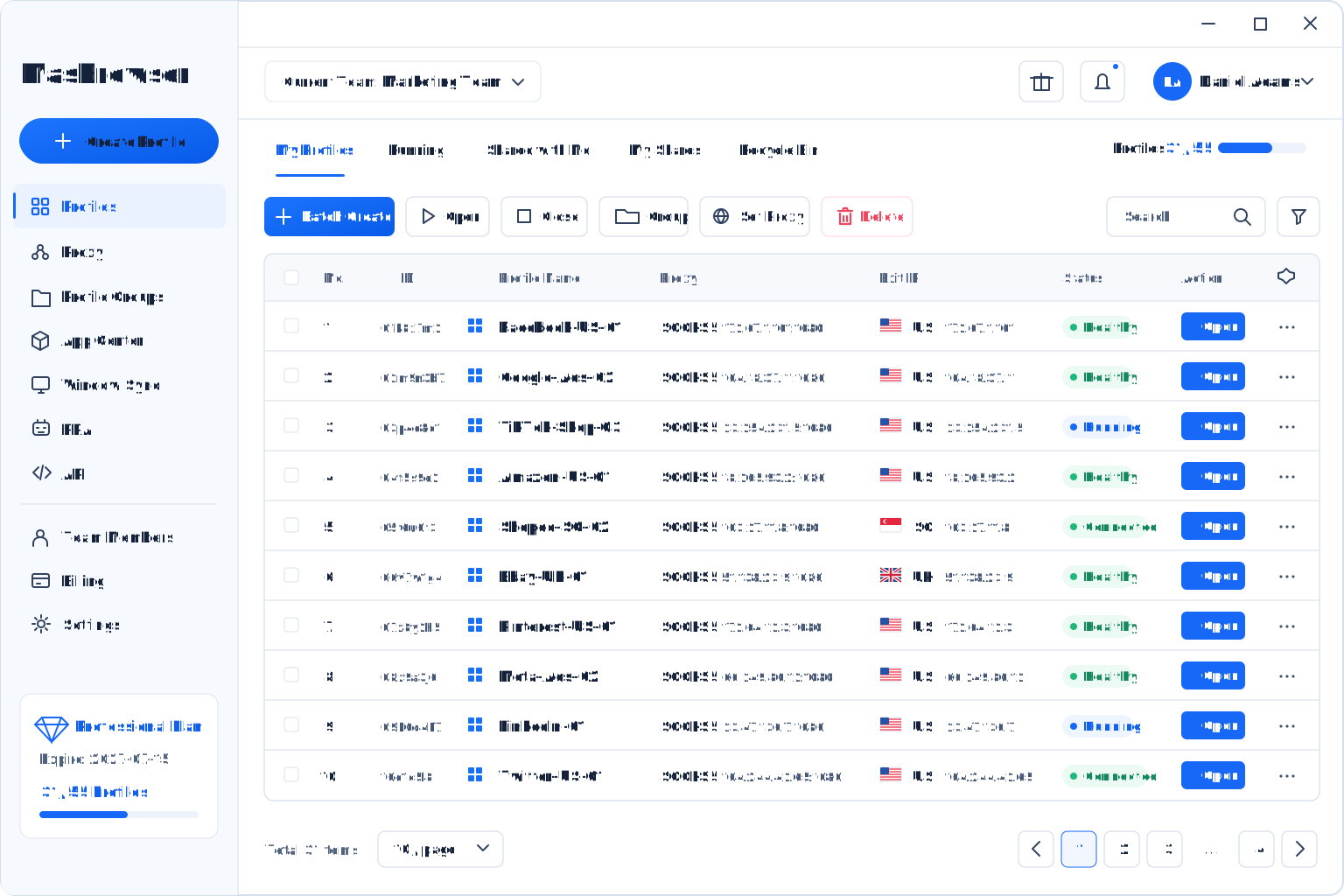
Manage isolated profiles, proxies, groups, and team access in one client while keeping account data and browser settings separate.
Security and Efficiency
Profile isolation reduces overlapping account signals, while one workspace cuts repetitive logins, switching, and routine management.
Isolated Profiles · Stable Sessions · Saved Logins
Isolation first. Efficiency built in.Keep login sessions
Handle repetitive tasks
One action, multiple windows
Automate and collaborate
Profile isolation supports safer long-term operations; centralized management keeps daily work efficient.
MasBrowser Advantages
Keep every account in a stable, isolated browser profile while using groups, proxies, batch operations, window sync, automation, and team tools.
Isolation without sacrificing efficiency
Use Cases
For teams that need to manage many isolated browser profiles while improving security, clarity, and operating efficiency.
Use isolated profiles, groups, Window Sync, and batch actions to manage account portfolios efficiently.
Keep each store in a separate profile with its own proxy settings.
Manage isolated ad account profiles and proxies from one workspace.
Organize ownership, permissions, and automation workflows.
Key Benefits
A practical anti-detect browser for organized, efficient multi-account management.
Complete capabilities at a practical cost
Combine consistent browser fingerprints, profile isolation, automation, and team collaboration.
Maintain a natural, stable browser identity.
Store account data and settings separately.
Reduce repetitive daily work.
Keep large profile lists clear and manageable.
Help teams deploy workflows faster.
FAQ
Learn how browser profiles, isolation, and centralized workflows support multi-account operations.
Get Started with MasBrowser
Give every account an isolated, consistent browser profile while reducing repeated logins, switching, and routine work.