Account Information Spreads Everywhere
Sharing credentials and profile data through chats and documents increases exposure risk.
Loading messages…
You are viewing a previous conversation.
Enter to send · Shift + Enter for a new line
Team Collaboration
Bring accounts, browser profiles, and members into one workspace. Assign profile access by responsibility and group to reduce credential exposure, mistakes, and handoff friction.
Team Management Risk
When credentials, browser profiles, and notes move through chats, spreadsheets, or personal devices, larger teams face more exposure, mistakes, and unclear handoffs.
As information spreads, it becomes harder to know who can view, operate, and hand off each account.
Sharing credentials and profile data through chats and documents increases exposure risk.
Members may reach profiles outside their responsibilities.
Unclear relationships between profiles, groups, and members lead to duplicated or missed work.
Role changes require teams to reorganize account, profile, and operating information.
Built into MasBrowser
Manage team members, profile groups, shared profiles, and account environments in one client.
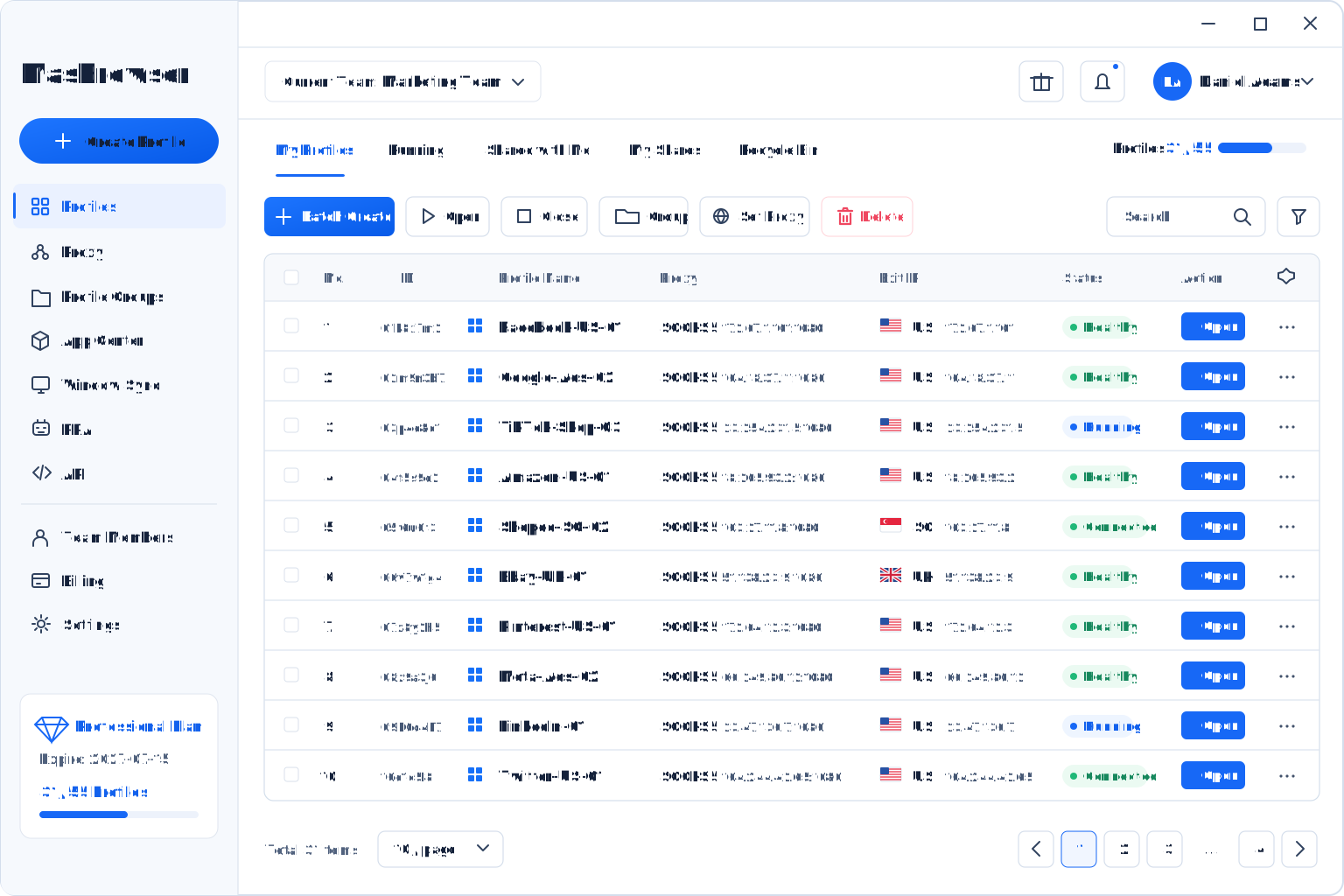
Account Asset Protection
Keep accounts and profiles in the team workspace so members use assigned environments without repeatedly circulating sensitive information.
Centralized Assets
Members access only the profiles or groups they are responsible for.
Clear responsibilities reduce the risk of operating the wrong profile.
Adjust or remove access when a member leaves or changes roles.
Keep the relationship between accounts, groups, and owners maintainable.
Team Efficiency
Use one workspace, profile groups, and access scopes to reduce repeated communication and handoff work.
Unified Team Workspace
Replace scattered chats and spreadsheets with visible relationships between members, profiles, and business groups.
Assign accounts, profiles, or groups to the right members.
Reduce browser profile and credential reorganization during staff changes.
Avoid repeatedly confirming accounts, profiles, and owners through chat.
Give members a consistent way to manage profiles and groups.
Use Cases
Designed for teams that manage many accounts, browser profiles, and business groups over time.
Team + Groups + Assigned Profiles
Assign platforms, account portfolios, and business groups without repeatedly circulating account information.
Assign store profiles and groups to the appropriate operators.
Keep ad account assets centralized while responsibilities stay clear.
Organize client or project profiles into separate groups.
Collaborate through one workspace across locations.
Why MasBrowser
MasBrowser combines browser fingerprint consistency, profile isolation, automation, and team collaboration in one anti-detect browser.
Professional capabilities at a practical cost
Manage profiles, groups, permissions, bulk actions, and automation without switching tools.
Maintain a natural, consistent browser identity.
Keep account data and configurations separate.
Reduce repeated work with bulk actions, Window Sync, and RPA.
Keep large team and profile workflows clear.
Get help implementing real multi-account workflows.
FAQ
Answers about members, profile groups, access scope, and safer information sharing.
Manage members from the Team Members area in the client. The exact process follows the current client version.
Get Started with MasBrowser
Manage accounts, browser profiles, permissions, and handoffs in one workspace.