
MasBrowser
Customer supportLoading messages…
Loading messages…
You are viewing a previous conversation.
Enter to send · Shift + Enter for a new line
Loading messages…
You are viewing a previous conversation.
Enter to send · Shift + Enter for a new line
If you run cross-border e-commerce, you have probably been through this moment: an email from the platform arrives in the middle of the night, your account is suspended, and the appeal notice reads "multiple accounts detected as associated." You used different emails, different payout accounts, even a different network — so why can the platform still tell?
People running social media matrices feel the same way: accounts that took half a year to grow all get asked to verify their identity overnight, and customer support replies with the same line — "a risk of association between accounts has been detected."
The problem is not the accounts themselves. It is the "environment" you use to open the web pages.
Platforms determine whether accounts come from the same person by looking at the device's digital fingerprint — the dozens of parameters a browser actively reports combine to expose that accounts come from the same device even more than an IP address does, and matching fingerprints mean association. The reported parameters include operating system, resolution, fonts, language, time zone, Canvas, WebGL, and more, which together form a unique fingerprint. Even if you change your IP, as long as the environment characteristics stay the same, the platform can still recognize you. Platform risk control is dynamic: it looks not only at fingerprints, but also at whether the login address matches history and whether the behavior pattern looks like a real human. Running multiple accounts on the same computer is like handing the evidence of association directly to the risk control system — at best your accounts are demoted, at worst they get banned, often all at once.
And the detection is continuous — no problem today does not mean no problem tomorrow. Platforms keep comparing login history, device-change frequency, and behavioral patterns, and any detail inconsistent with the environment can be counted against you.
A fingerprint browser (anti-detect browser) is, at its core, a browser with built-in device identity disguise: it simulates an independent set of browser fingerprints for each account, creates a dedicated "browser environment," and pairs it with a region-matched proxy IP, so every account looks like it comes from a brand-new device.
Many people ask: can't a regular browser open multiple windows too? Windows and tabs are only a visual separation — underneath, they still share the same set of browser data: cookies, local storage, extensions, and the fingerprint are all mixed together. Incognito mode can reduce some local records, but it cannot change the browser fingerprint itself. The key difference of a fingerprint browser is that each account's environment is an independent data island at the foundation — environments do not read from or interfere with each other.
MasBrowser fingerprint browser uses a private Chrome kernel (based on Chromium 149), supports customization of more than 20 fingerprint parameters, and uses virtualization technology for environments, so one computer can smoothly run dozens of environments.

It solves four core problems: multi-account anti-association (one flagged account does not affect the others), fingerprint consistency control (parameters stay the same before and after login), cost reduction and efficiency gains (manage dozens or hundreds of accounts from one device, combined with RPA automation), and secure team collaboration (environments are authorized, shared, and transferred by member, with account information encrypted and protected).
These capabilities target the most common pain point in multi-account operations — environment mixing. For example, account A's cookies show up in account B's environment, the proxy was changed but the time zone is still stuck on the old configuration, or a new team member takes over an account and cannot find the original environment or operation records. Independent environments eliminate this kind of problem at the root, making it obvious at a glance which account uses which environment.
Using MasBrowser as an example, the core operations all revolve around the multi-account security management page, where independent environments, fingerprint isolation, and proxy configuration are all completed:
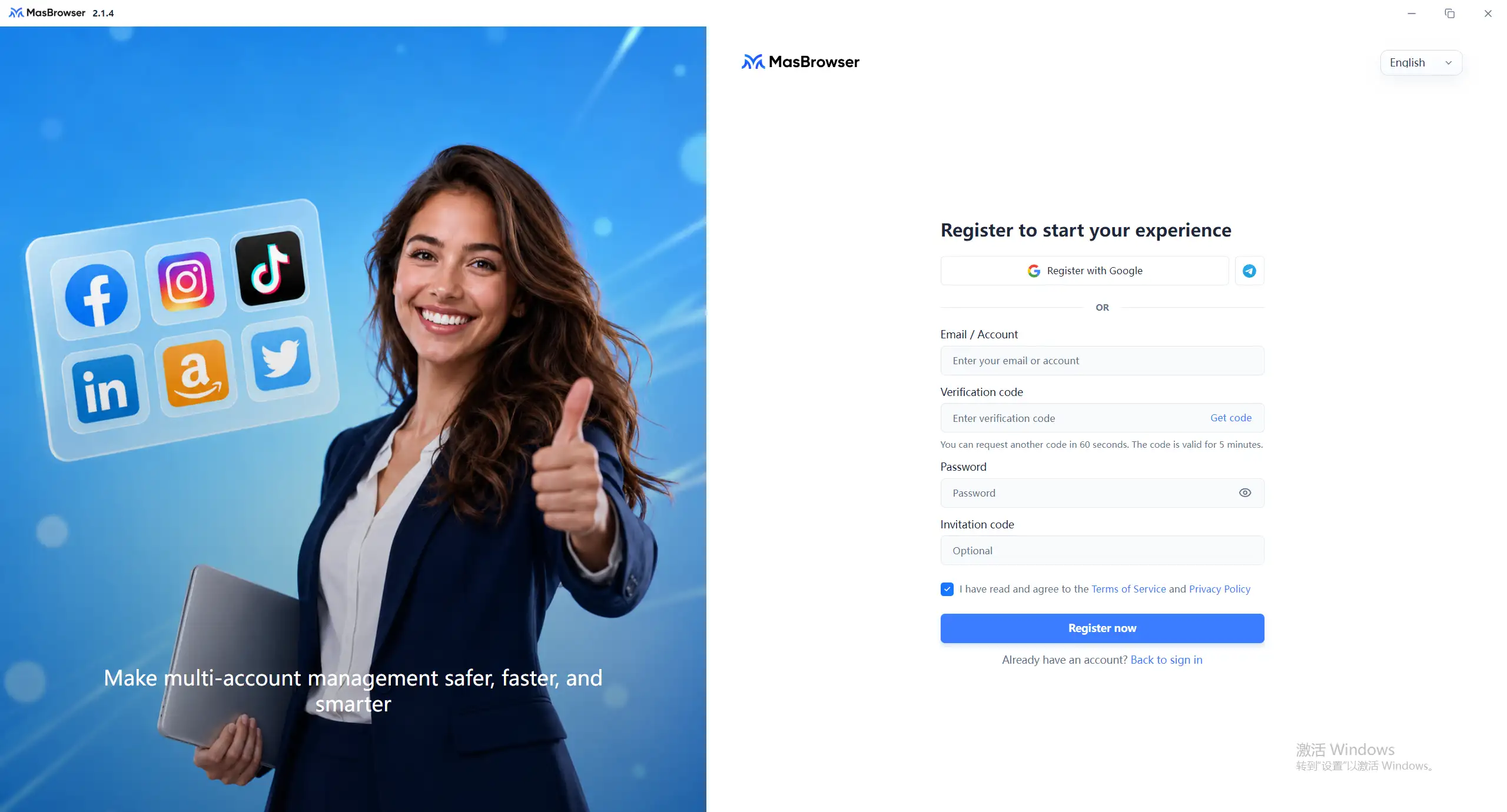
Screenshot of the registration page
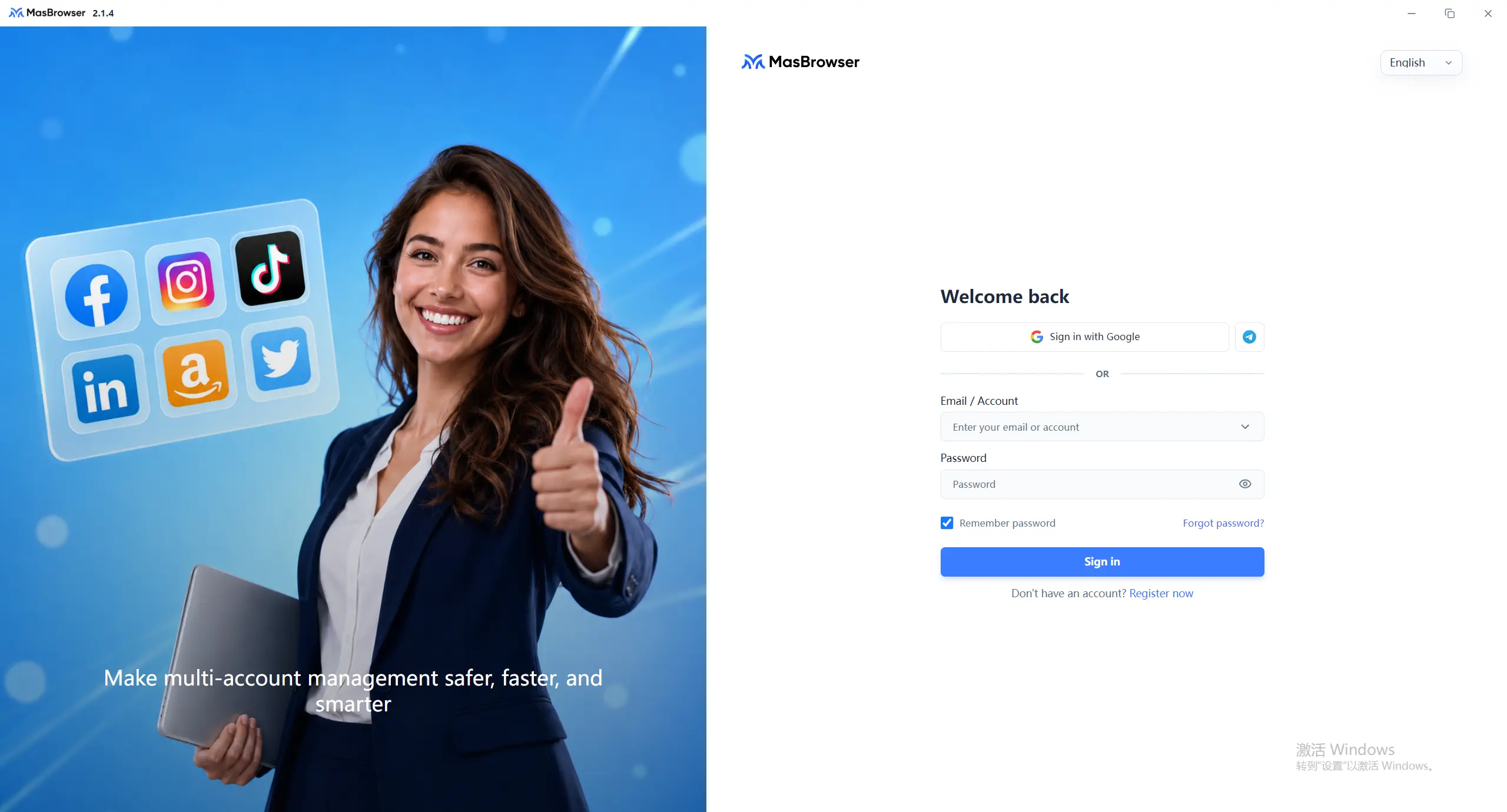
 Screenshot of the login page
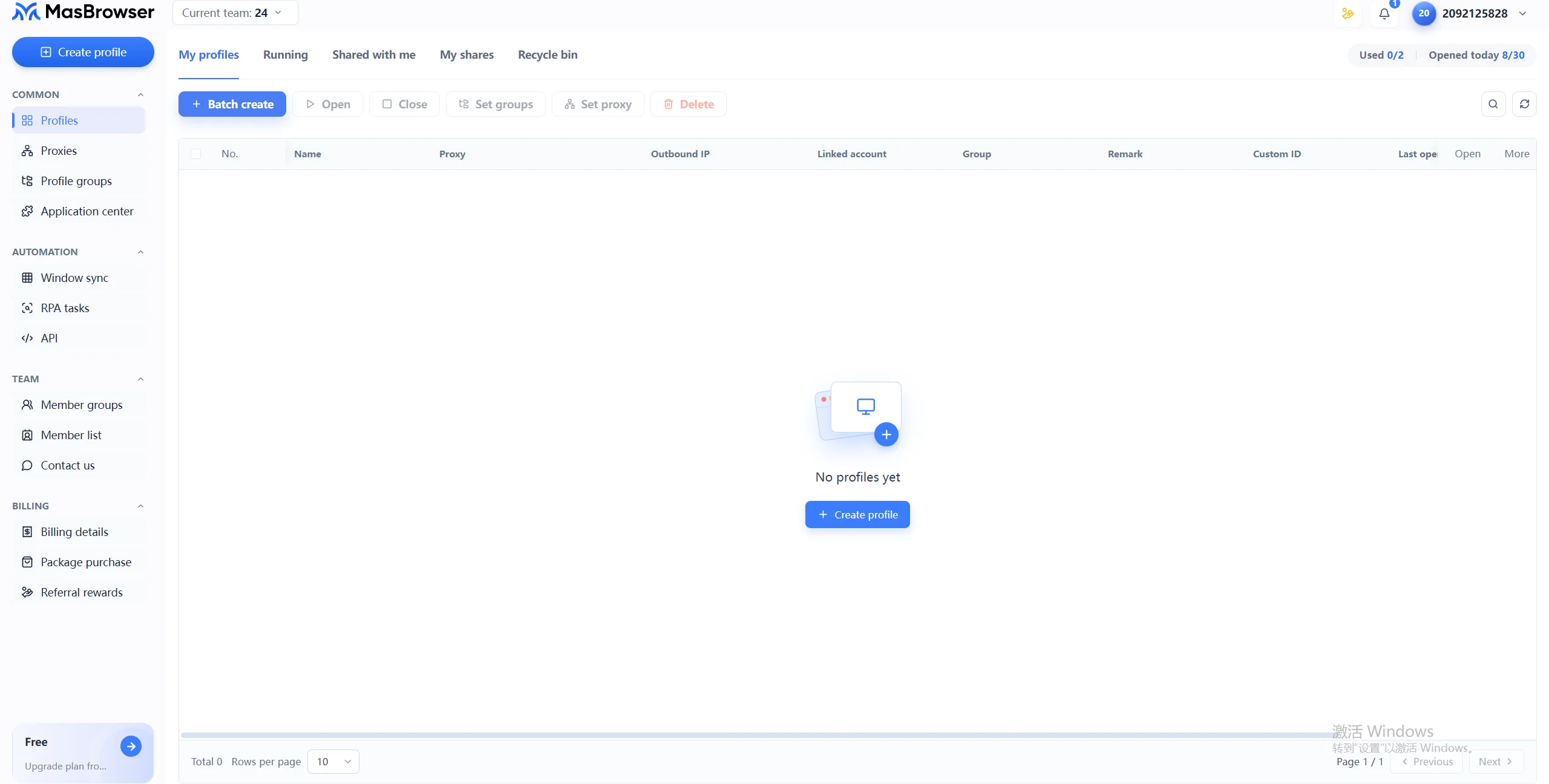
Environment management — screenshot of the main interface
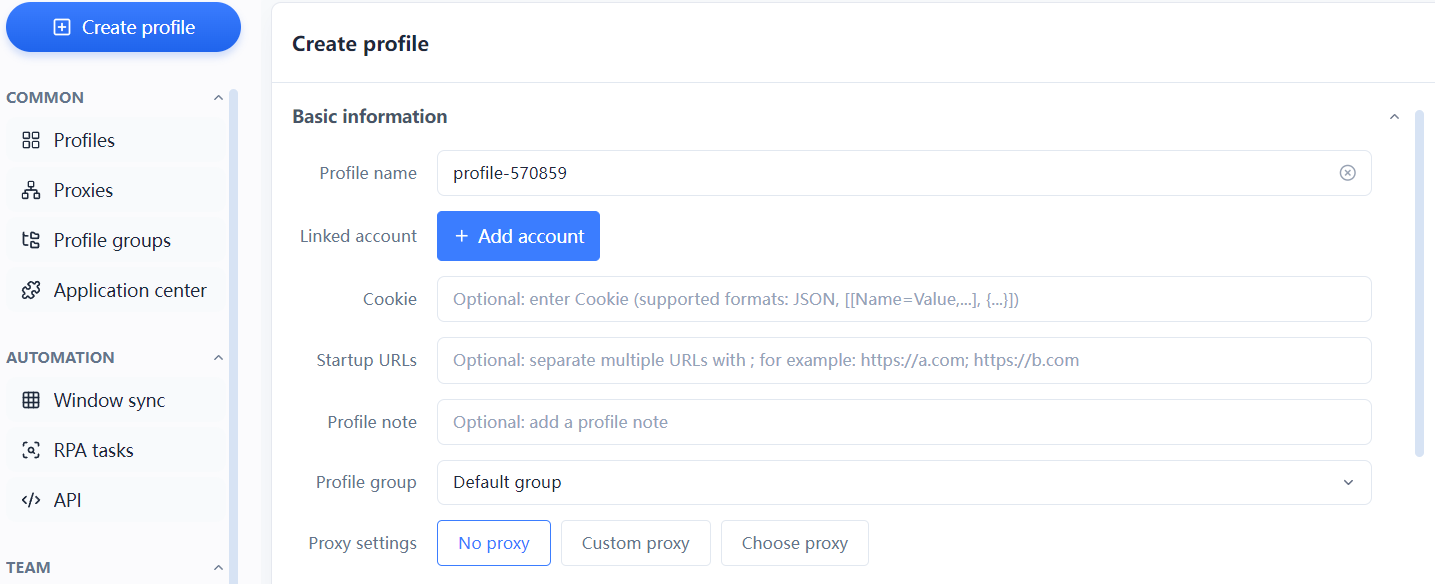
amazon-us-store01); proxy settings offer three options — none (testing only) / custom (enter IP/port/account/password) / select a proxy.Basic information — screenshot of the create environment window
Fingerprint configuration — screenshot of the fingerprint settings interface
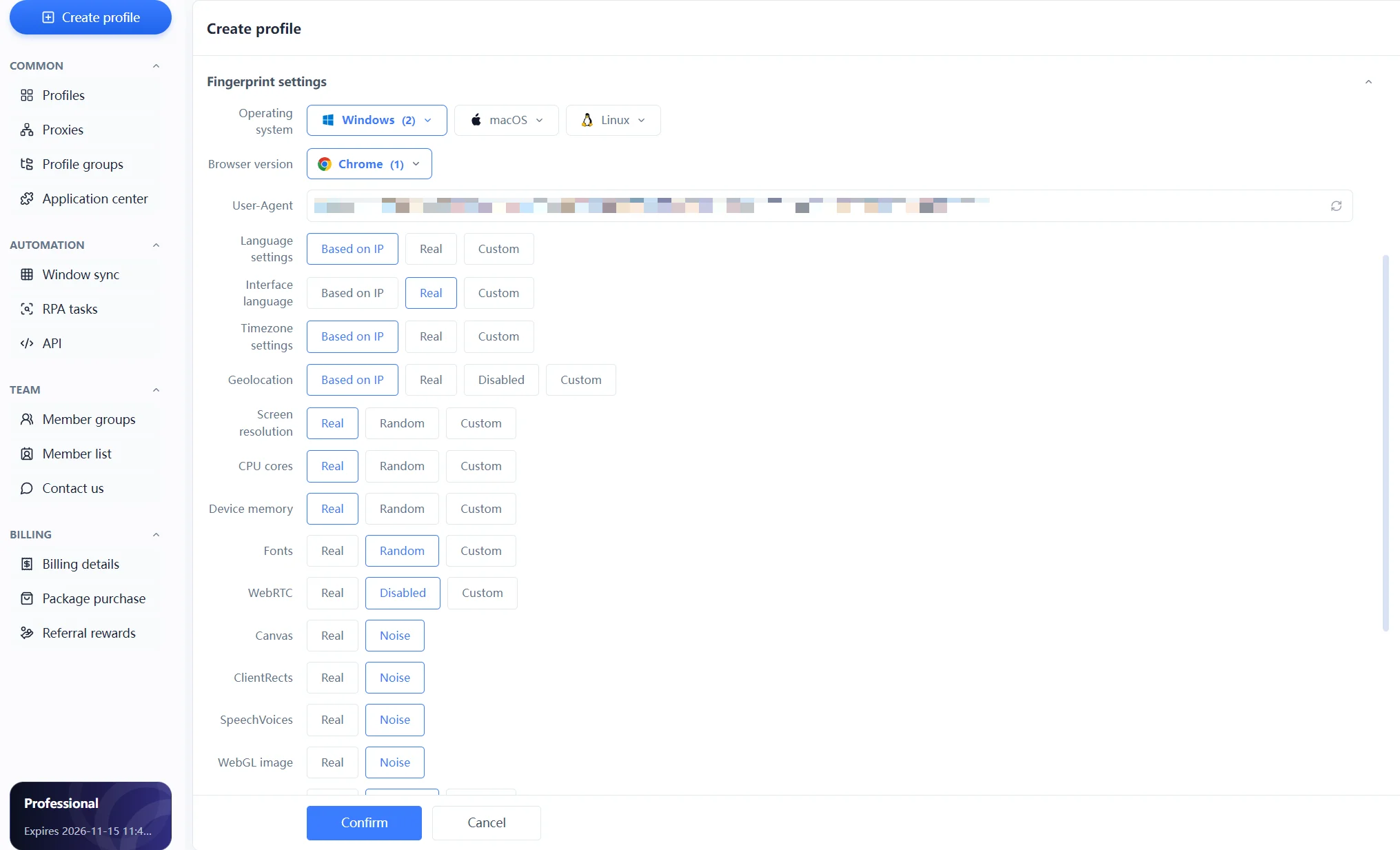
Launching an environment — screenshot of the environment list
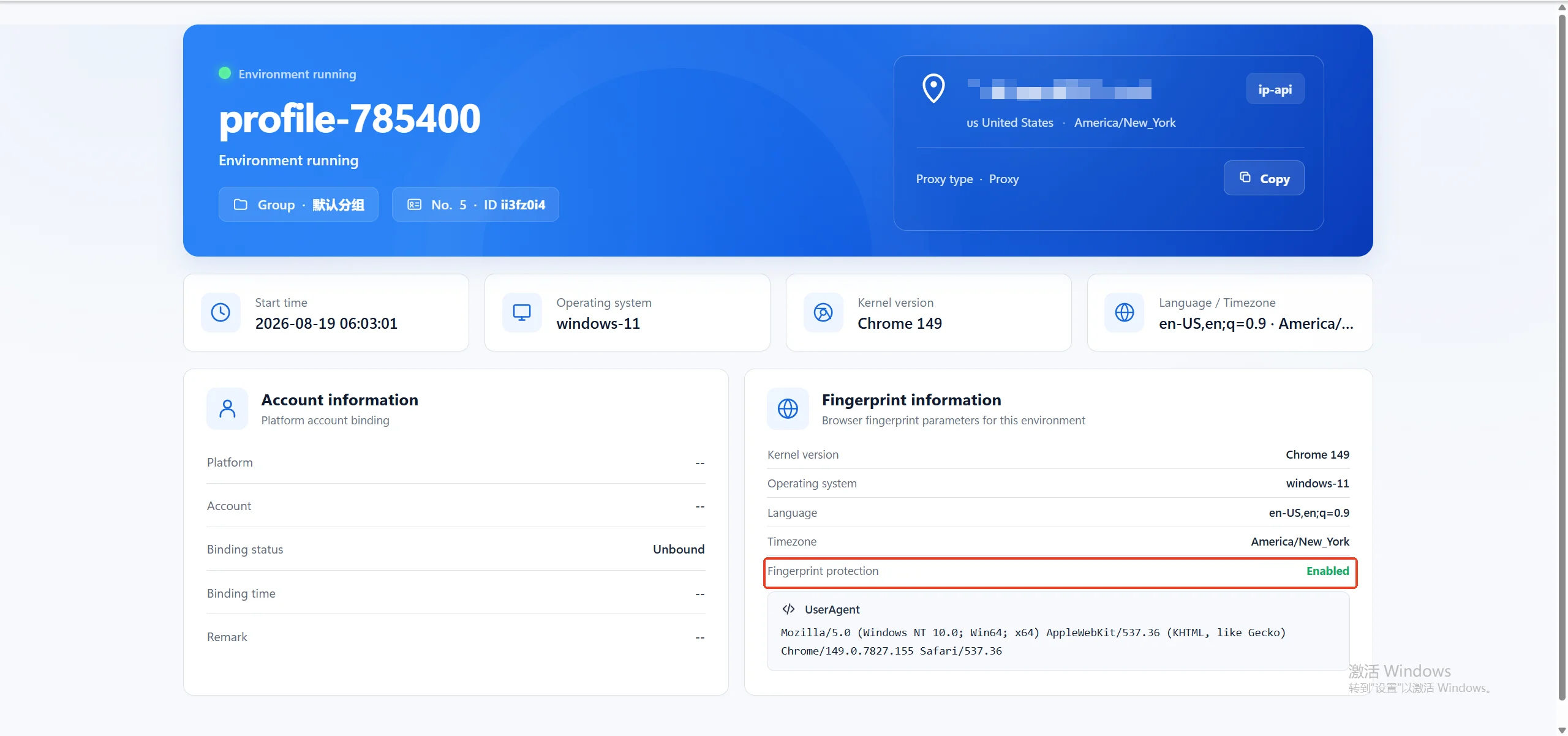
The core idea comes down to one sentence: lock "language + time zone + geographic location" to the proxy IP, and everything else is repetition — create a new environment → configure the fingerprint → launch → log in.
Even with a fingerprint browser, you can still step into traps if your habits are wrong. Here are the 4 most common mistakes in multi-account operations:
Different industries run their multi-account operations in different ways, and the pitfalls differ too:
Every industry can reference the cross-border e-commerce multi-account environment management guide to organize the environment structure. The approach is the same everywhere: one account, one environment, one record.
The goal of a fingerprint browser is to make the environment "look like a real device," not to stop the platform from reading information. As long as the fingerprint is consistent, the IP matches, and behavior is normal, platforms usually cannot tell the difference. On the contrary, frequently changing parameters or a fingerprint that contradicts the IP region is what exposes you.
A regular browser makes all accounts share the same fingerprint and cookies, so accounts are naturally associated; a fingerprint browser gives each account an independent environment where fingerprint, data, and IP are completely isolated, cutting off association at the root.
It is strongly recommended. The fingerprint solves the "device identity," and the IP solves the "network identity" — only when both are consistent does the account look real. Multiple environments sharing the same IP can still be judged as associated, so binding each environment to an independent IP is the safe approach.
A fingerprint browser gives every account an independent, realistic, and stable operating environment, cutting off association risk at the root. If you are running multiple stores, social media accounts, or ad accounts at the same time, start with your first independent environment — get one account running stably, then gradually bring all accounts under unified management. MasBrowser provides independent browser environments, fingerprint configuration, proxy management, and team collaboration capabilities. Download MasBrowser and start organizing your multi-account environment today.


