Securely Manage Multi-Accounts, Start with Masbrowser
Reduce Association Risks, Boost Efficiency, Support Scaling

People who run Texas Hold'em poker studios are often plagued by two recurring problems.
The first: account bans. A studio is running 10 accounts simultaneously. One morning, they open WPK only to find all accounts flagged as abnormal. The platform has determined they all belong to a single studio and has banned them in bulk. All accumulated chip records and level data are wiped out. New accounts registered to replace them get banned again after a few weeks, creating a vicious cycle.
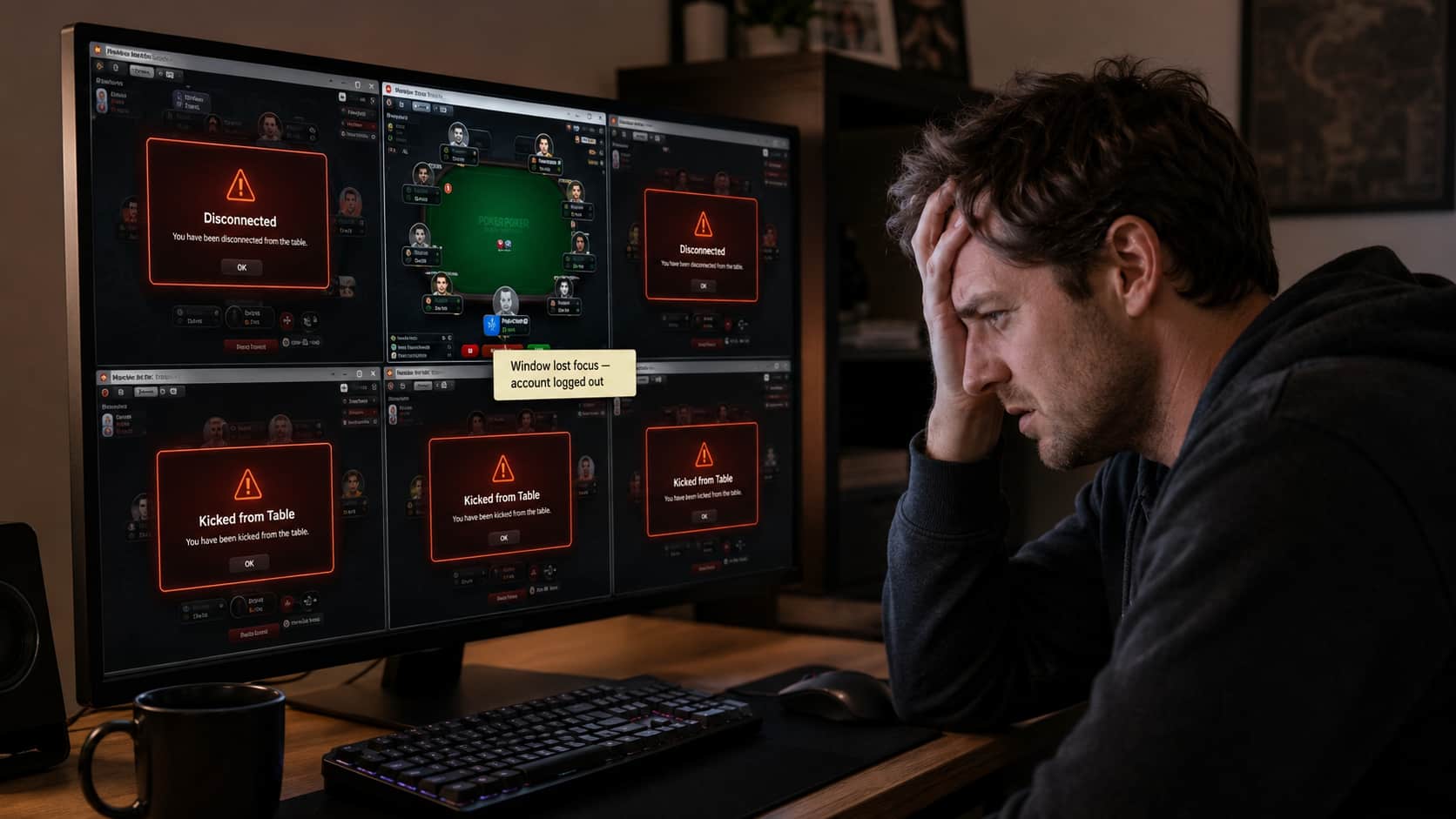
The second: disconnections when switching tabs. After painstakingly nurturing accounts, you start multi-accounting, but as soon as you switch windows, the other accounts are kicked from the poker table. With 5 windows open, switching to the third one causes the other four to disconnect. Every switch is an interruption, severely impacting the studio's daily efficiency and revenue.
These two problems are not isolated; they share the same root cause—the platform actively detects and counteracts multi-accounting activities. This article will clarify the technical mechanisms behind both issues and provide a solution that addresses them simultaneously.
WPK's primary method for detecting account association isn't based on account information, but on device fingerprints.
Whenever your browser visits any webpage, it passively exposes a set of device parameters: Canvas rendering hash, WebGL graphics features, screen resolution, font list, operating system version, and more. The combination of these parameters forms a unique "device fingerprint," which is independent of your IP address. If you log into 10 different WPK accounts from the same computer, all 10 accounts will share the exact same device fingerprint. When the platform compares them, the association is immediately established, and they are identified as belonging to a single studio.
Many studios' first reaction is to change their IP, but the bans continue because the device fingerprint remains unchanged. Others try clearing Cookies or using incognito mode, but these methods are also ineffective. Clearing Cookies doesn't alter the fingerprint, and incognito mode only prevents browsing history from being saved, having no effect on the device fingerprint.
What's more challenging is that WPK's association detection isn't triggered immediately. The platform accumulates data over a period and processes it at a specific time—this could be during a new risk control update or when an account triggers another anomaly. Many studios operate their accounts stably for weeks or even months, only to have them all banned suddenly one day. This is typically the result of the platform's delayed association detection.
Many people don't understand this mechanism. They assume it's a network issue, but changing networks doesn't help because it has nothing to do with the network.
Browsers have a standard API called the Page Visibility API. When a browser window is switched to the background, the browser sends a visibilitychange event to the page, changing its status to hidden. WPK's client actively listens for this event. As soon as it detects that an account's page has entered the hidden state, the platform considers that account to have "left the table" and will forcibly kick it from the current game after a certain period.
This is a specific countermeasure designed by WPK against multi-accounting by studios; it's not a system bug. Regular browsers cannot bypass this because the focus change that triggers the event is a browser-level mechanism that no ordinary multi-accounting method can prevent. Using virtual machines yields the same result—switching to another virtual machine still sends the previous one's window to the background, causing the account to disconnect.
Combined, these two problems put studios in a difficult position: their accounts are under the constant risk of being banned in bulk due to association, and even if the accounts survive, multi-accounting operations are continuously disrupted by the window disconnection mechanism.
There's a common prerequisite for solving both of these problems: you need a tool that creates an independent operating environment for each account at a system level, rather than just applying superficial changes on a regular browser.
Based on our studio's operational tests, we've found that using MasBrowser can solve both issues simultaneously.
Solving Account Bans with Account Isolation:
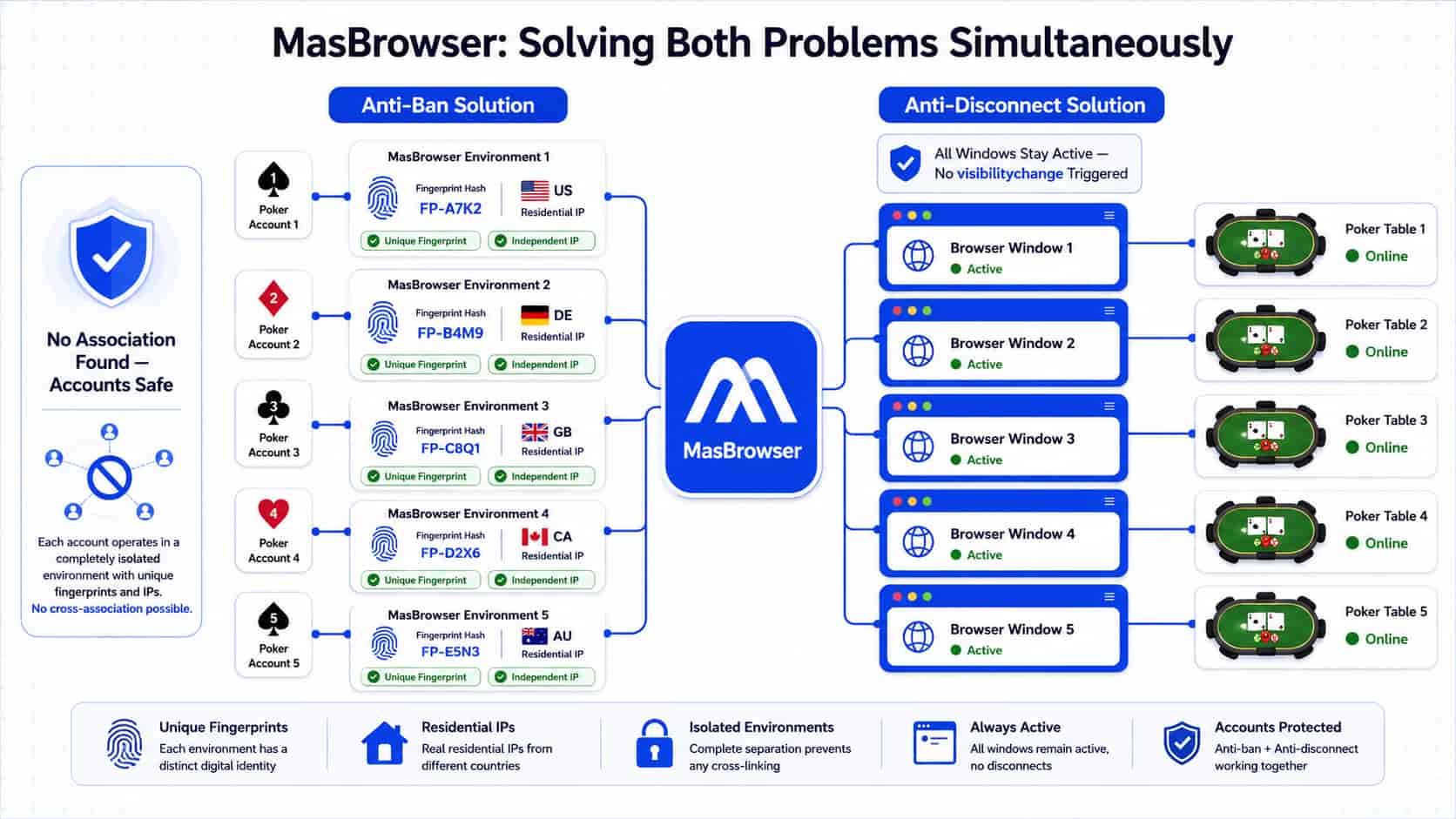
MasBrowser creates a physically isolated, independent browser environment for each WPK account. Each environment is configured with a unique fingerprint from a real device database—Canvas hash, WebGL parameters, User-Agent, and screen resolution are all distinct and different, and each is bound to a separate residential proxy IP. From the platform's perspective, its association detection encounters 10 completely different device fingerprints and 10 IPs from different regions, finding no signals to link them.
A key detail here is that MasBrowser uses a real device fingerprint database, not randomly generated parameters. Randomly generated parameters often have logical inconsistencies, making them easier for platforms to identify as virtual environments. Real device data ensures that all parameters are logically consistent, with language, time zone, and geolocation automatically matching the proxy IP, preventing tell-tale contradictions like "IP is in the US, but the time zone is Beijing."
Solving Disconnections with Simultaneous Window Activation:
MasBrowser keeps all browser windows active at the same time. No matter which account window you are currently operating, the browser environments of the other accounts remain in a foreground state. They won't trigger the visibilitychange event or become hidden when they lose focus. This renders WPK's focus detection mechanism completely ineffective—it can't detect any account "going into the background," so the kicking mechanism is never triggered.
We tracked operational data from studios using this solution: the window-switching disconnection rate dropped from nearly 100% to virtually zero. 10 accounts could remain online and stable simultaneously, leading to a significant increase in daily effective operational time. In terms of account lifespan, accounts with complete environment isolation survived for over 90 days on average, far longer than the average of 2-3 weeks without isolation.
Step 1: Create an Independent Environment for Each WPK Account
Open MasBrowser and click "+ Create Profile". Change the profile name (we recommend using the account ID), select "Custom Proxy" in the proxy settings, and enter the address and port of your residential proxy IP. Keep the fingerprint settings as default—Language, Timezone, Geolocation will all be "Based on IP" and automatically sync with the proxy IP, requiring no manual adjustments. Click "OK" to finish. The whole process takes about 2 minutes.
Step 2: Confirm the Proxy is Active on the Proxy Management Page
After creating the profile, go to the proxy management page to check if the exit IP matches the configured residential IP. Only log into your WPK account after confirming the proxy is active. Many beginners skip this step, but it is crucial—logging in without an active proxy exposes your real IP, immediately increasing the risk of association.
Step 3: Batch Launch All Environments and Log In
Select all the account profiles you need to run and click "Batch Launch" to start them all at once. Each profile will open in a separate browser window. Log into the corresponding WPK account in each window and join a table.
Step 4: Switch Windows Normally Without Disconnections
Once at the tables, you can operate as usual. All windows will remain active simultaneously. When you switch to any account, the others will stay online and stable, without being kicked from the game.
Step 5: Manage Team Roles and Permissions
If multiple operators are working together, use the member permissions feature to assign specific account profiles to each person. Operators can only access the accounts they are responsible for, and all activity logs are traceable, allowing for quick problem identification.
| Scale | Account Count | Core Problem | Key Configuration |
|---|---|---|---|
| Small | 2-5 | Disconnections on switch, occasional bans | Independent environments + Residential IPs, simultaneous window activation |
| Medium | 5-20 | Low batch management efficiency | Batch profile creation, centralized proxy management |
| Large | 20+ | Systematic bans, chaotic team collaboration | Complete isolation system + Hierarchical member permissions |
Q: Why do my accounts get disconnected when I switch windows in WPK?
A: WPK monitors the browser's Page Visibility API. When the window containing your account is switched to the background, its page status becomes hidden. The platform detects this as "account left the table" and forcibly kicks you out. This is an anti-multi-accounting measure designed by the platform, which cannot be bypassed with a regular browser.
Q: Is there a tool that can solve both account bans and disconnections at the same time? A: Yes, in our operations, we use MasBrowser. It solves account association bans through environment isolation—each account gets a unique fingerprint and a dedicated residential IP, leaving no association signals for the platform to detect. It also solves the disconnection problem by keeping all windows active simultaneously—when you switch windows, other accounts do not go into the background, so WPK's focus detection is never triggered. For studios running 10 or more accounts, this has been the most stable solution we've tested.
Q: Can changing my IP solve the account ban problem? A: Not entirely. Changing your IP only addresses one aspect at the network layer, while your device fingerprint remains unchanged. Platforms use a combination of device fingerprint and IP to detect association. If you only change the IP but the fingerprint is the same, the accounts will still be linked. You must isolate both the device fingerprint and the IP to truly break the association.
Q: What's the difference between a residential proxy and a data center proxy? A: The ASN (Autonomous System Number) of a data center IP belongs to a cloud server provider, and platforms have a much higher risk sensitivity to these IPs. Residential IPs come from real home broadband connections, making it impossible for the platform to distinguish them from regular players. In a multi-accounting setup, accounts using residential IPs have a significantly higher survival rate than those using data center IPs.
Q: Can banned accounts be recovered? A: The success rate for appealing association-based bans is very low; platforms usually issue permanent bans. It's far better to implement proper environment isolation from the beginning than to try to fix it after the fact. The value accumulated in an account that has been stable for 3 months far exceeds the cost of registering a new one.