How to Safely Manage Multiple Accounts with an Anti-Detect Browser
When you need to manage multiple storefront, social media, advertising, or affiliate accounts at the same time, what most often gets out of control is not the number of accounts—it is the browser environments starting to overlap.
For example, Account A’s cookies appear in Account B’s environment; a proxy has been changed while the time zone, language, or geolocation still uses the previous configuration; or a team member takes over an account but cannot find its original browser environment or activity records.
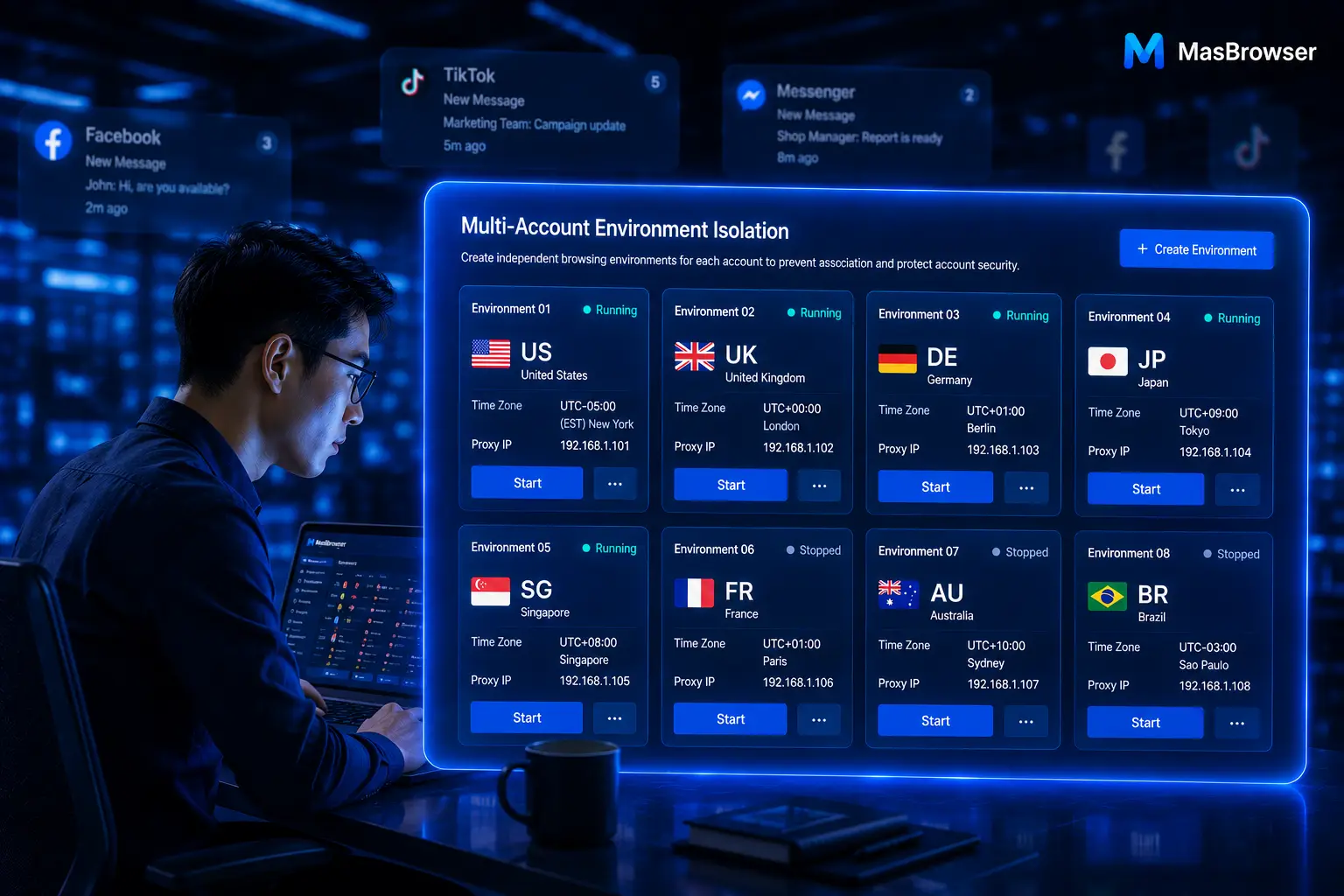
This is where an anti-detect browser is valuable. It is not simply about opening multiple browsers. It creates an independent, well-organized, maintainable browser environment for each account, helping teams manage accounts, network settings, and daily operating workflows more systematically.
MasBrowser is designed for multi-account operations and provides independent environments, fingerprint-consistency configuration, window synchronization, automation, and team-collaboration capabilities.

What Is an Anti-Detect Browser?
A standard browser can open multiple tabs at once, but tabs are not the same as independent account environments. Incognito mode can reduce some local records, but it cannot replace full environment isolation and account management.
An independent browser environment typically stores its own cookies, local storage, browser language, time zone, resolution, proxy configuration, and other browser data related to an account’s daily operations. The purpose is to give each account a clear working boundary and reduce data overlap between unrelated accounts.
For teams that need to manage multiple accounts over time, the key is not making settings overly complex. It is ensuring that environments are clear, consistent, and easy to maintain.
You can first explore MasBrowser’s multi-account management features to see how independent environments, cookie isolation, and proxy configuration work in real workflows.
The Most Common Multi-Account Problem: Environment Overlap
When many teams get started, they repeatedly log in to different clients, storefronts, or platform accounts in the same browser. This may seem convenient when there are only a few accounts, but problems accumulate quickly as the number grows.
Common situations include:
- Logging in to an account in the wrong browser environment;
- Incorrectly reusing cookies, local data, or extensions;
- Changing a proxy without checking whether environment settings were updated accordingly;
- Team members being unable to identify which environment belongs to an account;
- More duplicate actions and mistakes when several windows run at the same time.
The core issue is not “too many accounts,” but the lack of clear environment boundaries and team processes.
One Account, One Independent Browser Environment
The most basic rule of multi-account management is: unrelated accounts should not share the same browser environment.
It is recommended to create a consistent naming convention for environments based on platform, business line, region, and account purpose. For example: Amazon - Home - US - Store 01, TikTok - Brand A - UK - Content, and Facebook - Client B - US - Ads.
Clear naming reduces operational mistakes and helps new team members understand each environment faster. During account handovers, teams should transfer more than login details; they should also include the corresponding environment, proxy status, owner, and necessary operating notes.
If your business involves multi-store cross-border e-commerce operations, continue with the cross-border e-commerce multi-account environment management guide to learn how to build a clearer environment structure by store and market.
Keep Fingerprint and Network Settings Consistent
A browser environment does not become better simply because it has more settings. What matters is that its configuration is reasonable, stable, and easy to maintain.
For example, when an environment uses a proxy for a particular region, settings such as language, time zone, and geolocation should align with the actual business scenario. If changes are genuinely needed later, record when and why they were made instead of changing environment settings frequently and without a pattern.
For every account, record at least the account name, platform, and purpose; the corresponding browser environment; proxy region and usage status; time zone and language settings; current owner; most recent important action; and notes about exceptions and their handling.
This record does not need to be complicated, but it can significantly reduce communication costs during account handovers, environment troubleshooting, and team expansion.
Reduce Repetitive Work with Window Synchronization
In multi-account work, the biggest time drain is often not decision-making but repetitive clicking. Opening the same pages, entering fixed back offices, checking basic status, or performing routine processes one window at a time continually lowers team efficiency.
Window synchronization is suited to repetitive, clearly defined, reviewable actions. Operators can complete an action in a primary window and then synchronize the same action to multiple independent browser environments.
Tasks suited to synchronization include:
- Opening the same business page;
- Checking the basic status of multiple accounts;
- Entering the same back-office menu;
- Performing confirmed routine processes.
For budget changes, content review, account exceptions, or important submissions, human judgment should still be retained. A practical principle is: automation reduces repetitive actions, while people handle critical decisions.
When you are ready to try multi-account environments and synchronized workflows, visit the MasBrowser download page.
Client Stability Is Also an Operational Capability
When a team needs to run multiple browser environments at the same time, client stability directly affects the day’s operating rhythm. The more windows and tasks there are, the more important clear priorities and stable operating habits become.
It is recommended to run environments in batches based on business importance: handle time-sensitive work such as advertising, orders, and customer messages first; then handle content publishing, material organization, and data checks; regularly close unused windows and environments; check account, proxy, and environment settings first when an exception occurs; and hand over environments together with operating instructions during team transitions.
Do not open every environment at once merely to “run more windows.” A stable operating rhythm matters more than endlessly increasing the number of open windows.
A Multi-Account Management Process You Can Apply Immediately
If your team is still using multiple standard-browser sessions, start with the following steps:
- List all accounts and identify their platform, purpose, and owner;
- Create an independent browser environment for every account;
- Configure and record the corresponding proxy information;
- Name environments using a consistent convention;
- Create a mapping table for accounts, environments, and owners;
- Organize repetitive work into window-synchronization or RPA processes;
- Review environments that have been unused for a long time or have no owner every week;
- Hand over both the environment and operating instructions during transitions.
This process is not complicated, but it solves the environment-overlap issues most teams encounter in multi-account operations.
Conclusion
For teams that genuinely need to manage multiple accounts, the value of an anti-detect browser is not merely “opening multiple instances.” More importantly, it gives every account an independent, clear, maintainable browser environment and helps the team establish actionable processes across account safety, fingerprint consistency, daily efficiency, and client stability.
MasBrowser can help you start with your first independent environment and gradually build a more stable multi-account operating system.
Download MasBrowser and start creating your first independent browser environment.