Securely Manage Multi-Accounts, Start with Masbrowser
Reduce Association Risks, Boost Efficiency, Support Scaling

ChatGPT Plus costs $20/month, Claude Pro costs $20/month, and Midjourney's basic plan runs $10/month. For a team that needs individual subscriptions, AI tools alone can become a significant fixed monthly expense — especially when teams use several platforms simultaneously. So account sharing has become an open industry secret: one account passed around among three to five people, everyone does it, everyone knows the risks.
The problem is that most people fundamentally misunderstand where the risk actually comes from.
Switch your IP, switch your device — and the account still gets banned. We've seen this happen far too many times, and the root cause isn't where people think it is. This article explains exactly what platforms are detecting, how account-sharing risks stack up across multiple layers, and how to solve this problem at the root level.
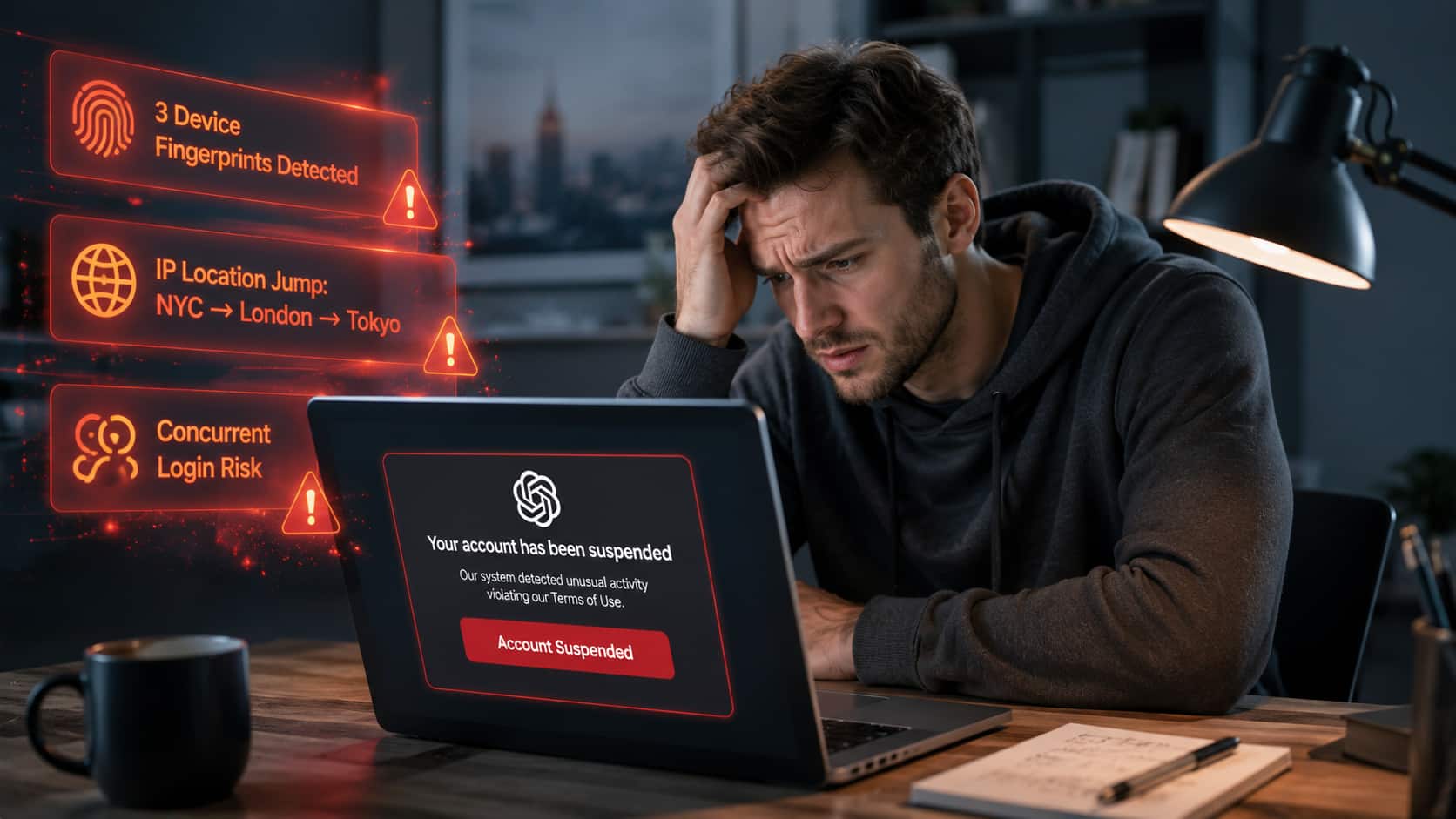
Most people's first reaction is: I'm not logged in simultaneously, so how could they possibly know? The answer is hidden inside the browser itself. Every time you open a webpage, your browser passively broadcasts a set of device parameters — Canvas rendering hash, WebGL fingerprint values, screen resolution, font list, operating system version, CPU core count. The combination of these parameters forms a unique "device fingerprint" that has nothing to do with your IP address. Change your IP and the fingerprint remains.
That's the core of the problem. You log in from a MacBook today, switch to a Windows desktop tomorrow, then use your phone the day after — the platform's risk control system sees the same account cycling through three completely different device fingerprints. This signal is more direct than an IP anomaly, and far harder to explain away.
IP address hopping is the second layer. Three team members in different cities taking turns, each login coming from a different exit IP with obvious geographic variation — the risk model flags this account's behavior as abnormal. Even harder to avoid is usage time continuity. A normal user doesn't keep an account active around the clock. Multiple people using it in relay keeps the account online continuously, and machine learning models have no trouble recognizing this pattern. Many people assume "as long as we're not logged in simultaneously, we're fine" — but what platforms actually care about isn't concurrent sessions. It's device fingerprint changes across different time windows. This misconception leaves countless shared accounts getting banned without any warning.
Risk control enforcement varies significantly across platforms, and understanding this helps you allocate your efforts wisely. ChatGPT / OpenAI is currently the most aggressive: device fingerprint plus IP anomaly triggers a dual strike, and after a Plus account is banned, the linked payment method is typically flagged as well, making appeals nearly impossible. Based on cases we've tracked, three or more people sharing a single ChatGPT Plus account with no isolation measures typically see the account survive only 2–4 weeks — far shorter than most people expect.
Claude Pro is relatively sensitive to device switching; the main trigger is logins from significantly different regional IPs within a short timeframe. Midjourney is more complicated — it operates through Discord, so the risks are layered: Midjourney's own detection plus Discord's account risk controls. A Discord ban takes down the Midjourney subscription along with it, leaving almost no room for appeal. Tools like Perplexity and Notion AI are currently more lenient, but that doesn't mean risk-free. The more people sharing and the wider the geographic spread, the more risk accumulates over time.
After tracking a large number of banned accounts, the triggers consistently fall into a few recurring patterns. Understanding them helps you avoid trouble from the start. The most common is multiple device fingerprints alternating on the same account — the most direct evidence platforms use to identify shared accounts, and harder to dispute than any behavioral anomaly. Second is excessive IP geographic spread: the same account appearing thousands of kilometers apart within a single day is geographically implausible, and risk control flags it immediately.
Abnormal usage time continuity is another high-frequency signal — an account active from 8 AM through the early hours of the next morning far exceeds normal single-user behavior. There's also a pattern many people overlook: User A logs out, and 30 seconds later User B logs in from a different device. That switching speed is physically impossible, and platforms immediately classify it as account sharing.
These signals don't all need to appear at once. Once they accumulate past a threshold, the ban comes — usually right when you thought everything was fine.
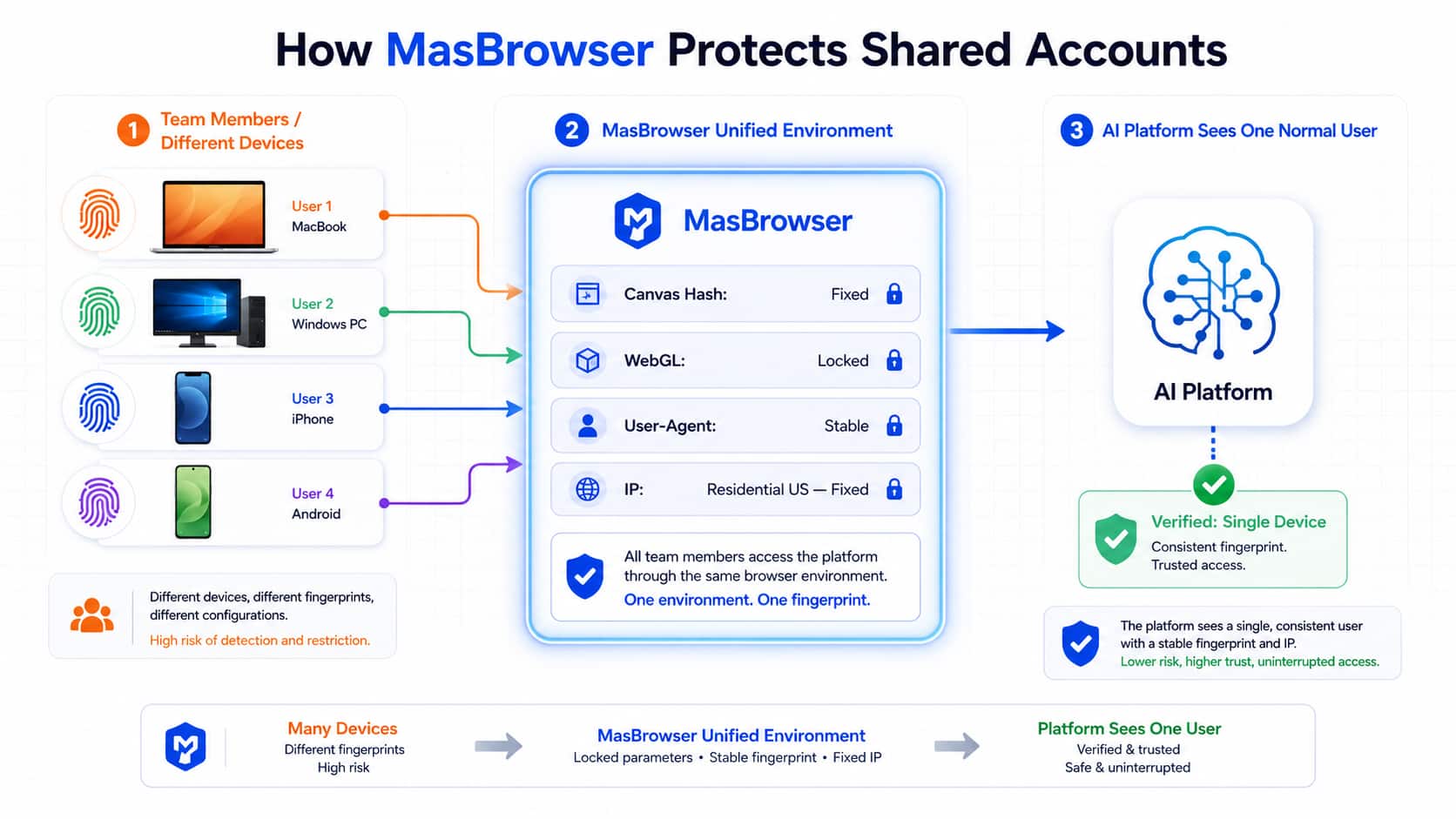
There's only one core reason shared accounts get banned: the platform detects the account originating from multiple different devices and environments. The solution follows naturally — make every team member's access appear as the same stable, consistent device environment, rather than each person bringing their own device fingerprint to each login.
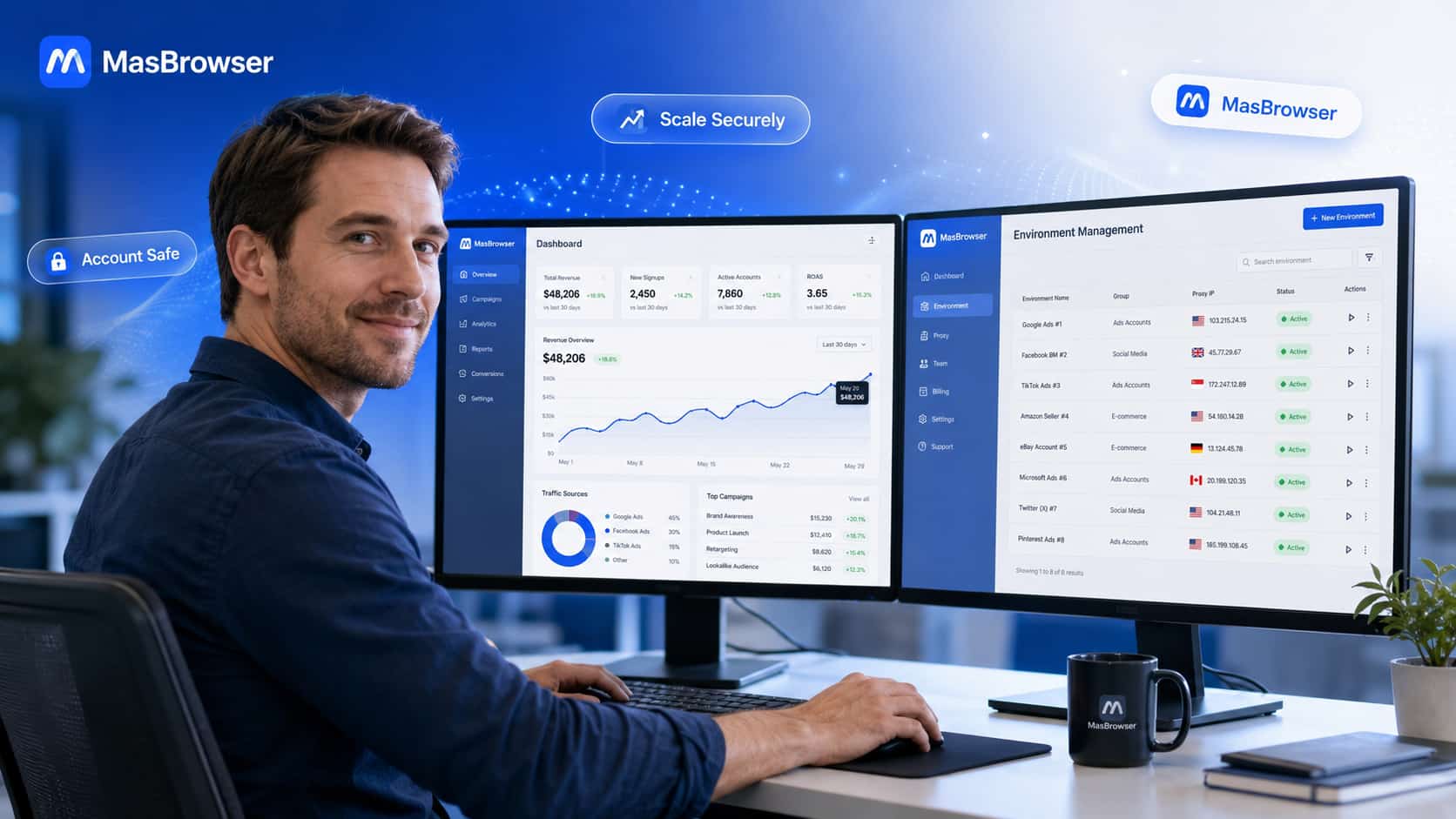
That's exactly how MasBrowser addresses this problem. Its core mechanism creates a completely isolated browser environment for the shared account, locking all device characteristic parameters — Canvas fingerprint, WebGL parameters, User-Agent, screen resolution — to fixed values, while binding a fixed residential proxy IP. Every team member accesses the account through this unified environment. From the platform's perspective, the account always originates from the same device at the same network location. Whether 3 people or 8 are taking turns in reality, what the platform sees is always "one normal user's normal usage behavior." MasBrowser's anti-association mechanism ensures this environment's stability — when different members connect, the account's fingerprint parameters don't change based on differences in their local devices. The ChatGPT accounts we've managed with this approach have run stably for over 4 months without triggering any risk controls. If your team is tired of repeatedly losing shared accounts to bans, this is the direction most worth trying first.
The setup isn't complicated. After creating an isolated browser environment in MasBrowser for the shared account, all team members access it through that fixed environment — direct logins from personal browsers or other devices are not allowed. Once a proxy IP is selected, keep it fixed, and the region should match the account's registration location. Set up a simple rotation schedule within the team, with each person assigned fixed time slots, logging out of the session when done before handing off to the next person. This behavioral pattern also more closely resembles normal single-user usage.
Technical isolation solves the device fingerprint problem, but management gaps can just as easily cancel out the solution's effectiveness. The most common management mistake is password leakage — once members know the password, they can log in directly from personal devices, contaminating the carefully configured fingerprint environment with a single action. The right approach is to have members access the account through the authorized browser environment without ever directly handling the password. Account credentials should never circulate within the team.
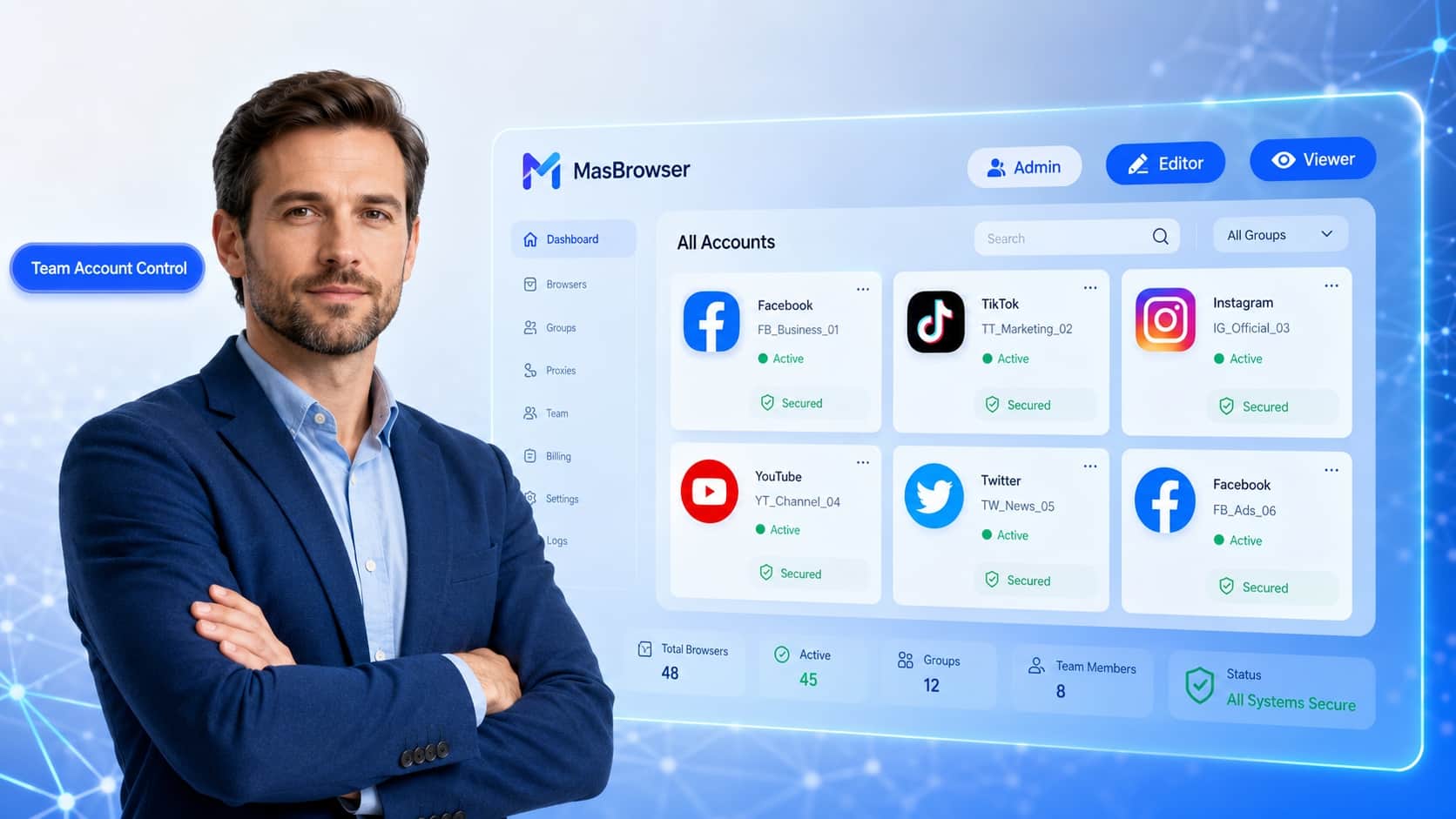
MasBrowser's team collaboration features support tiered permission management. The shared account's browser environment is only accessible to authorized members, permissions are revoked immediately when someone leaves, and account and environment data don't leak through staff turnover. Complete operation logs record the time and actions of every access session, so when an account shows anomalies, you can quickly pinpoint the cause without having to ask the whole group "who was it?"
Usage frequency also needs to be managed. Even with a stable environment, don't let the account's usage volume far exceed what the platform considers normal for a single user. Use the account like a heavy user, not like a machine running nonstop — this detail genuinely matters.
For small teams of 2–3 people, one fixed browser environment plus one fixed residential IP with a rotation schedule is the simplest and most reliable approach. Configuration costs are low and management is nearly effortless. For teams of 4–6, consider assigning sub-groups to corresponding accounts to avoid usage frequency anomalies from too many people sharing one account, with each account having its own independent environment and proxy.
For teams larger than 7, it's worth doing the math carefully. ChatGPT Team supports multiple independent accounts with unified billing. If your team relies heavily on AI tools, the official team plan is actually far more stable than sharing individual accounts — and the long-term value may not be worse at all. Shared plans are suited for cost control; official plans suit stability-first priorities. Neither is universally better — it depends on your team's actual needs and risk tolerance.
Does ChatGPT officially allow account sharing? OpenAI's terms of service explicitly prohibit account sharing — accounts are for the registered user only. Sharing a personal account violates the terms and the platform has the right to ban it. For team use, OpenAI officially recommends ChatGPT Team or Enterprise plans.
Can sharing an account over the same WiFi be detected? Sharing the same WiFi means sharing an exit IP, which actually reduces IP-related risk since the platform sees the same IP. However, different device fingerprints remain a problem. Multiple people logged into the same account simultaneously on the same local network may trigger concurrent session detection. The most reliable approach is still accessing through a fixed browser environment that locks down device characteristics at the source.
Can a banned account be recovered through an appeal? You can try, but success rates are low. OpenAI handles appeals for sharing-related bans strictly. Don't admit to sharing in your appeal — state that the account is for personal use and there may have been unauthorized login activity, and provide evidence of normal usage. Overall, prevention costs far less than remediation.
Which is better for shared accounts: VPN or residential proxy IP? VPNs typically route multiple users through the same exit node, and many AI platforms have already flagged common VPN IP ranges, making risk control hits more likely. Residential proxy IPs come from real home broadband connections, making them much harder for platforms to identify as anomalous. More importantly, IP is just one dimension — device fingerprint isolation is the core issue. Both need to be addressed together.
Which carries lower risk: sharing through a mobile app or through a browser? Browser-based sharing is lower risk and more controllable. Mobile apps collect hardware parameters like IMEI and device IDs that are much harder to modify than browser fingerprints. Once flagged, they're nearly impossible to clear. Sharing accounts through a browser environment gives you full control over device fingerprint parameters, offering both more flexibility and better security.