Securely Manage Multi-Accounts, Start with Masbrowser
Reduce Association Risks, Boost Efficiency, Support Scaling

Being a team leader managing 10 platforms, 50 accounts, and 8 operators is no walk in the park.
Where are the account passwords stored? How do you hand over accounts when an operator resigns? Who made that post yesterday, and why was that content published? A Facebook account got suspended again, but who knows which action triggered it...
These may sound like minor issues, but in a real-world digital marketing team, each one can cause a major headache for managers. This article isn't about "how to get more followers," but about a more fundamental problem: How should teams truly manage a multi-platform account matrix?
After talking with many marketing teams, I've noticed a common phenomenon: account management often runs on an "honor system."
Passwords are stored in a shared document that anyone can access. Operator Li is responsible for Instagram, and Wang is responsible for TikTok, with roles assigned verbally. If Li takes a day off, their accounts are left unattended. If Li resigns, the account passwords go with them, and the new hire has to start from scratch.
This approach might work when a team has 3-4 people and about 10 accounts. But once you start to scale, the problems multiply:
Frankly, this isn't just an efficiency problem—it's a systemic risk. The larger the team, the greater the risk exposure.
I once saw a 12-person digital marketing team where an operator logged into the company's Facebook Ads account from their personal computer. This single action linked the account to the employee's personal device fingerprint. A few weeks later, the ad account was suspended, and the associated Business Manager account was restricted. The loss wasn't just the account itself, but also the valuable ad data and audience profiles that had been built up.
During the post-mortem, no one could say for sure who did what on which device. There were no logs, no records, and no way to assign responsibility.
This type of problem is all too common. The root cause isn't irresponsible employees, but a management framework that fails to mitigate these risks.
The true costs of poor multi-platform account management for a digital marketing team are often not the tool fees, but:
The solution to this problem isn't about being "more careful" or "more organized"—it's about having the right architecture.
Here is a framework for a multi-platform account management system that has been proven effective in real teams:
This is the most important principle: The operating environment for accounts must exist on a unified team platform, not on individual operators' personal computers.
The reason is simple—when an account's environment is tied to a personal device, employee turnover means environment turnover. When an operator leaves, the account's "history," cookies, and operating environment go with them. For a new person taking over, the account is on an unfamiliar device, which platforms detect as a change, immediately increasing the risk.
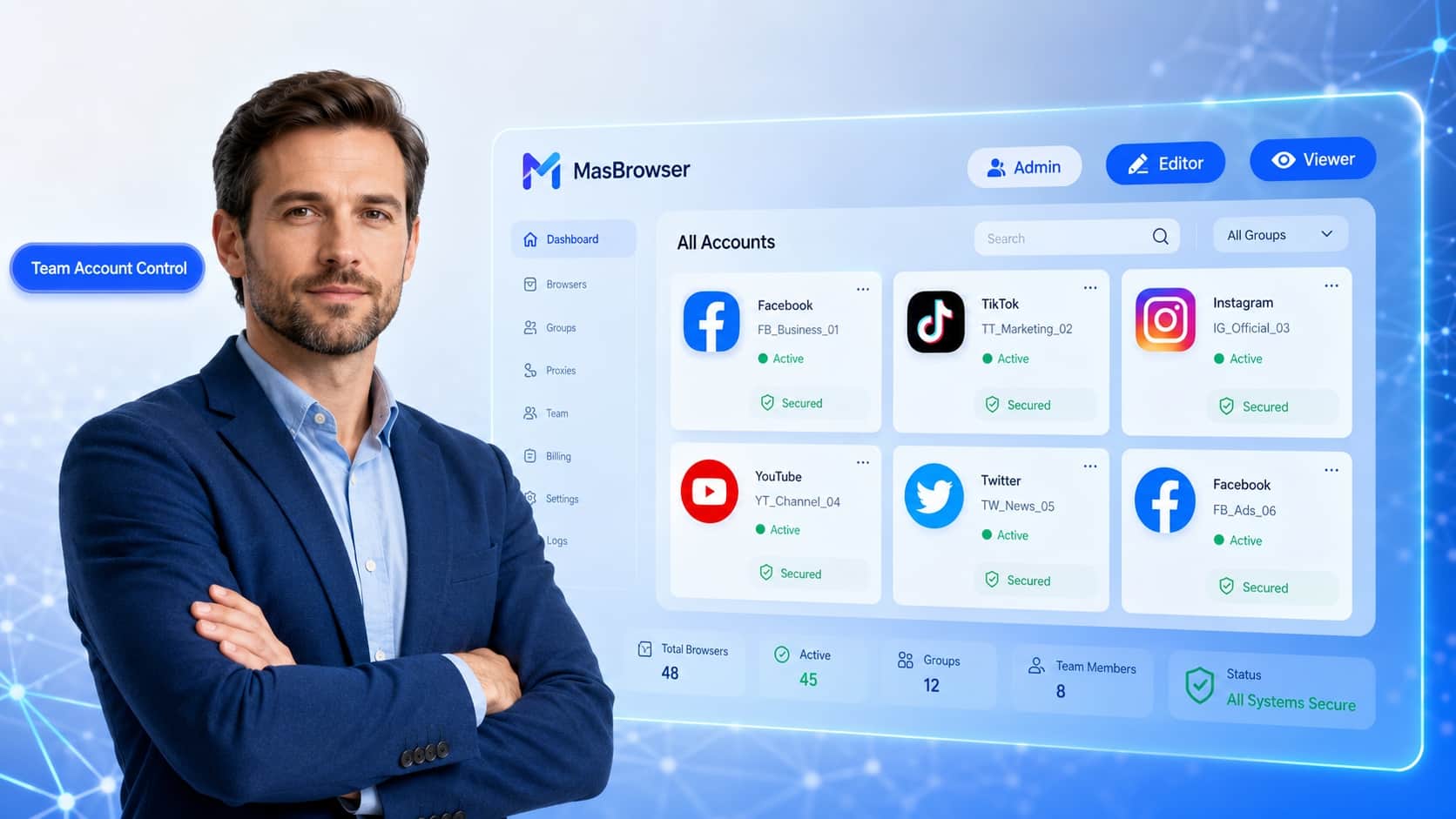
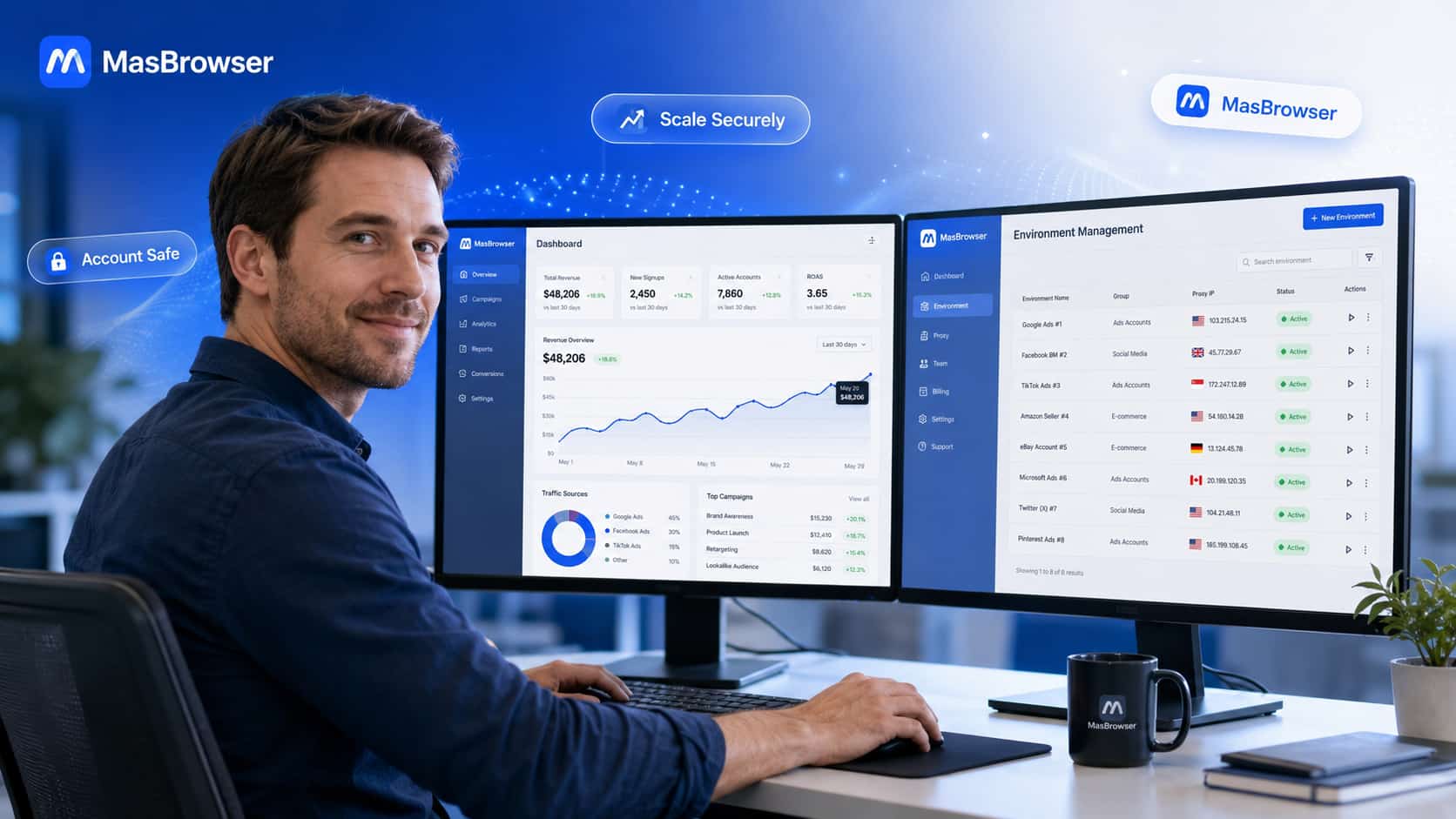
Using MasBrowser multi-account management feature, you can store an independent browser environment for each account on a unified platform. Team members access them through authorization—the account environment remains stable and doesn't migrate with personnel changes.
In a 30-person marketing team, not everyone needs access to all accounts.
A proper permission structure should look like this:
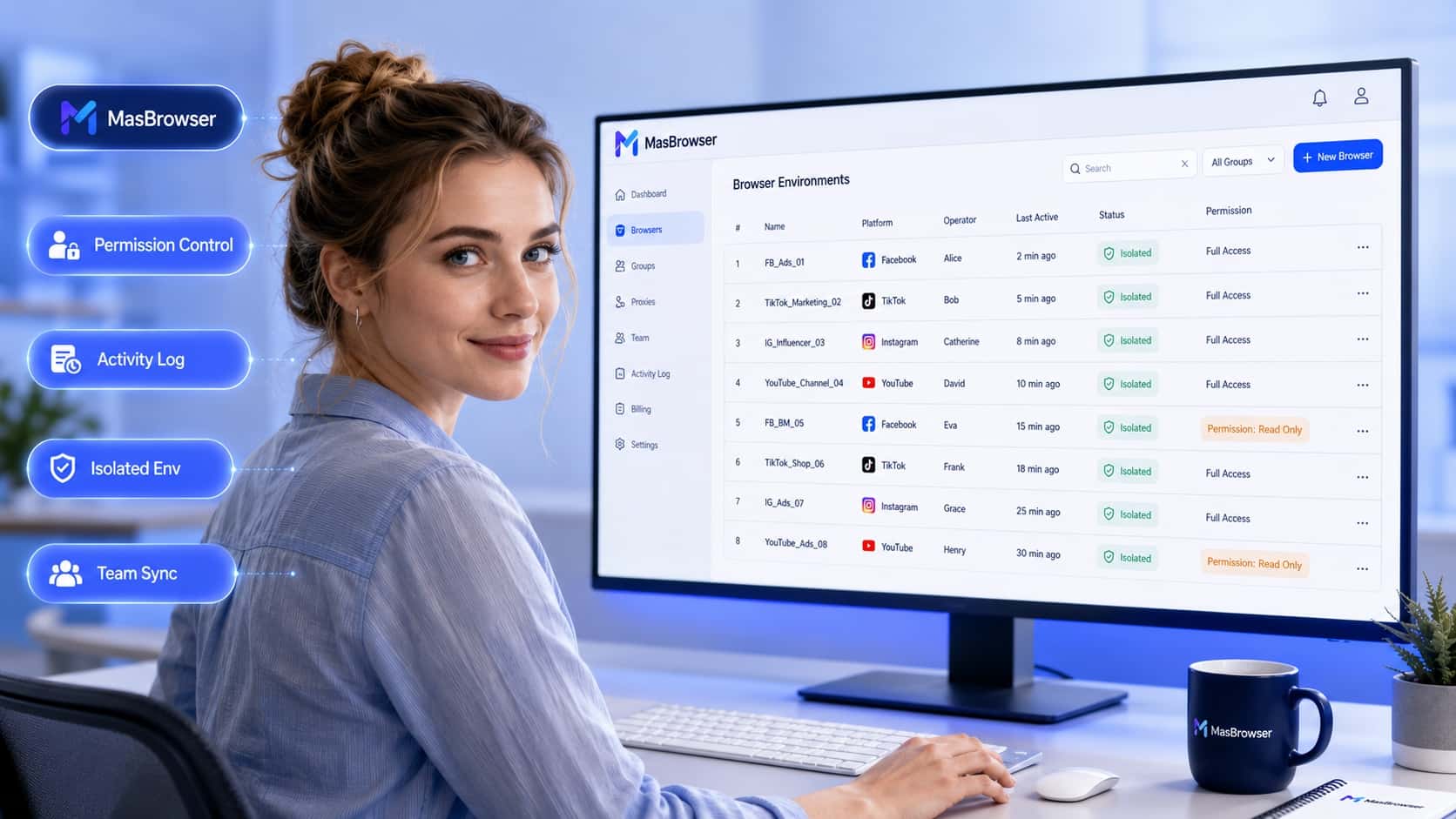
MasBrowser's team collaboration feature supports this tiered permission logic. Members can only access the accounts they are authorized for. Unauthorized actions are blocked at the system level, rather than relying on employees' self-discipline.
This also has an added benefit: account passwords do not need to be shared with every operator. They access accounts through the platform without ever seeing the actual passwords, which means they can't take them when they leave.
The ability to trace the root cause of a problem is a fundamental requirement for any mature management system.
Logs should record:
With this layer of recording, when an account is suddenly suspended or shows abnormal content, a manager can identify the source of the problem in under 5 minutes instead of asking in the team chat, "Who did this?"
The most common problem with multiple people operating multiple platforms is inconsistent device fingerprints. When different operators use different devices for the same batch of accounts, platforms detect that a single account is being accessed from multiple browser fingerprints, increasing the risk of association. Conversely, if multiple accounts are operated from the same device with the same fingerprint, platforms identify them as a single entity.
To solve this, each account needs a separate browser environment with its own independent fingerprint parameters, cookies, and proxy. Operators work within these environments, not directly in their local browsers, eliminating device fingerprint issues at an architectural level.
MasBrowser's core capability is to provide this layer: each account's environment is physically isolated. Regardless of the device an operator uses to connect, the account consistently presents a fixed, independent device profile to the outside world.
Once the system is in place, you need a set of operational guidelines to implement it. Here are some effective practices we've validated in real teams:
Not all teams need the same solution. The focus varies with scale.
| Team Size | Account Count | Core Problem | Management Focus |
|---|---|---|---|
| 1-3 People | 10-20 | Low switching efficiency, high manual work | Centralized account environment management, quick switching |
| 5-10 People | 30-80 | Vague division of labor, chaotic permissions | Tiered permissions, operation logs |
| 10+ People | 100+ | High risk control issues, loss of control | A complete system: isolation + permissions + logs + guidelines |
Small teams in their early stages often feel they "don't need such a complex system." However, once accounts begin to scale, the cost of a missing management structure grows exponentially. It's better to build the right structure from the start than to firefight problems later.
No. In a proper structure, members access account environments through the platform to perform their tasks without ever directly handling the passwords. This fundamentally prevents password leaks while allowing normal operations.
Yes, if they use their different local devices to log in directly. By accessing the account through a unified environment platform, the account always presents the same device fingerprint to the outside world, eliminating this risk.
Storing account environments on a unified platform that members access remotely is the most stable method. The account doesn't run locally, so no matter what network environment the employee is working in, the account's external device characteristics remain fixed.
A complete operation log is key. By reviewing the actions taken in the 24-72 hours before the suspension, you can usually pinpoint the specific operation that triggered the risk control. Teams without logs can only guess.
Batch operation tools + automated workflows are necessary. MasBrowser supports batch creation of browser environments, bulk proxy binding, and synchronized window operations. The daily maintenance workload for 100 accounts can be compressed to a level manageable by 2-3 people.