Why Changing IPs Alone Is Not Enough: Multi-Account Operations Also Need Browser Environment Management
Many operators who are just starting to manage multiple accounts think of one thing first: changing the proxy IP.
Proxies do matter, but if you understand multi-account management as simply "one account, one IP," you will quickly run into new problems in day-to-day operations. Who owns each account, which browser environment it uses, whether settings were changed recently, and whether cookies are being mixed—none of these problems can be solved by changing IPs alone.
A better approach for long-term operations is to manage accounts, browser environments, proxies, and team processes as one integrated system.
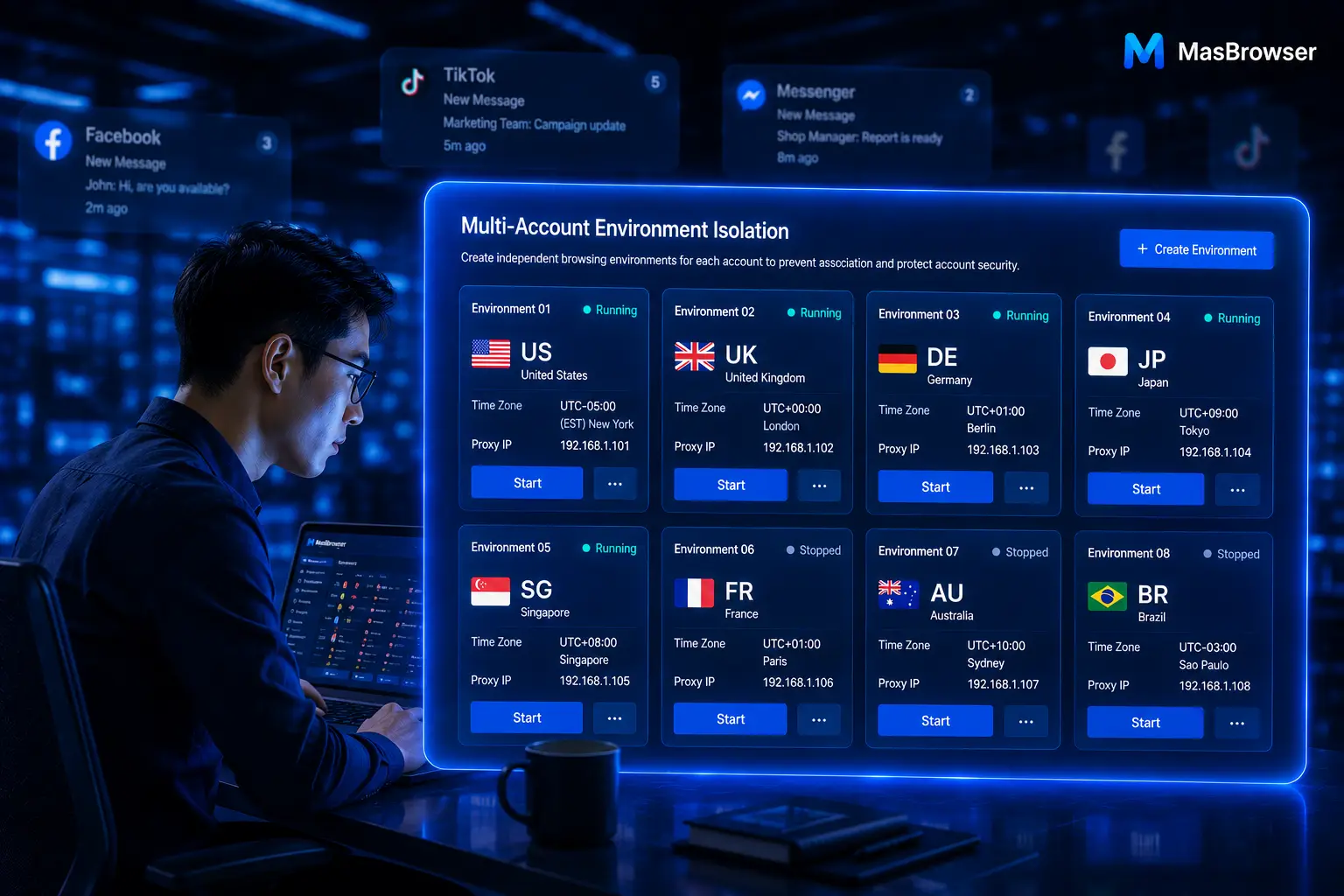
This is also the core value of an anti-detect browser. It helps teams build an independent environment for every account, so multi-account work no longer depends on memory, ad-hoc switching, or endless reconfirmation.
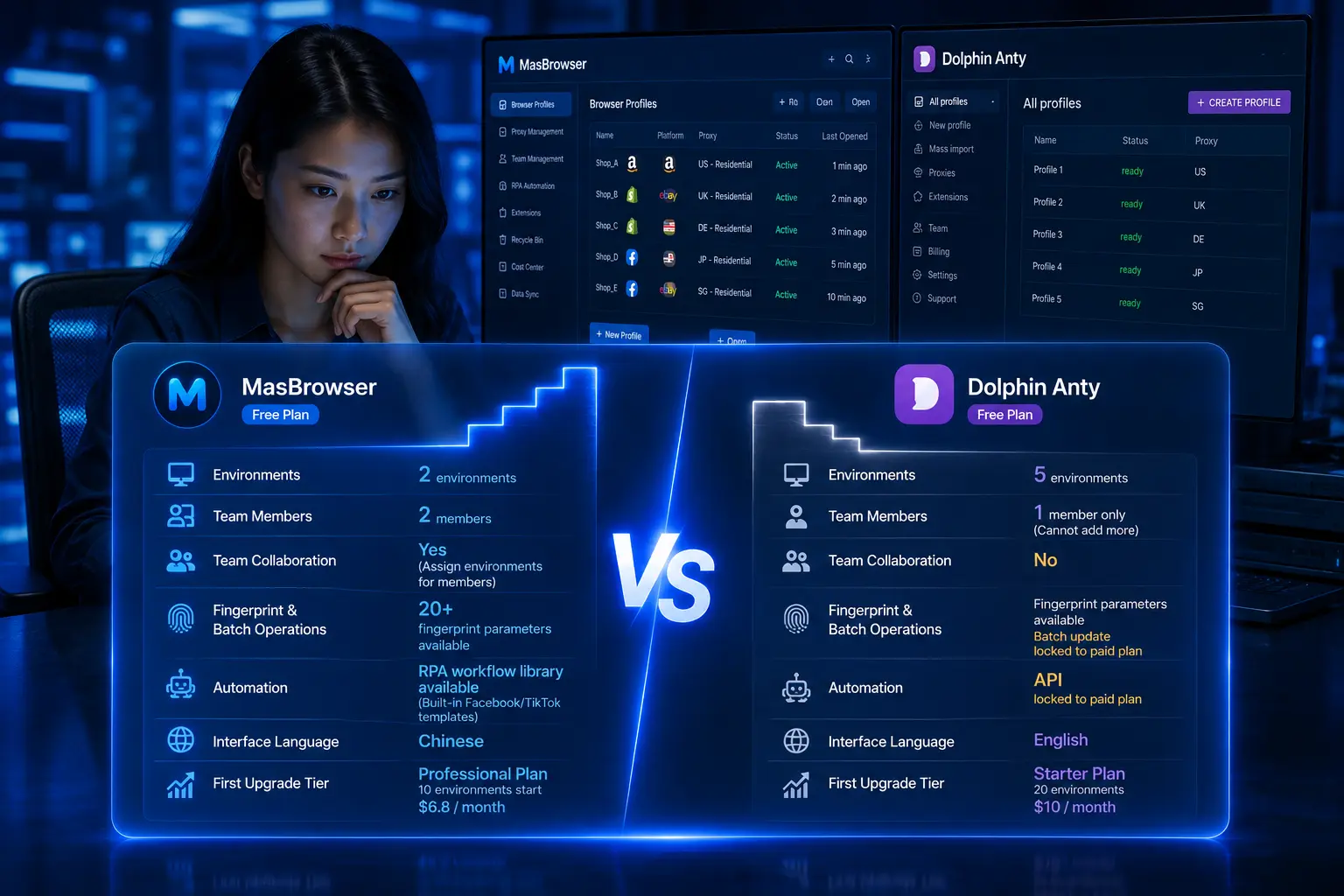
MasBrowser provides independent browser environments, multi-account management, window synchronization, and team collaboration, helping operators build clearer daily workflows.

What Does a Proxy IP Do in Multi-Account Operations?
A proxy IP determines the network egress location that websites see. For cross-border e-commerce, social media, advertising, and affiliate marketing teams, different accounts may need network connections from different regions to match their business scenarios.
But an IP is only one part of an account's environment.
If operators only record proxy addresses without recording the browser environment, language, time zone, cookies, and owner that correspond to each account, confusion will still follow. For example, a team member may know a proxy belongs to the US market but not which store it maps to, who maintains it, or whether it is already used by another environment.
A proxy, therefore, is better understood as a key component within a complete environment, not the whole of multi-account management.
Why Does Changing IPs Alone Still Cause Environment Chaos?
Imagine a team managing 20 accounts, each with a different proxy, while every member still switches logins repeatedly inside the same standard browser.
In this situation, the team can still encounter the following problems:
- Cookies or local data carried into the wrong account;
- Browser extensions shared across different businesses;
- After switching accounts, members unable to confirm what the current environment is for;
- No mapping records between proxies, accounts, and owners;
- New members forced to keep asking the previous owner when taking over;
- When an exception occurs, no quick way to tell whether it is a network, account, or environment issue.
Changing IPs solves differences in network egress, but it cannot automatically organize messy browser data and team processes.
To keep multi-account work stable over the long term, the team needs to build an independent, identifiable, and transferable browser environment for every account.
You can visit the MasBrowser multi-account security management page to learn how independent environments help teams isolate cookies, local storage, and browser configuration.
What Does a Complete Account Environment Include?
An account environment suitable for long-term use should include at least the following parts:
- A clear account purpose, such as storefront, advertising, content, or customer service;
- An independent browser environment that prevents unrelated accounts from sharing data;
- The corresponding proxy region and its usage status;
- Reasonable language, time zone, and basic browser settings;
- The current owner and account handover information;
- A record of the most recent important adjustment.
This information does not all have to appear inside the browser window, but the team should be able to look it up at any time.
For example, use a unified naming rule: Amazon - Home - US - Store 01. After seeing the environment name, team members can immediately understand which platform, market, and purpose it belongs to, instead of opening it and guessing.
How Should Accounts, Browser Environments, and Proxies Map to Each Other?
The simplest and most executable principle is:
One account maps to one independent browser environment; every environment records its corresponding proxy and owner.
This does not mean settings can never be adjusted, but that every adjustment should have a clear reason.
For example, when the business market changes, a proxy service needs replacing, or an account is handed over to a new team member, the environment information may need updating. The point is that the team knows what was changed, why, and by whom.
It is recommended to maintain a simple environment record sheet with at least these fields:
- Environment name;
- Platform and account purpose;
- Business region;
- Proxy region;
- Current owner;
- Last updated time;
- Notes and exception records.
The purpose of this sheet is not to add management overhead, but to reduce the time spent troubleshooting later.
If you are managing cross-border stores, combine this with the cross-border e-commerce multi-account environment management guide to organize your existing environments by business line and target market.
The 5 Most Common Mistakes Teams Make
Mistake one: vague environment names.
Names like "Test Account," "New Environment," or "Backup Window" lose almost all reference value once the number of accounts grows.
Mistake two: proxies with no ownership records.
Team members know a proxy works, but not which account and environment it belongs to, making later management difficult.
Mistake three: multiple people sharing the same browser configuration.
Even with different accounts, mixed working environments make daily operations error-prone.
Mistake four: environment changes without records.
Temporarily switching a proxy, changing a language, or adjusting a time zone—if nothing is recorded, exceptions cannot be investigated efficiently.
Mistake five: leaving all repetitive work to humans.
When multiple accounts need the same routine operations, clicking through windows one by one is not only slow but also easier to miss steps.
How to Make Multi-Account Work More Efficient?
Only after organizing environments can a team truly start improving efficiency.
For repetitive tasks with clear rules that can be reviewed, window synchronization can reduce repeated clicking. For example, when opening fixed pages, checking basic status, or entering the same back-office menu at the same time, unified operations save more time than switching windows one by one.
But automation should not replace human judgment. Budgets, content review, account exceptions, customer communication, and important submissions should still be confirmed by operators.
A better way of working is to let tools handle repetitive actions while the team invests time in work that requires experience and judgment.
When accounts, environments, and proxies are all clearly managed, window synchronization and automation can truly deliver value, instead of amplifying chaos at a faster speed.
To start building your own multi-account workflow from independent environments, visit the MasBrowser download page.
Multi-Account Environment Checklist
Before starting the day's work, you can run a quick check with the following list:
- Whether the currently open environment belongs to the correct account;
- Whether the account purpose and business region are clear;
- Whether the proxy corresponds to this environment;
- Whether the environment name follows the team's naming rules;
- Whether there are any important unrecorded environment adjustments;
- Whether there are environments unused for a long time or without an owner;
- Whether today's repetitive tasks are suitable for window synchronization.
This check takes only a few minutes, but it helps the team avoid a great deal of unnecessary switching and communication.
Conclusion
Changing IPs alone cannot solve every problem in multi-account operations. What truly affects long-term efficiency is whether accounts, browser environments, proxies, and team processes can be managed as one system.
When every account has an independent environment, a clear purpose, a corresponding proxy, and a definite owner, multi-account management turns from "constant switching and confirming" into a more stable and organized daily routine.
MasBrowser helps operations teams build independent browser environments and, through multi-account management, window synchronization, and team collaboration, reduces environment mixing and improves long-term operating efficiency.
Download MasBrowser and start organizing your multi-account environments.