If you do cross-border e-commerce, social media matrices, or ad campaigns, multi-account management is a daily reality: Amazon stores need isolation, Facebook/TikTok matrices need nurturing, ad accounts need anti-association. When platform risk systems judge "are these accounts the same person," the core evidence is the browser fingerprint — one device logged into N accounts with identical fingerprints means the association is confirmed. The anti-detect browser exists precisely to solve this: giving each account an independent browser environment (independent fingerprint + independent cookies + independent proxy), so platforms see "different devices operated separately" instead of "one person mass-opening accounts."
Based on real hands-on experience, this article side-by-side tests 8 mainstream anti-detect browsers across anti-association capability, language support, automation, team collaboration, and price: MasBrowser, AdsPower, Multilogin, GoLogin, Dolphin Anty, Octo Browser, Incogniton, BitBrowser. Each gets its official site, pricing, pros/cons, and fit — no "number one" hype, just "which fits whom."
How to Choose an Anti-Detect Browser? 5 Tested Dimensions
Choose by these five dimensions and 90% of pitfalls are avoided (the mechanics of browser fingerprinting are fully covered in What is browser fingerprinting):
- Fingerprint parameter coverage: whether 20+ parameters (UA, Canvas, WebGL, timezone, language, WebRTC etc.) are independently configurable; whether it passes fingerprint tests like pixelscan, BrowserScan, CreepJS.
- Language support and onboarding cost: whether interface, support, and tutorials are friendly in your language.
- Automation: whether there's RPA, window sync, API — can repetitive work go to the machine?
- Team collaboration: can environments be shared or transferred, are multi-member permissions clear?
- Price and free tier: free profile count, starting price, paid tiers, billing model.
The 8 below are ranked by "overall user experience" (not absolute superiority), each with official link + pricing + pros/cons + who it fits.
8 Anti-Detect Browsers Tested (2026 Ranking)
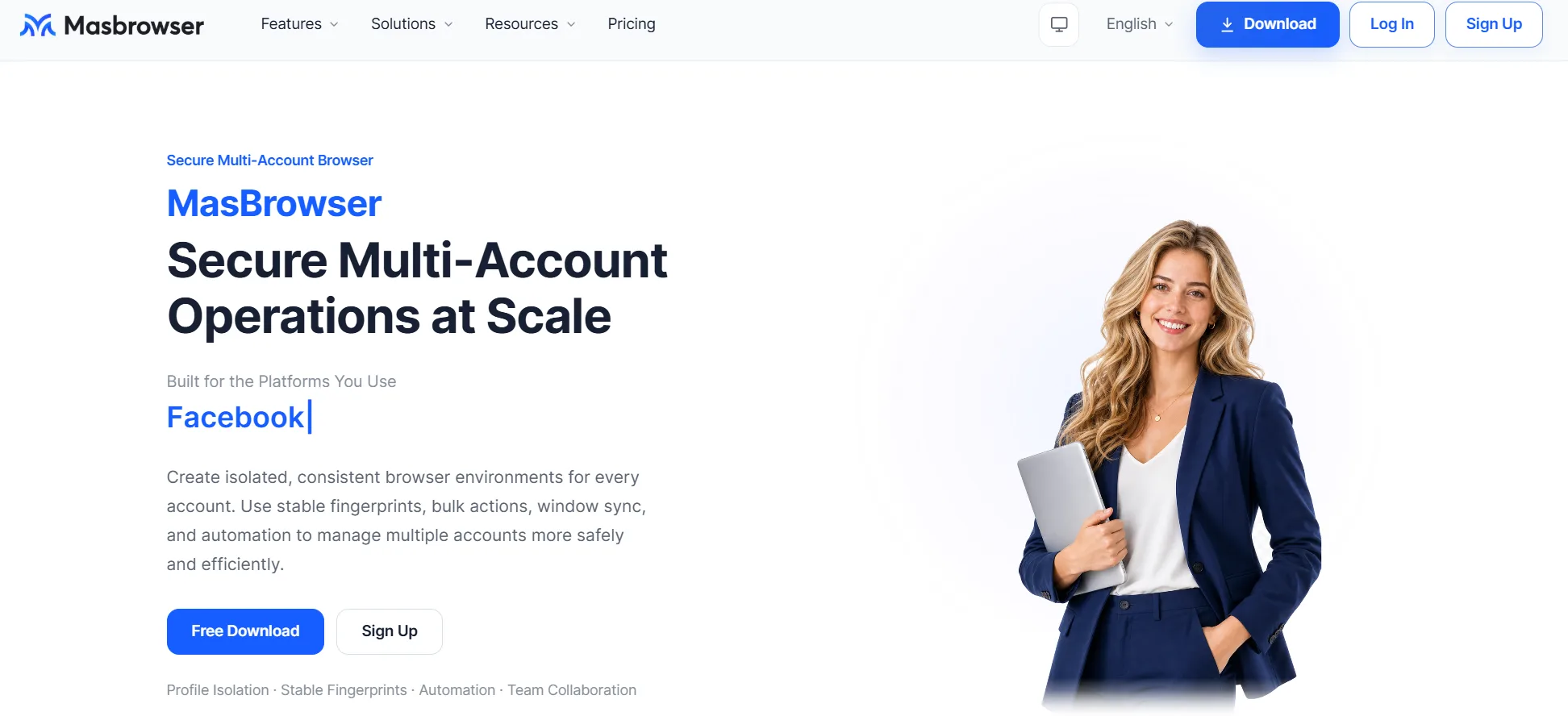
- Official positioning: enterprise-grade multi-account security operations and anti-association specialist, focused on one-stop deep environment isolation + automation + team collaboration.
- Pricing (per environment count, see official site):
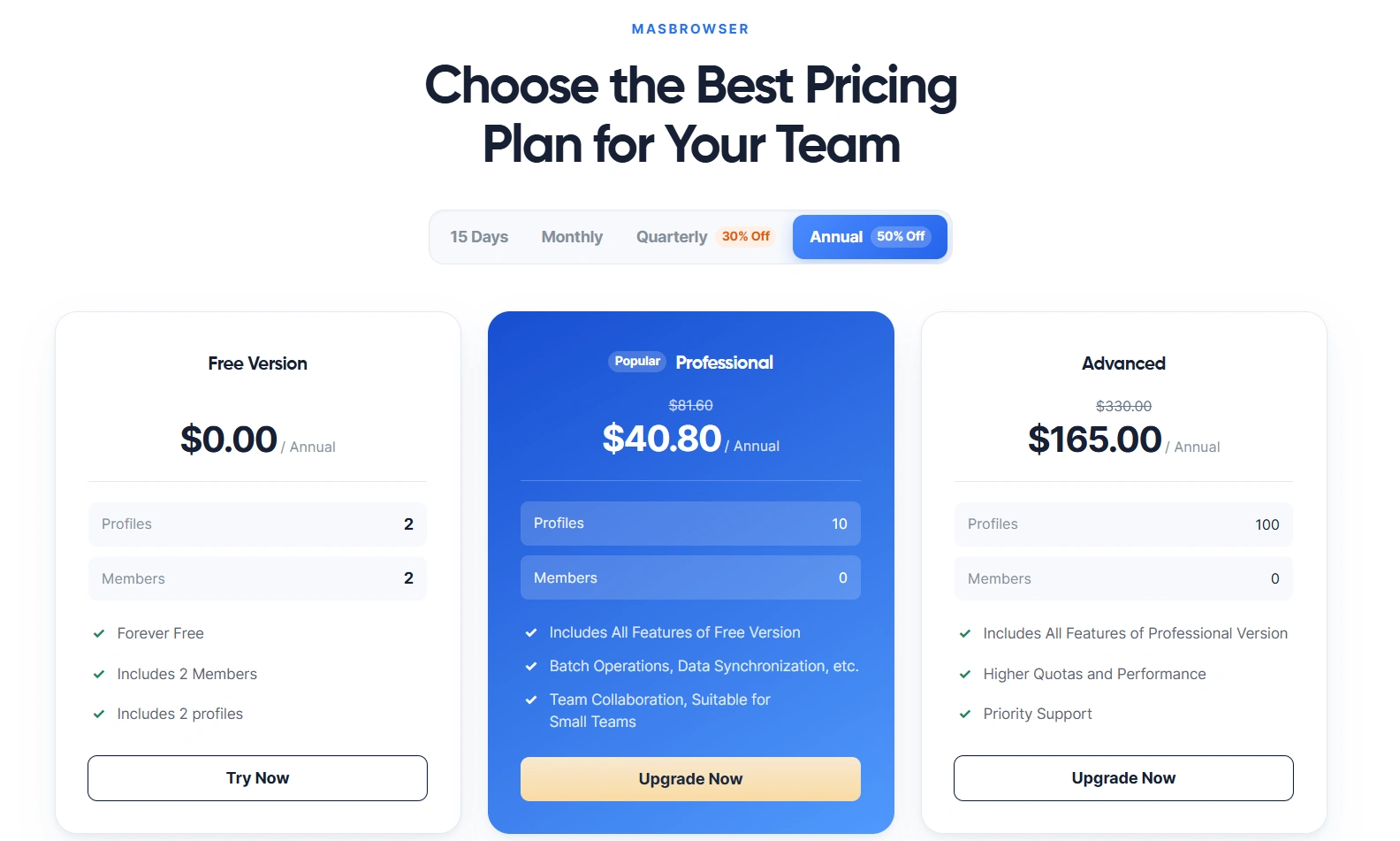
- Free plan: 2 members + 2 browser environments included.
- Professional (recommended): $6.8/month monthly, $40.80/year annually (list $81.00/year, 50% off), from 10 browser environments, with team collaboration, tutorial sharing, team creation — for small to medium teams.
- Advanced (50% off): $27.5/month monthly, discounted $165.00/year, from 100 browser environments + priority support — for mature teams and enterprises.
- Pros:
- Real-time fingerprint preview at profile creation — configure and see the effect instantly, hard for beginners to misconfigure.
- Built on a private Chromium kernel, 20+ fingerprint parameters independently configurable, supports auto-generating matched fingerprints from proxy IP (account region = proxy = fingerprint all consistent).
- One-click connectivity and IP-region test after binding a proxy.
- Automation module ships an RPA flow library (Facebook, TikTok templates) and window sync (uniform size / one-click arrangement) — efficient multi-account batch management.
- Team collaboration supports environment sharing and transfer (free plan already includes 2 members) — account handover feels like "moving" not "rebuilding."
- Cons:
- Overseas brand awareness still climbing (relatively recent launch), tutorial volume still growing.
- Third-party public reviews are scarcer than Multilogin's or AdsPower's — just test-drive the free 2 environments yourself.
- Who it fits: cross-border teams, e-commerce multi-store, Facebook/TikTok matrices, multi-account ads — anyone wanting one-stop "anti-association depth + automation + team collaboration."
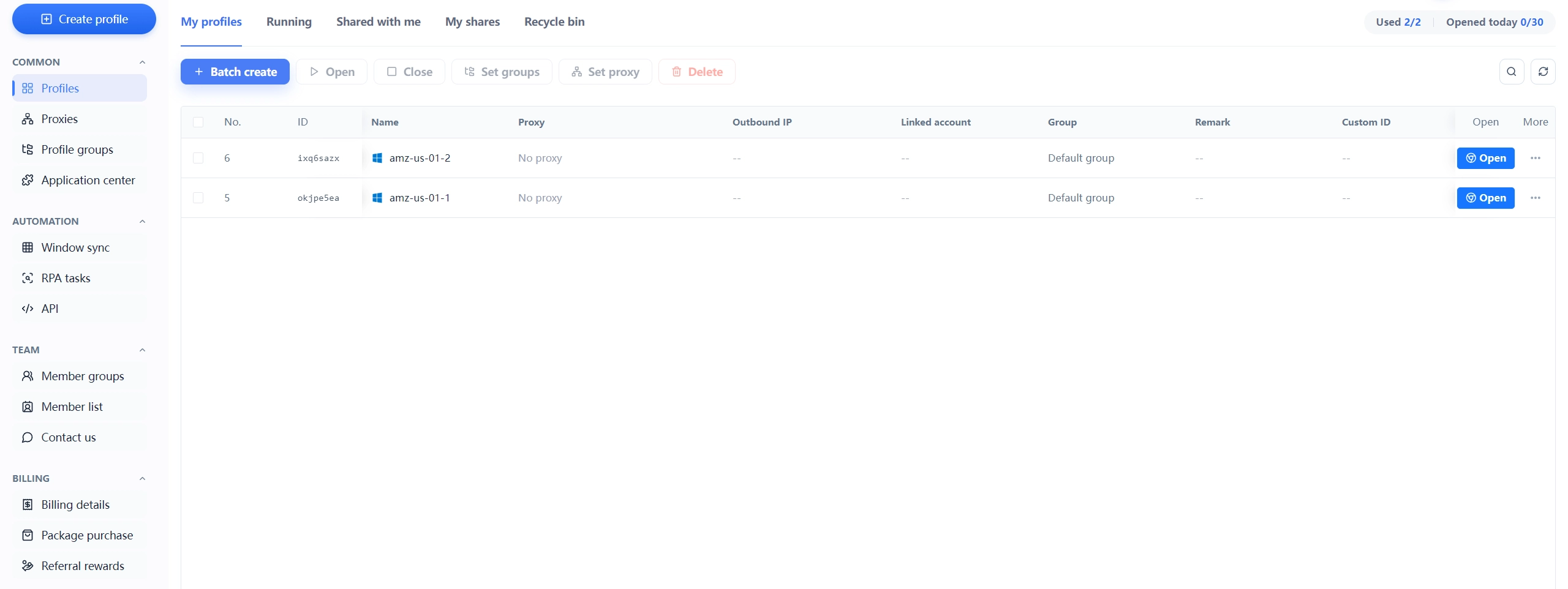
- Official positioning: one of the best-known anti-detect browsers among overseas Chinese-user circles; established, huge user base, abundant tutorials.
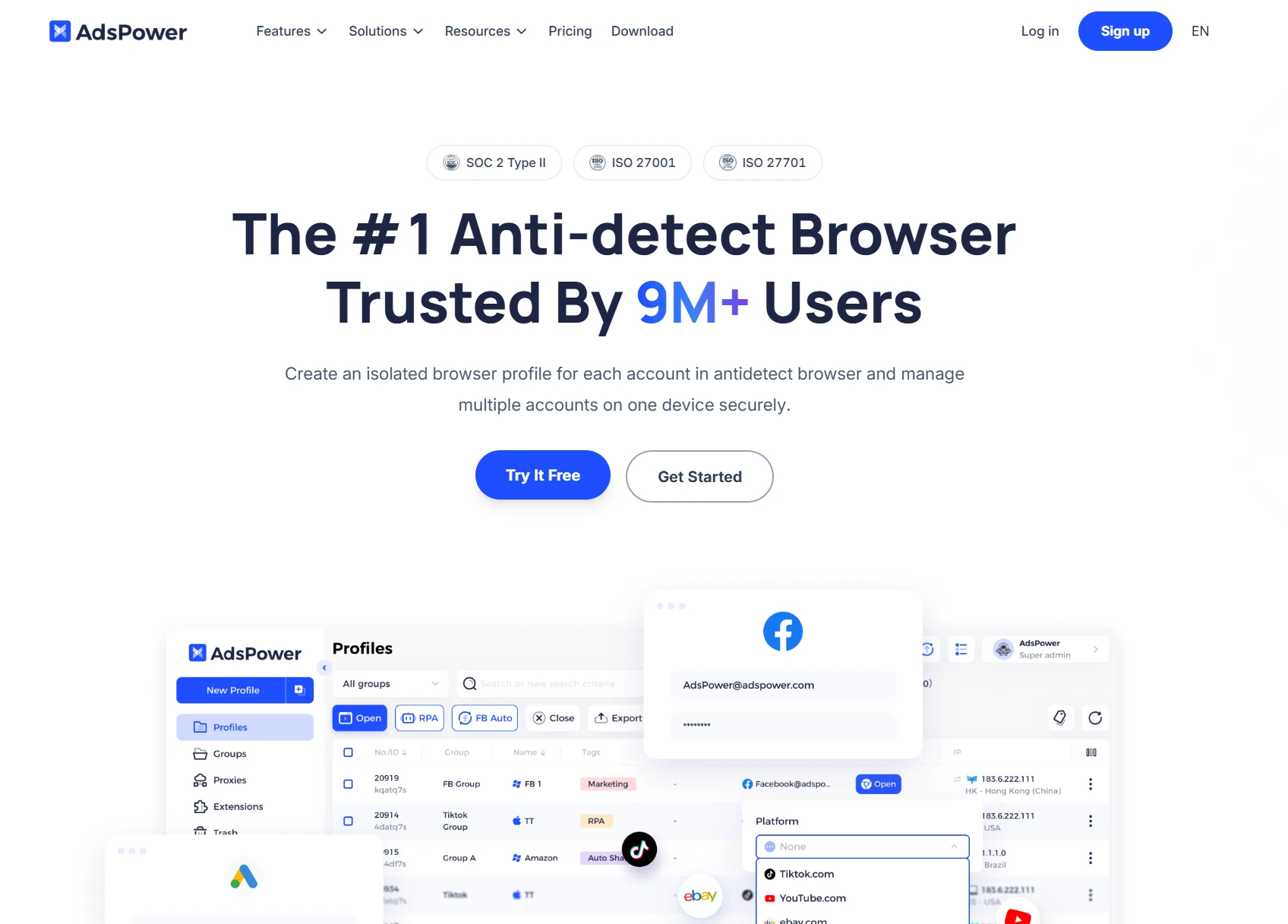
- Pricing (see official site): free with 2 environments; Professional from $9/month monthly, from $7.2/month annually (10 profiles, billed by environment count); Business $61/month monthly, $48.8/month annually (200 environments); Enterprise custom.
- Pros:
- Visual RPA task building — non-developers can automate no-code.
- Mature team collaboration and batch operations; rich ecosystem in e-commerce/affiliate circles.
- Chinese tutorials/support well covered.
- Cons:
- Interface feels "tool-like"; beginners face a learning curve.
- Default fingerprint presets aren't beginner-friendly; manual tuning needed.
- Starting paid price isn't the lowest — small solo sellers may find value middling.
- Who it fits: high-volume e-commerce operations, affiliate marketing, Chinese teams with RPA needs.
- Official positioning: the industry's established standard, running since 2015 — nearly a decade, most enterprise customers.
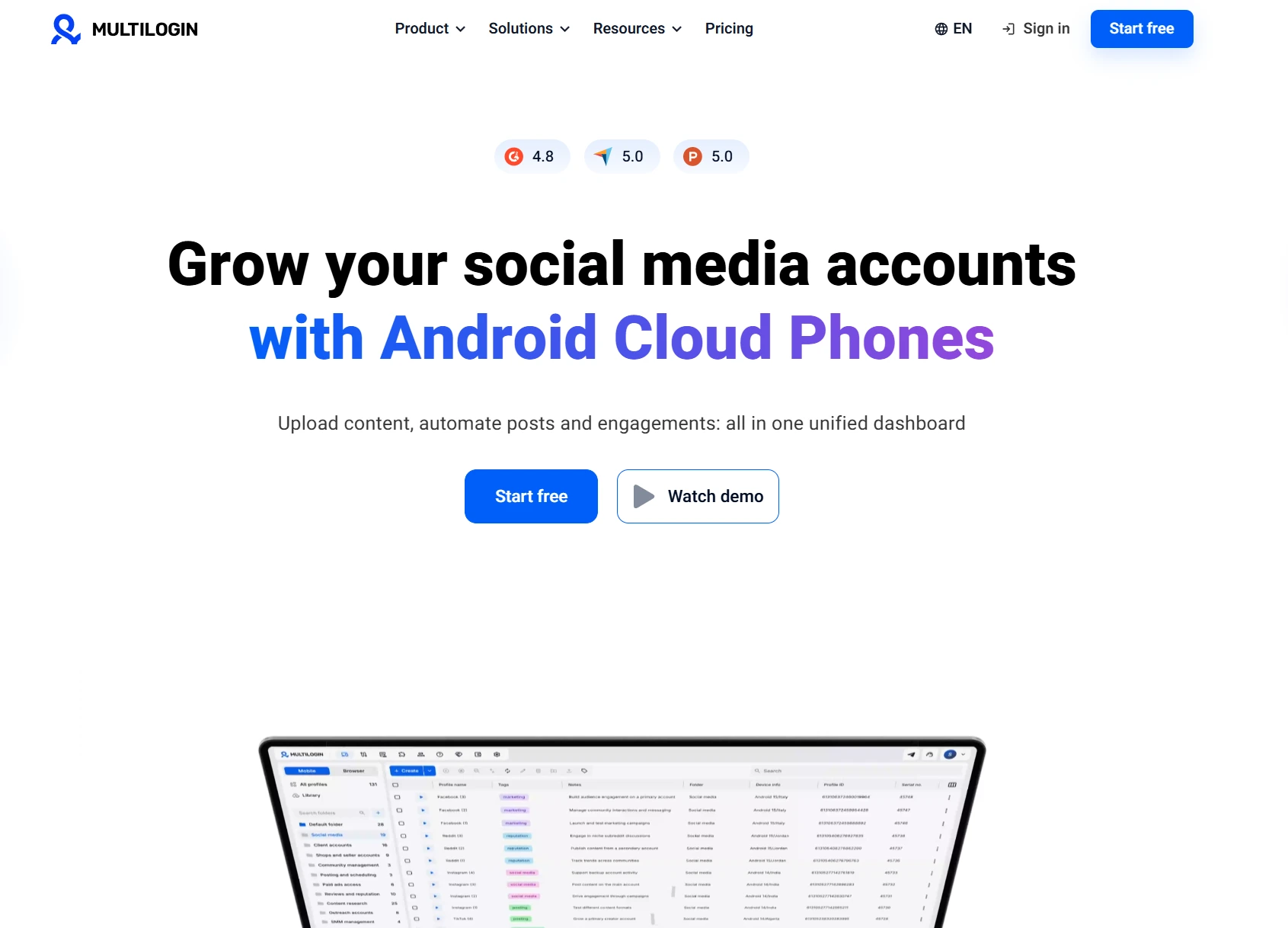
- Pricing (see official site): PRO $11/month monthly, ~$7.08/month annually ($85/year, 10 profiles); Business $40/month monthly, $26.67/month annually (100 profiles, unlimited members).
- Pros:
- Dual kernel (Chromium + Firefox): the Firefox kernel covers fingerprint scenarios Chrome-based tools can't — anti-association strength is industry-recognized.
- Enterprise-grade stability, complete API, fast support.
- The "benchmark" choice for high-value account scenarios.
- Cons:
- Pricey; few environments, high unit cost.
- English-only interface + docs — hard entry for individual Chinese-speaking sellers.
- Relatively cumbersome operation; beginners need training.
- Who it fits: well-funded enterprises, agencies, high-value accounts (ads, crypto, heavy affiliates).
- Official positioning: value and lightweight route, self-developed Orbita engine, clean interface, fast startup.
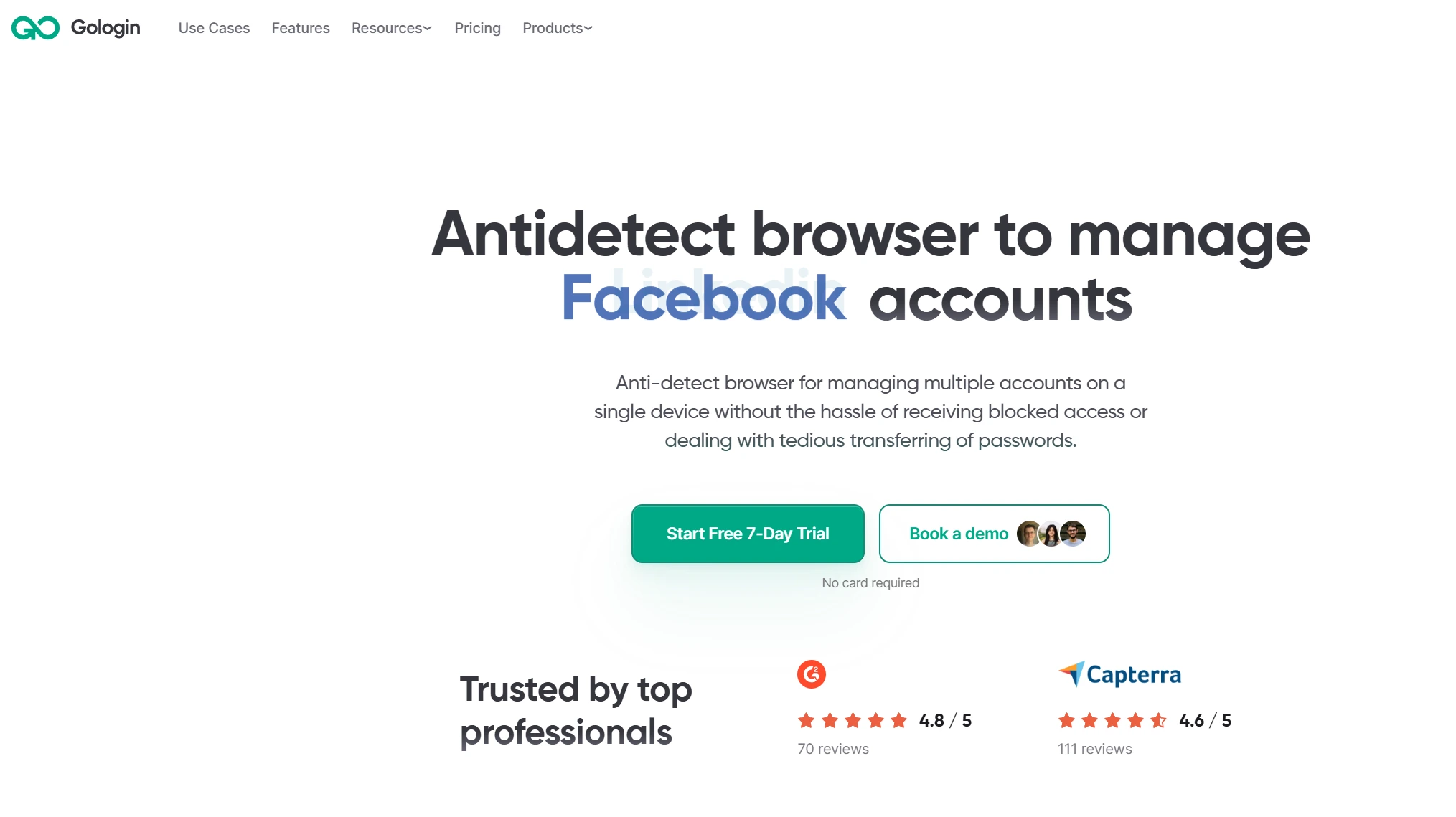
- Pricing (see official site): Professional $9/month monthly, $4.50/month annually (100 profiles); Business $119/month monthly, $59.50/month annually (300 profiles).
- Pros:
- High value for money, low entry price, beginner-friendly.
- Cloud browser mode: runs without local resources, team 24-hour uptime.
- Windows / macOS / Linux full platform support.
- Cons:
- Proxy not included (bring your own).
- Fingerprint customization depth is average — not enough for heavy technical users.
- Chinese localization is weak.
- Who it fits: beginners, small-to-medium teams, budget-sensitive solo sellers.
- Official positioning: the best-reputed anti-detect browser in affiliate marketing and media buying circles.
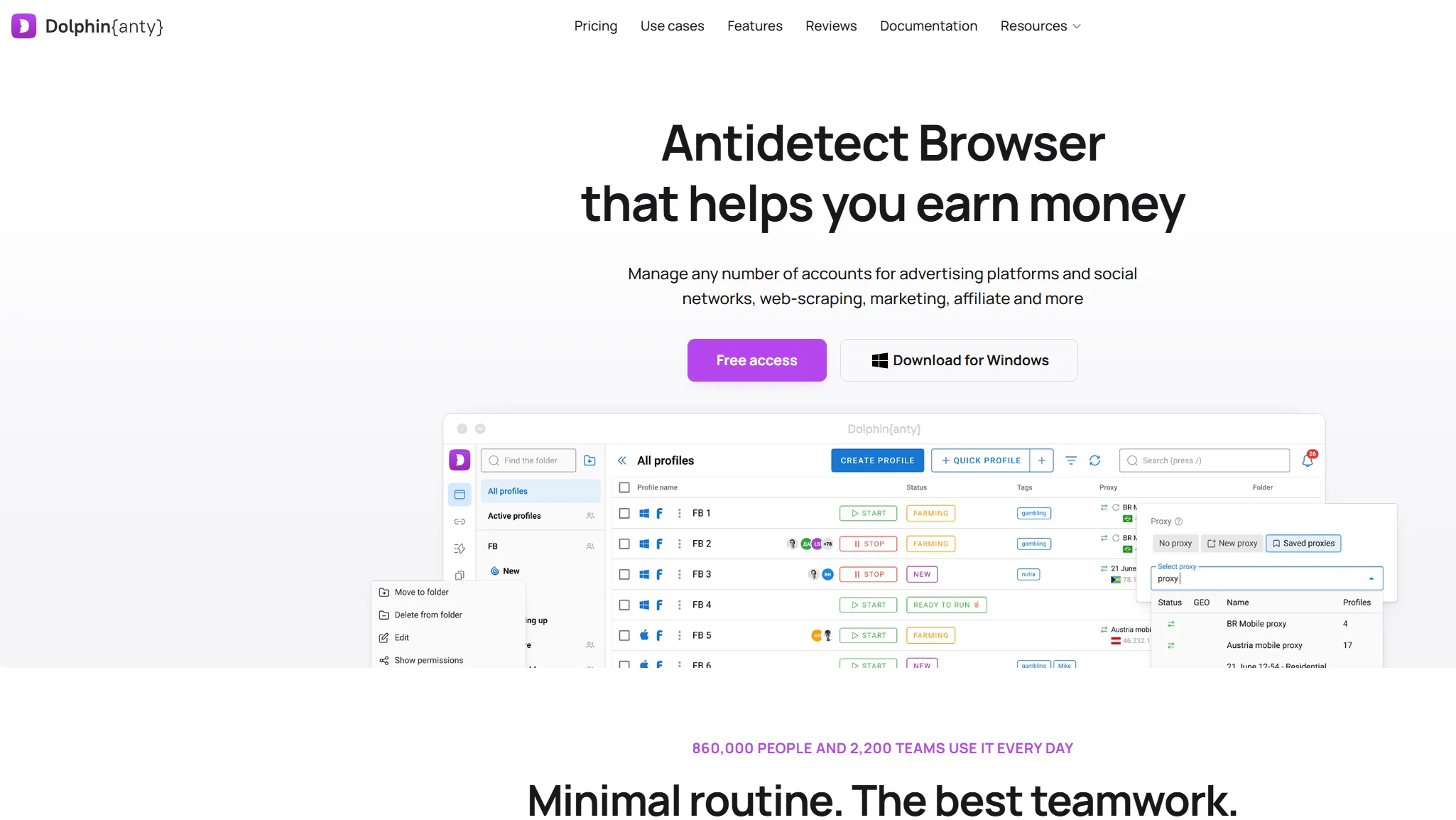
- Pricing (see official site): 5 environments free; Starter $10/month monthly, $6/month annually (20 environments, 40% off annual); Base $89/month monthly, $53/month annually (100 environments).
- Pros:
- Synchronizer: link multiple accounts for synchronized operations — a batch-operations gem for affiliate marketers.
- Free tier (5 environments) is generous versus peers — beginners can run the full flow before paying.
- Modern interface, smooth batch operations.
- Cons:
- Occasional warnings under some fingerprint detectors (IPhey etc.) — heavy anti-association users should test first.
- English-only interface; a learning curve for Chinese-speaking users.
- Focuses on affiliate marketing; e-commerce/standalone-site features are comparatively average.
- Who it fits: affiliate marketing, media buying, batch account operations teams.
- Official positioning: the "fingerprint quality" route — fingerprint data drawn from real devices, not synthetically generated.
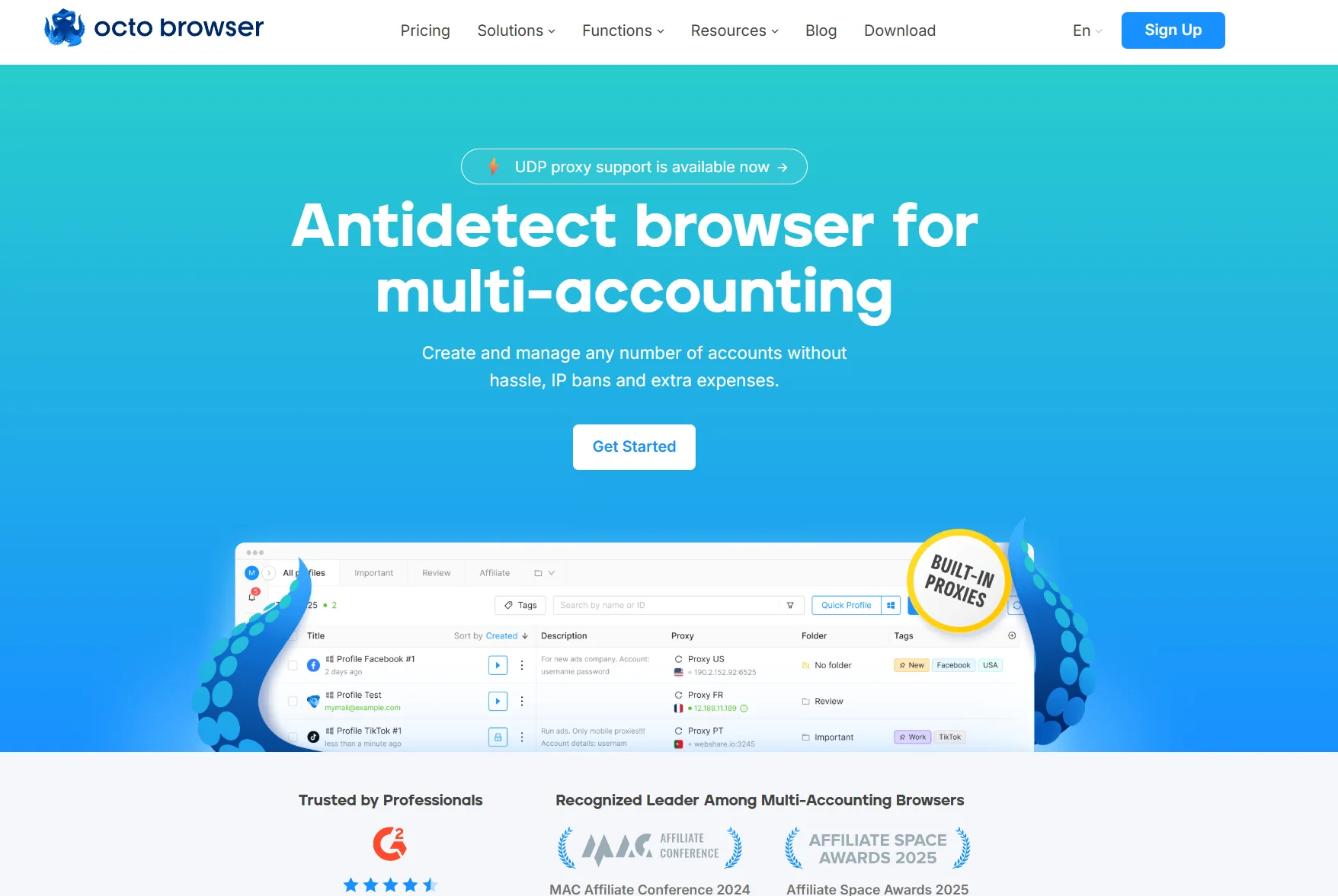
- Pricing (see official site): Lite €10/month monthly, €7/month annually (3 profiles, 30% off annual); Starter €29/month monthly, €21/month annually (10 profiles); Team annually €119/month (350 profiles + 3 seats).
- Pros:
- Industry-leading fingerprint consistency: generated from a real-device database, stable results on pixelscan, BrowserScan and other detectors.
- Built-in proxy shop (Proxy Shop): buy quality proxies right inside the browser, no third-party setup.
- Complete API, fast kernel updates, good stability reputation.
- Team management, profile transfer, password protection all present.
- Cons:
- Not cheap (annual starts €7/month, but the enterprise tier is several multiples of that).
- English-only interface + docs — an entry barrier for Chinese-speaking users.
- Occasional latency from mainland China (overseas servers).
- Who it fits: technical users focused on fingerprint quality, scraping teams, heavy ad buyers, overseas enterprise teams.
- Official positioning: a free-tier-friendly anti-detect browser with a low entry barrier.
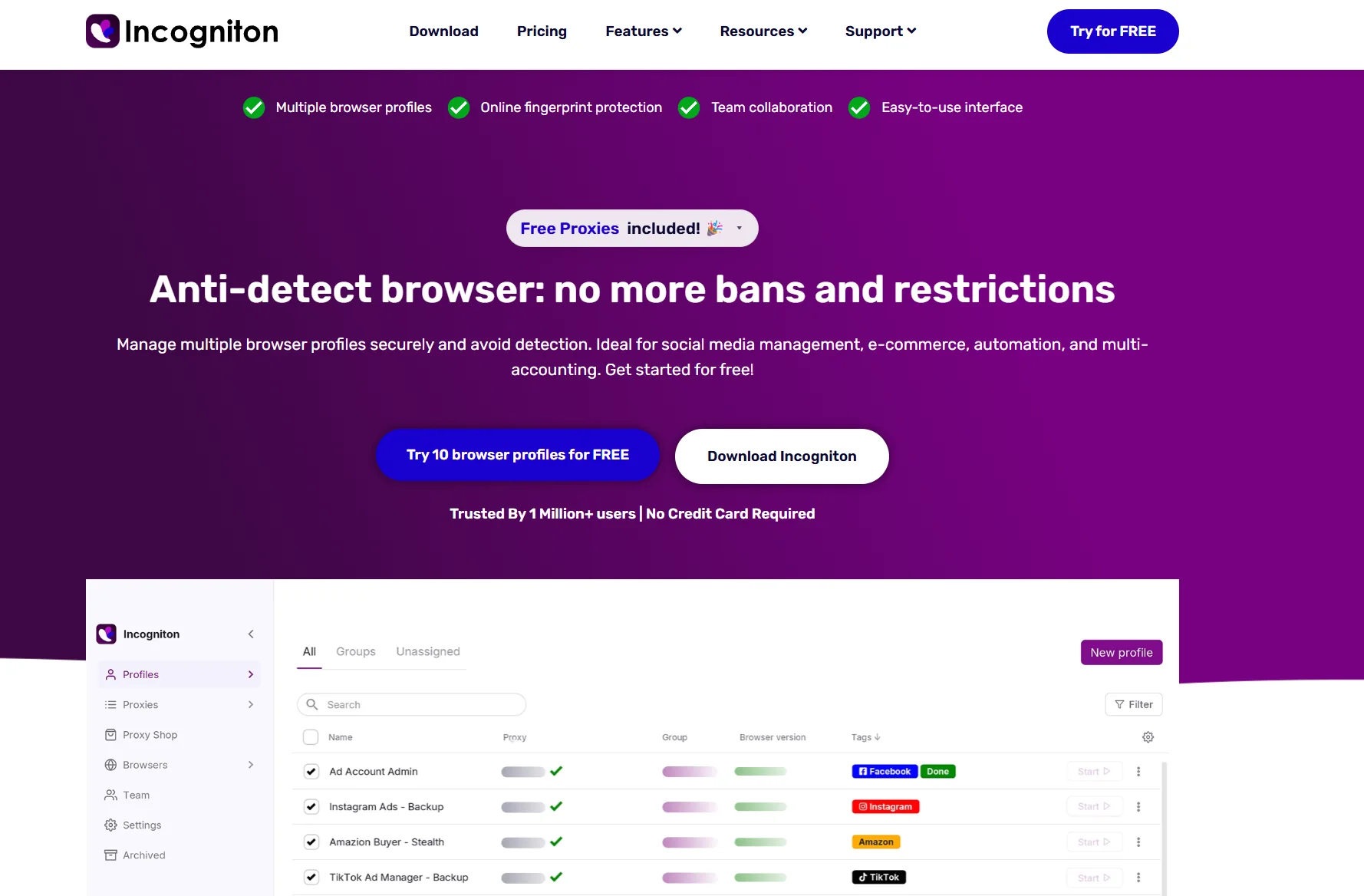
- Pricing (see official site): free trial package (10 profiles for the first 2 months, dropping to 3 after); Starter Plus $19.99/month monthly, $11.99/month annually (10 profiles + free built-in proxy); Professional $79.99/month monthly, $47.99/month annually (150 profiles + 3 seats).
- Pros:
- Free 10 profiles — one of the highest free tiers in this entire list (ideal for fully testing the flow before paying).
- Built-in human-like typing simulation, cookie collector.
- Relatively friendly interface, fits solo operators and beginners.
- Cons:
- Default preset masking is average — manual fingerprint tuning required for solid anti-association.
- Team collaboration is weak (unfriendly to multi-account team scenarios).
- Advanced features need a subscription; the free plan is fairly limited.
- Who it fits: solo operators, first-timers, budget-sensitive users who want to test the full flow free first.
- Official positioning: the "big free tier" pick familiar to Chinese users; standout value among Chinese-made tools.
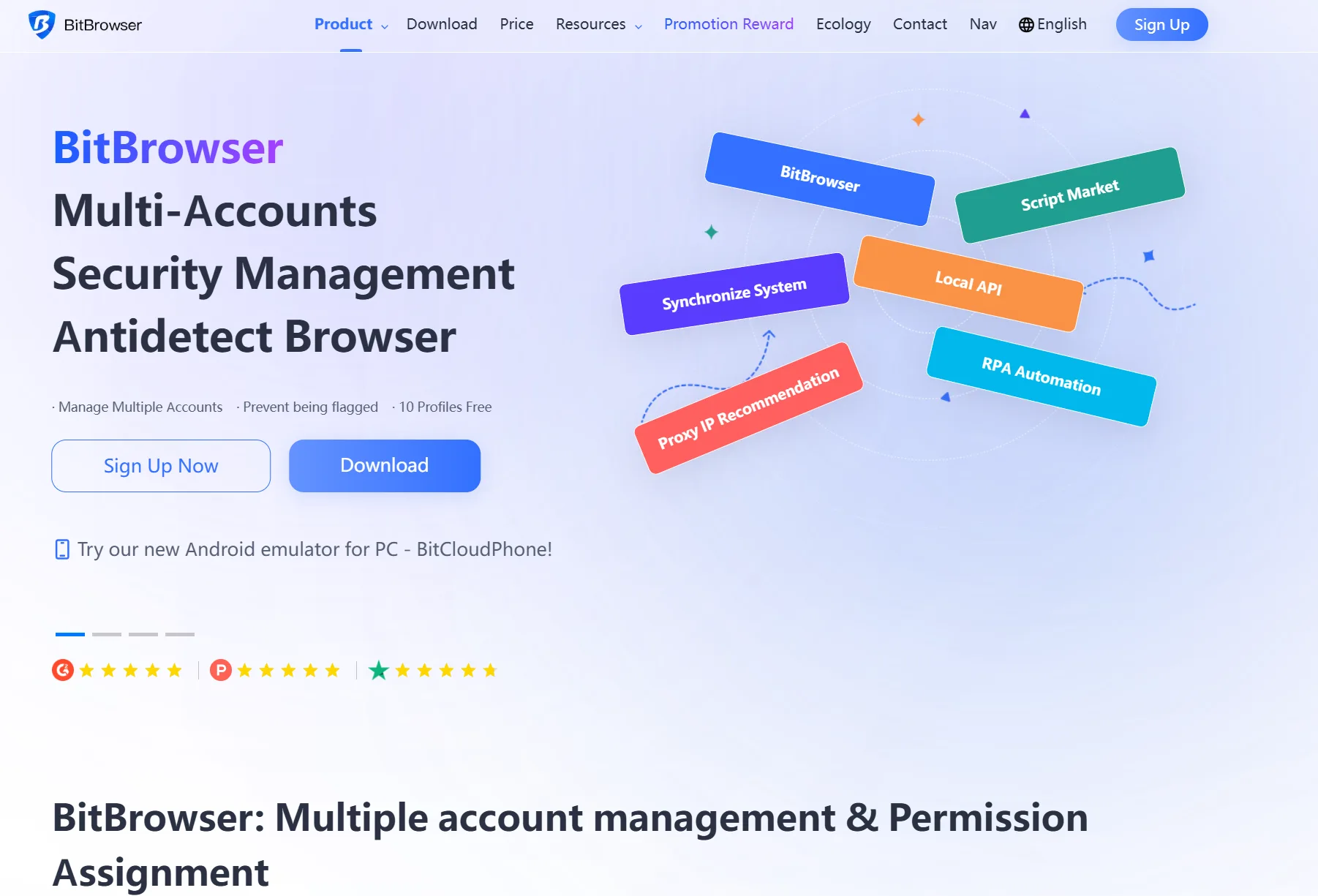
- Pricing (see official site): Free tier: 10 profiles free forever (1 member); Base $10/month monthly, $84/year annually (50 profiles + 2 members, see official site).
- Pros:
- 10 free profiles forever — the easiest Chinese-market tool to just "start using."
- Low price floor (from ~50 RMB/month per 50 profiles), small-seller friendly.
- Covers 30+ fingerprint settings, RPA automation, team collaboration, cloud phone (BitCloudPhone).
- Chinese interface + Chinese support.
- Cons:
- Stability reputation is polarized; heavy operations should test first.
- Slightly behind established overseas tools in handling overseas platform fingerprint detection.
- Advanced features (team management, API etc.) tiered by plan; the free plan is limited.
- Who it fits: Chinese solo sellers, small teams, budget-sensitive multi-account users; teams wanting cloud-phone coverage for mobile social operations.
The 4 Most Common Anti-Detect Browser Pitfalls
After the ranking, avoid these four most common traps before choosing (all learned the hard way):
- Pitfall 1: "ranked first" means it fits me best. Not necessarily. Rankings swing heavily on version updates and marketing spend — today's leader may be overtaken next quarter. Choose by business scenario: multi-store e-commerce looks at multi-platform coverage, social matrices at batch operations, multi-account ads at anti-association strength — choose by scenario, not by rank.
- Pitfall 2: the free tier lasts forever. Depends on scale. Free tiers (MasBrowser 2, AdsPower 2, BitBrowser 10, Dolphin 5, Incogniton 10) exist to "validate the workflow": build profiles, run checks, log into platforms to confirm safety. Once your account matrix truly runs, free quotas run out fast and paying is inevitable — free validation first, then pay to scale; don't reverse the order.
- Pitfall 3: more fingerprint parameters = more security. Not necessarily. Parameter count is just the base — "whether parameters are configured right" is the key: fingerprints must match target platform and proxy region (US account gets US fingerprint + US IP); however complete the parameters, mismatched configuration still triggers risk control. Under default settings many tools throw warnings on fingerprint checks — tune per platform before use.
- Pitfall 4: anti-detect browsers are only for "gaming the system". No. E-commerce multi-store isolation, social matrix operations, multi-client ad account management, team environment handover — these are all legitimate multi-account management needs. The tool is neutral; use depends on the user. Compliant businesses using anti-detect browsers are fully legitimate.
Browser Fingerprint Testing: How to Verify Your Tool Actually Works
Rankings aren't enough — run a fingerprint test yourself for peace of mind. Here's the 3-step verification flow:
- Create a test profile: use a tool's free tier, build one environment, bind a proxy in the target region.
- Run a browser fingerprint test: visit pixelscan.net, BrowserScan.io, CreepJS etc., screenshot the fingerprint portrait. Three things matter: ① parameter completeness (UA, Canvas, WebGL, timezone, fonts etc.) ② red-flag warnings (IP/DNS/WebRTC leaks) ③ fingerprint consistency (repeated tests on the same environment stay stable).
- Field-test on the target platform: use that environment to log into Facebook / Amazon / TikTok, watch for "unusual login" prompts and normal usability.
If the fingerprint test shows red flags or login triggers risk control, the profile's fingerprint/proxy/region doesn't match — don't pay to scale yet, troubleshoot first (for a more detailed tool comparison see fingerprint detection tools roundup).
FAQ
How do anti-detect browsers charge? Monthly or annually?
All 8 mainstream tools basically charge by "subscription," monthly and annual tiers, with annual discounts typically 30%-50%. Annual-equivalent monthly prices: Multilogin PRO $7.08/month, GoLogin $4.50/month, Dolphin Anty $6/month, Octo Browser Lite €7/month, AdsPower Professional $7.2/month; MasBrowser's annual discount is the most straightforward — Professional $40.8/year (10 environments), Advanced $165/year (100 environments), effectively 50% off. Beginner advice: start on a small monthly tier, confirm the tool fits, then switch to annual for the discount — don't buy years of top spec upfront.
Do anti-detect browsers still require buying a proxy separately?
Mostly yes. Of the 8 here, Multilogin, GoLogin, AdsPower, Dolphin Anty, MasBrowser, Incogniton, and BitBrowser all need you to bring a proxy — the tool handles fingerprint isolation, the proxy handles the network environment; neither works alone. Exceptions: Octo Browser has a built-in "Proxy Shop" for in-tool purchase, and GeeLark uses a cloud-phone approach that doesn't rely on traditional proxies. Advice: pick the tool + buy residential IP proxies separately (datacenter IPs face stricter risk control; residential is steadier).
Is the free tier enough? How to upgrade as accounts grow?
Free tiers are for "validating the workflow," not "long-term use." Free quota comparison across the 8: BitBrowser 10 profiles free forever; Multilogin's Free plan 5 profiles free forever; Incogniton's trial package is 10 profiles for the first 2 months, then 3; Dolphin Anty free 5; MasBrowser free 2 members + 2 environments; AdsPower free 2 environments. Suggested rhythm: use the free tier to build profiles, run fingerprint checks, log into target platforms; once the environment is clean and the flow smooth → upgrade as the account matrix grows. MasBrowser's upgrade path is the most direct: Free → Professional (10 environments, $6.80/month or $40.80/year) → Advanced (100 environments, $27.50/month or $165/year).
Is it compliant for enterprise teams to use anti-detect browsers?
Fully legitimate for compliant business. Anti-detect browsers aim at "multi-account management + anti-association"; typical compliant scenarios: e-commerce multi-store isolation (Amazon, Shopify multi-store), social matrix operations (Facebook, TikTok multi-account), multi-client ad account management (agencies operating client accounts), team environment handover (ops, support sharing environments). Violation red lines have nothing to do with anti-detect tools: self-clicking, fake volume, fraudulent traffic, operations that break platform policy are violations in themselves — no tool "launders" a violation. Compliant posture: independent environments + proxy quality + genuine content + compliant operations — all four done right together.
First time using an anti-detect browser — which is safest to start with?
Three-step beginner path: ① practice on the biggest free tier (BitBrowser's 10 free profiles forever; Multilogin's Free plan 5 profiles also long-term usable) ② build a profile, run a fingerprint check, log into the target platform — confirm the environment is clean before relying on it ③ after confirming the tool fits, pick your main by "environment count × feature needs × budget": 10-100 environments needing team collaboration and a built-in flow library — MasBrowser at $40.80 annually (50% off); just want zero-cost flow validation — BitBrowser's free 10 profiles; affiliate batch operations — Dolphin Anty ($6/month annual-equivalent); high-volume e-commerce + visual RPA — AdsPower ($7.2/month annual-equivalent). Don't buy top specs upfront — run the free plan through first, upgrade once the matrix grows.
Conclusion
The 2026 anti-detect browser market is mature: there's no single "number one" — every tool has its place. Veterans lead in anti-association, newcomers in localized experience and automation, cloud-phone players own mobile. Which of the 8 depends on your business scenario, budget, and team setup.
The safest posture: field-test 1-2 tools on free tiers first (BitBrowser / Incogniton with 10 free profiles or MasBrowser's free 2 environments all work for testing), get the fingerprint check + target-platform login flow running, confirm the environment is clean and the flow smooth, then pay to scale.
For most Chinese- and English-speaking users, MasBrowser — the first choice for Chinese teams (anti-association depth + 50% annual discount) — is the overall-experience-first pick — the free plan includes 2 browser environments, Professional at $40.80/year discounted (from 10 environments), Advanced at $165/year (from 100 environments). Download MasBrowser, spin up your first environment and see.



