
MasBrowser
Customer supportLoading messages…
Loading messages…
You are viewing a previous conversation.
Enter to send · Shift + Enter for a new line
Loading messages…
You are viewing a previous conversation.
Enter to send · Shift + Enter for a new line
Core takeaway: Multi-account tools aren't a "pick one of five" decision — they're a five-layer stack where each layer isolates a different thing: window-isolating multi-launchers, IP-isolating proxies and VPNs, system-isolating virtual machines, machine-isolating VPS and cloud phones, and browser-identity-isolating antidetect browsers. MasBrowser sits on the fifth layer: it bundles device identity, a private data space and a proxy exit into one independent profile, so accounts look like different people; but IP comes from the proxy you attach and operating discipline is on you — that's its boundary. The right way to choose is to draw the stack first, find your missing layer, then fill it in — not to ask a feature table "is it strong enough?"
Most people who pick the wrong tool haven't picked the wrong product — they've mistaken five layers for one thing. They buy a VPN thinking a new IP makes an account safe — only for identical device fingerprints to give them away as the same person. They open ten windows in one browser thinking the sessions don't interfere — only to find even the cookie cache was never separated. The order is clear: first understand what risk engines actually check, then see which side of exposure each tool covers, and finally fill in the layer you're missing.
When accounts get flagged as linked, the platform is comparing four kinds of signals: the network layer shows where you're connecting from, the device layer shows who your browser resembles, the behavioral layer shows how you operate, and the profile layer shows whether registration details overlap. No tool covers all four sides — each type shields one or two exposure surfaces. The point of the stack is to sort tools by what they isolate, so the gaps become obvious.
Arranged by isolation target, the five types of multi-account tools form a spectrum:
The higher up you go, the heavier and pricier the isolation; the lower, the lighter and cheaper. For web-based businesses, the fifth layer offers the best value — which is why the antidetect browser category has been growing.
Every layer has things it blocks and things it doesn't — the gaps are exactly your basis for either switching layers or stacking them.
For the full breakdown of the isolation principle, what is a fingerprint browser covers it — no need to repeat here. The key to reading the stack: the five layers aren't substitutes, they're coverage — the IP layer is almost always needed, the identity layer decides success or failure for web businesses, and the system and machine layers only step in for specific needs.
Locate MasBrowser on the stack and the answer is unambiguous: it's an identity-layer specialist — its scope ends at the browser, and everything beyond that belongs to the corresponding layer.
What it handles: each profile gets a persistent device fingerprint (20-plus parameters, with language, time zone and geolocation auto-aligned to the IP, and WebRTC can be disabled), a data space that never cross-reads, and one bound proxy exit; profiles can be shared with or transferred to teammates. The "device ID card" of your account assets is this layer's job.
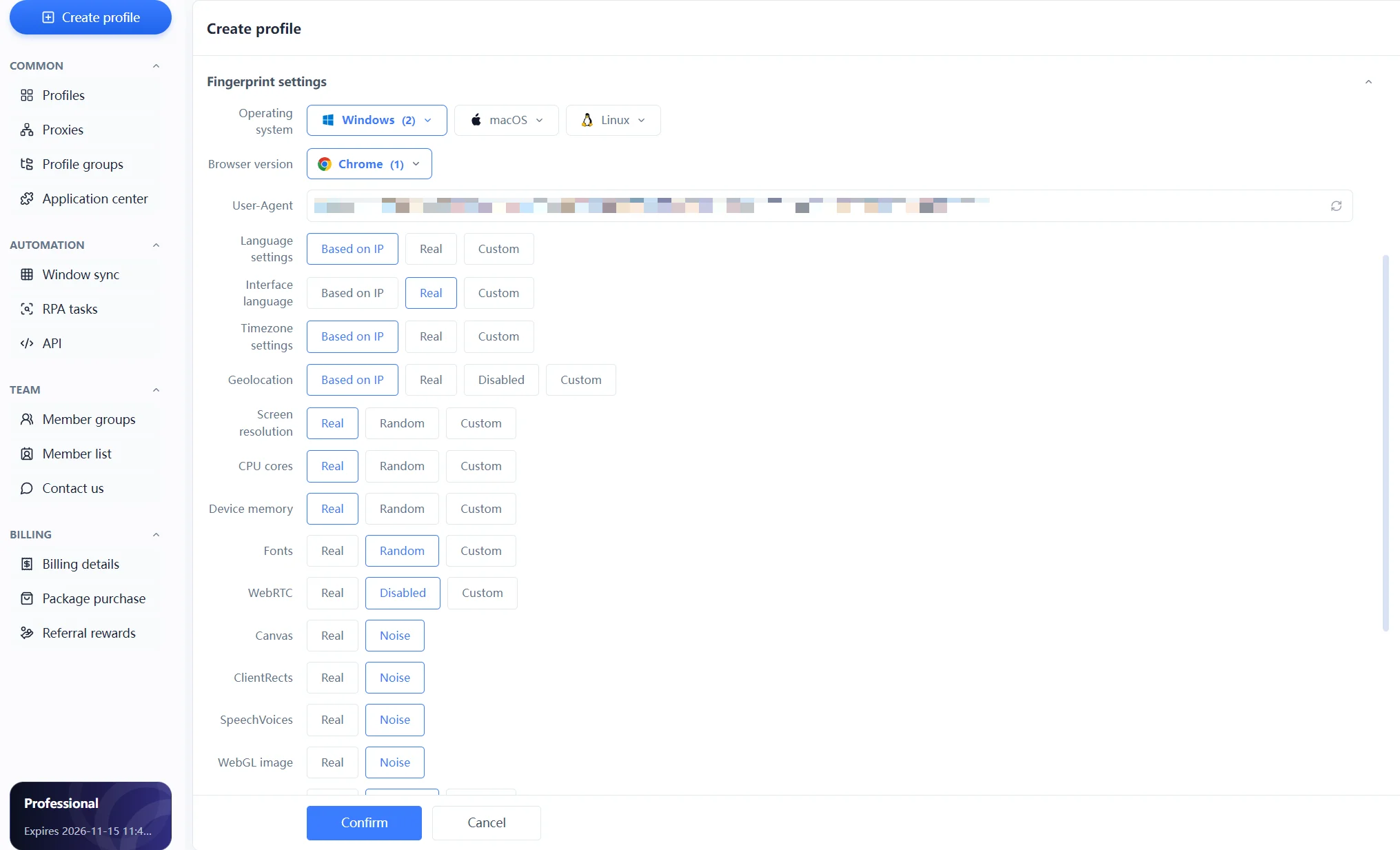
The three things it doesn't do are part of its positioning too:
That sense of boundary is itself a reason to pick it: instead of promising to "cure linking," it does the identity layer properly and prices the remaining layers transparently so you can fill them in yourself — every dollar lands where you can see it.
Real workflows are never single-choice — the pattern is "identity layer as the base, stack on demand," and three combinations cover most business shapes:
Only one criterion matters: does the business run on web or app, and what's each account worth — fill the missing layer, don't pay for layers you won't use.
Three questions and the gap reveals itself:
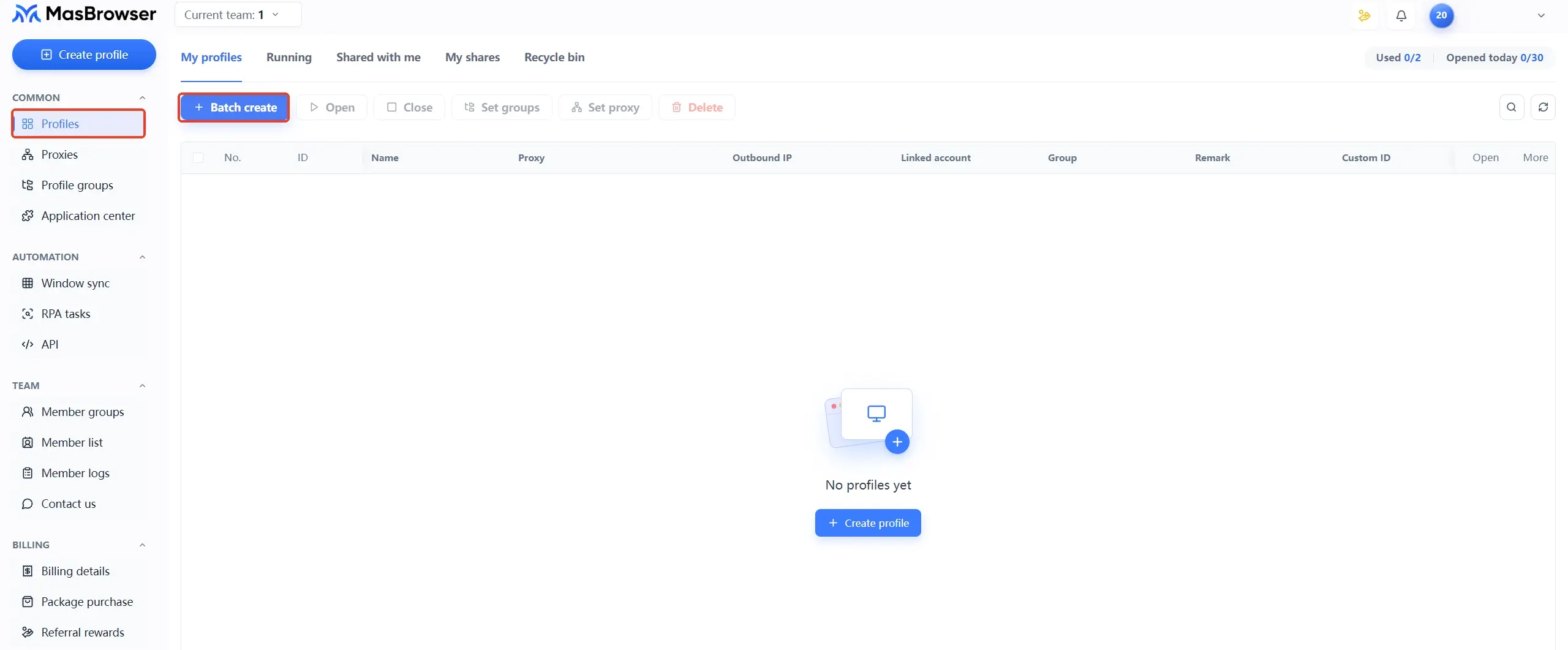
Start filling from the identity layer: build profiles on the free plan, attach a proxy and verify the isolation, then decide whether to expand upward based on your business shape.
The five-layer stack of multi-account tools boils down to a division-of-labor chart: multi-launchers handle windows, proxies handle IP, virtual machines handle systems, VPS and cloud phones handle whole machines, and antidetect browsers handle browser identity. MasBrowser sits on the identity layer, turning each account's device identity into an independent, stable, handover-ready asset — while handing responsibility for IP and behavior back to you. Knowing which layer you're buying is how you keep money out of the wrong slot. Download MasBrowser, fill the identity layer with the free plan, then complete the remaining layers one by one along the stack.
For web-based businesses, mostly yes — identity-layer isolation costs a fraction of a VPS. But for special software that only installs in an isolated system, or businesses that need a fixed datacenter exit, a VPS remains irreplaceable. On the stack they're not competitors — choose by business shape.
Yes. A fingerprint browser doesn't produce IP — the network exit inside a profile comes from the proxy you attach; the two layers work together rather than being either-or. For everyday multi-account scenarios, dedicated proxies beat shared VPNs — a VPN puts everyone behind one exit, while a proxy gives one IP per account.
Look at the business carrier: web backends, e-commerce stores, overseas social media web versions — fingerprint browser, better on both cost and efficiency; app businesses that must run on real Android devices — cloud phone. Teams running both lines usually keep one of each, each managing its own carrier.
Two: identity layer + IP layer. Build two or three profiles on the free antidetect browser plan, attach dedicated proxies, verify the isolation — total cost is just the proxy fee. Virtual machines, VPS and cloud phones are on-demand expansion layers; don't invest before your business takes that shape.


