MasBrowser
Customer supportLoading messages…
Loading messages…
You are viewing a previous conversation.
Enter to send · Shift + Enter for a new line
Loading messages…
You are viewing a previous conversation.
Enter to send · Shift + Enter for a new line
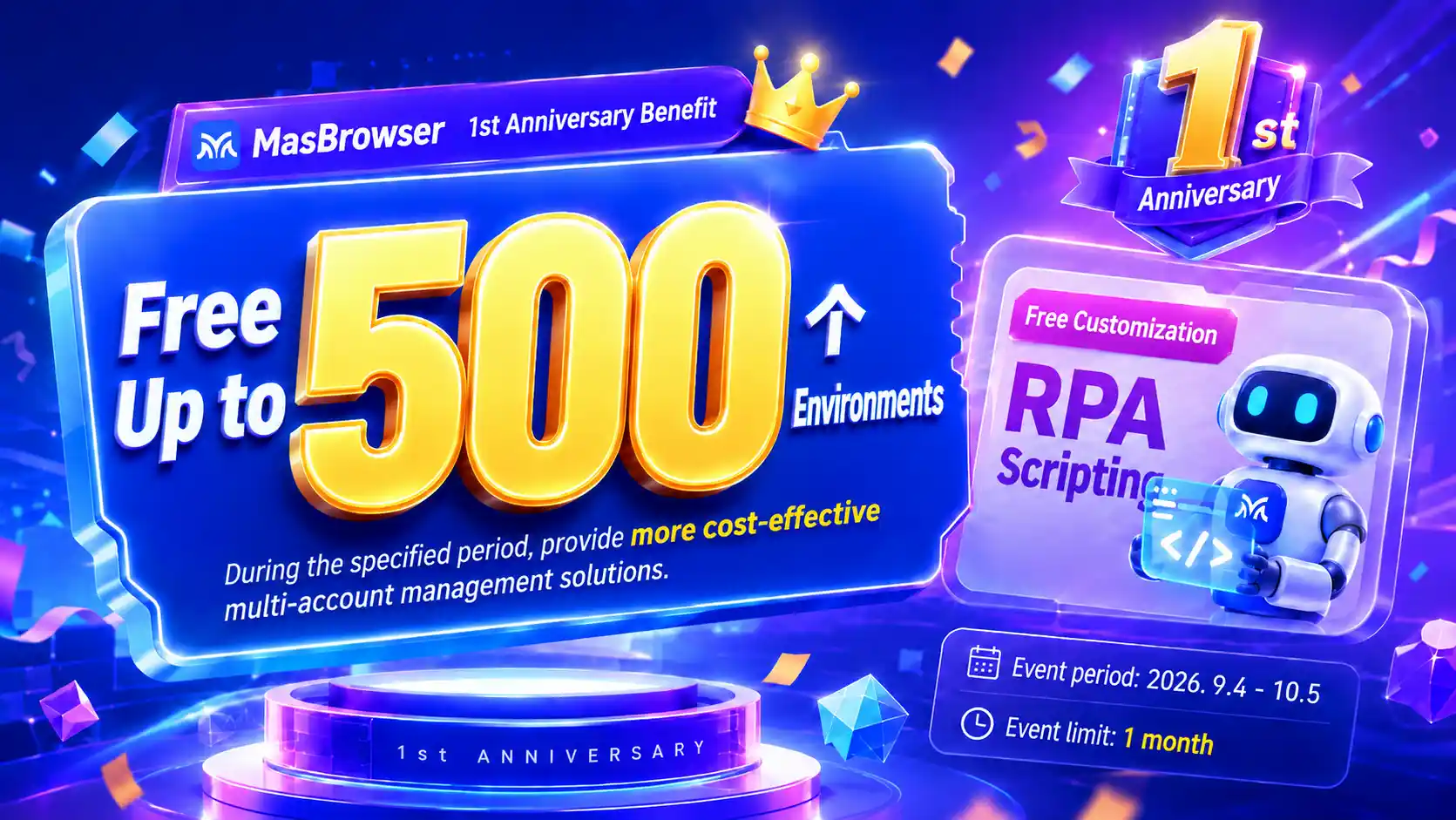
Core takeaway: MasBrowser, the fingerprint browser, is celebrating its first anniversary with a limited-time event from September 4 to October 5, 2026 — claim a premium plan with 500 environments free (valid for 1 month), plus a free custom RPA script. Claim entry points live on the official website homepage and inside the client: just click "Claim Now". This article sorts out three things: which event perks are real value, how to plan 500 environments without waste, and what a custom-built RPA script can do for you.
Most people's first reaction to "500 free environments" is suspicion — is it a time-limited trial, does it require binding a paid plan, will it be reclaimed three days after claiming. This event answers all three with good faith: the claimed plan is valid for a full month covering the entire event window, enough for a new team to run the complete flow of "create environments, set up proxies, run the business"; the free custom RPA script turns the automation configuration you'd normally have to figure out yourself into something the team builds for you.
Below, in the order you'd actually do things.
First, the event itself. It runs September 4 to October 5, 2026 — one month. Two perks:
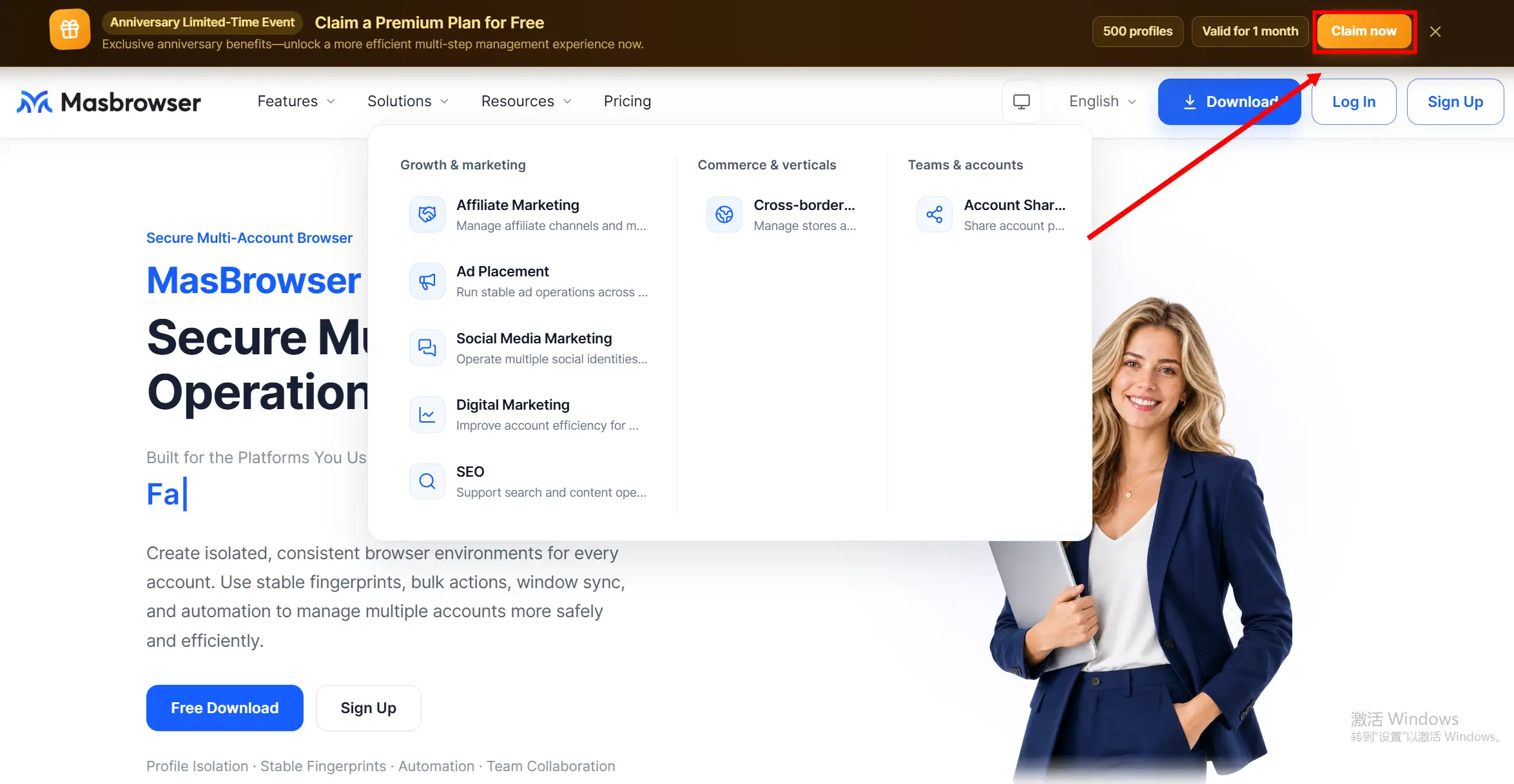
There are two claim entry points, both live: one is the event banner at the top of the MasBrowser fingerprint browser website homepage — click "Claim Now" and follow the prompts; the other is the same banner on the client homepage. Both work the same; if the client is installed, claiming inside the client is easier.
A big quota doesn't mean create freely — an environment's value lies in isolation quality, not quantity. If you build all 500 at once and figure out their purpose later, most of the one-month validity burns away unused. The smarter play is to allocate in layers by business:
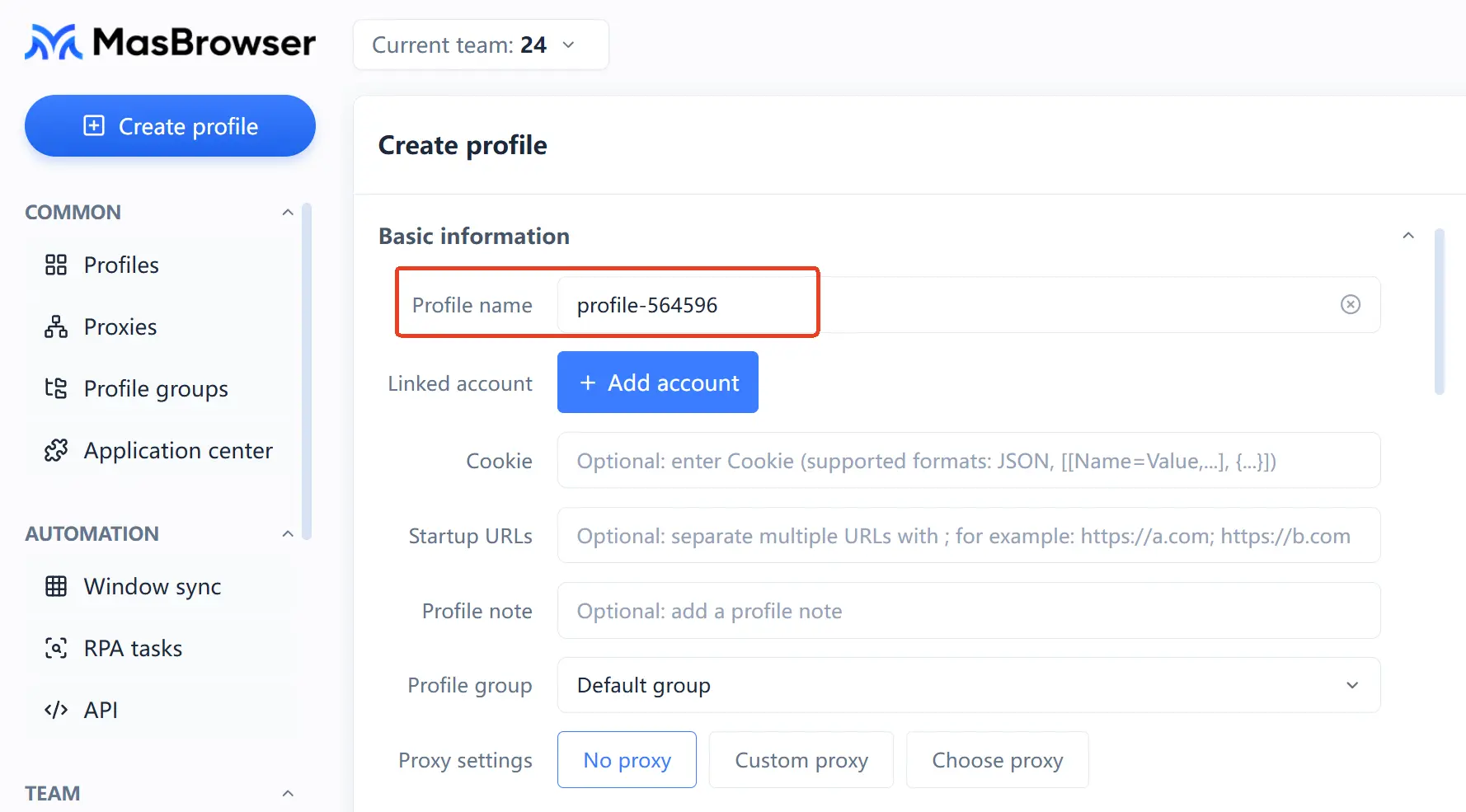
If you've been on the free plan with 2 environments, this event lets you run the "unthinkable" scale for a month — the point isn't to use all 500, but to use the window to verify: once your workflow lands on a large matrix, is the management cost really controllable.
The value of a custom RPA script is handing your flow to the team to configure, skipping the self-taught learning curve. MasBrowser's RPA module ships with a template library (Facebook, TikTok and other platforms), but templates are generic — your account grouping, posting frequency, and scraping targets rarely match them. Free customization during the event closes that gap: you describe the flow, the team writes the script.
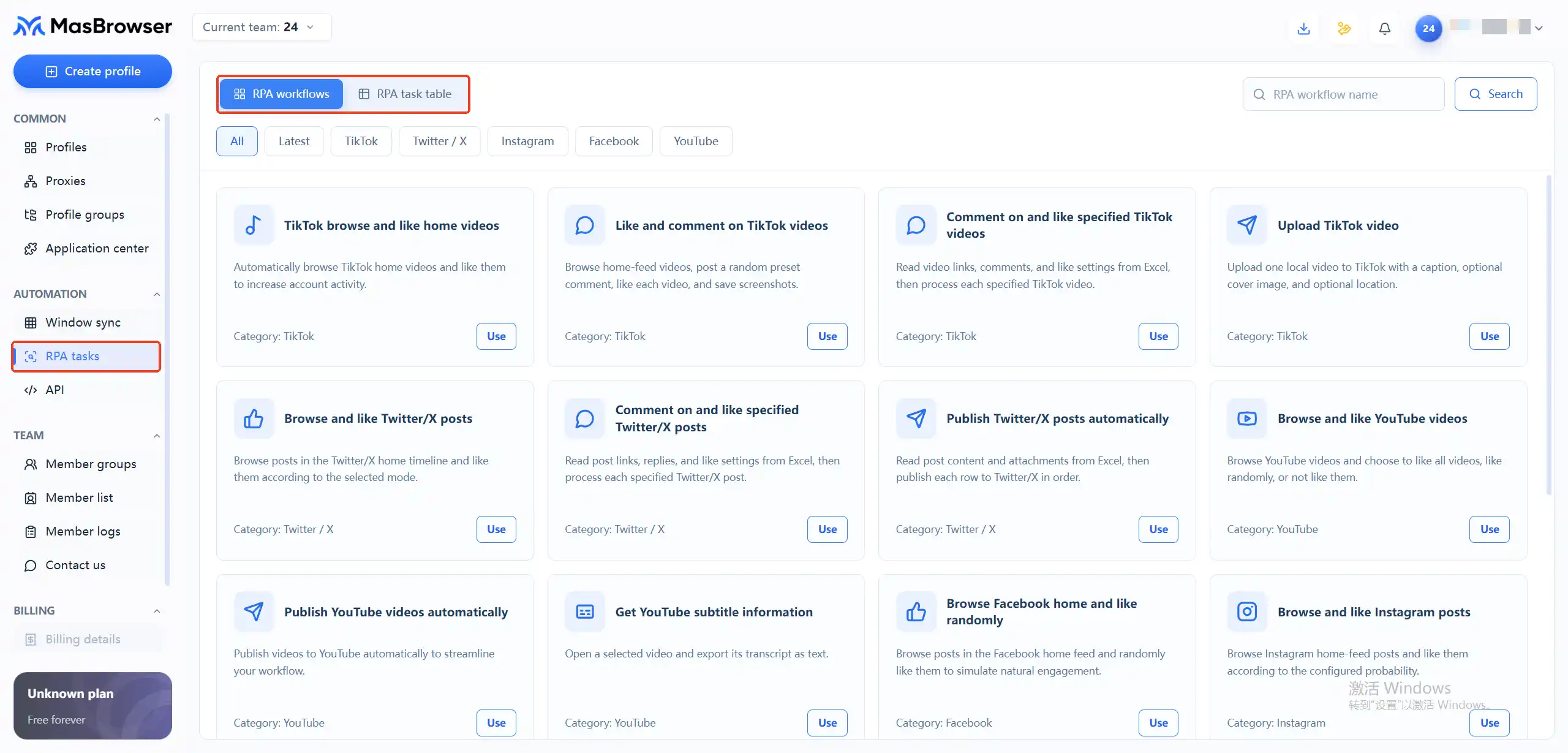
The jobs usually worth customizing fall into these categories:
The request entry is in the same event banner. When describing your need, write three things clearly: target platform, action sequence, execution frequency — the more specific, the more accurate the script. To understand the RPA module's own capabilities in advance, see this RPA automation tutorial, which covers the template library logic in detail.
One thing to say up front: RPA is an efficiency tool, not an account-security tool. Scripts save you time, but every environment still needs its proxy and its fingerprint consistency — don't skip the basics just because it's automated.
The validity is one month; counting backward, the first week matters most. Here's a plan you can copy directly:
A month isn't long; what decides how much these 500 environments are worth is whether you build the structure in the first ten days.
Three groups fit best: multi-account operators who were already watching fingerprint browsers (store groups, social media matrices, ad campaigns) — this is a zero-cost trial at 500-environment scale; existing free-plan users with 2 environments whose business is nearly maxing the quota — use the event to experience paid scale before deciding to buy; and teams on other tools wanting a side-by-side comparison — a month at high quota is enough to measure migration costs.
If you run two or three accounts with no matrix plan soon, this event adds little — the free plan is enough long term; no need for "claiming and wasting it" anxiety.
The substance of this first-anniversary event is dropping the entry barrier of "at-scale multi-account operations" to zero: 500 environments and a custom RPA script cover the complete path from testing to scaling. The event ends October 5 — the suggested order is claim the plan first, submit the script request next, then build environments by layer — and use the month with structure. Download MasBrowser, claim inside the client, and start.

No. Click "Claim Now" in the event banner and follow the prompts; the environment quota lands directly. After the event, un-renewed quota is reclaimed per the rules — so plan backups for important data within the validity period.
The event window is September 4 to October 5; plans claimed during it are valid for 1 month. The exact expiry is shown in the client — confirm it on the day you claim, and schedule important business verification within the first three weeks.
Scripts are configured in your environments; scripts already generated keep working after the event. Whether new requests or major changes stay free is subject to the official terms at that time — so submit your most critical flow needs in full during the event.
Worth claiming, but don't force-open environments to fill the quota. Use a dozen or so as the "test layer" to verify isolation quality and the RPA customization flow, keep the free plan for daily use — the two coexist without conflict.