
MasBrowser
Customer supportLoading messages…
Loading messages…
You are viewing a previous conversation.
Enter to send · Shift + Enter for a new line
Loading messages…
You are viewing a previous conversation.
Enter to send · Shift + Enter for a new line
The environment is configured, the proxy is bound, the fingerprint is set — and then what?
Many people running multiple accounts assume everything is fine once the configuration is done, until the account gets banned and they realize: "I never actually verified whether my environments are isolated."
Configuration doesn't mean it works. A fingerprint browser gives you a set of "environments", but what those environments actually look like to a platform can only be known by testing. This article covers the lowest-cost verification approach: use ip-api.com + BrowserScan, two free tools, to verify in ten minutes whether environment isolation actually worked.
In one sentence: platforms don't look at how you configured things, only at detection results — configuration is "what you think"; verification is "the platform's perspective".
A fingerprint browser providing independent environments is only a "capability"; whether environments are actually isolated is the "result". If two environments are created but share a proxy or have no fingerprint differentiation, the isolation is "fake isolation" — accounts get associated anyway.
Verification costs almost nothing (two free tools, ten minutes) but has high value:
Configuration is a fill-in-the-blank test; verification is the exam — without taking the exam, you never know if your answers are right.
Because these two tools exactly cover the two layers of isolation verification: ip-api checks "where you are" (network layer), BrowserScan checks "who you are" (device layer) — one handles IP geolocation, the other handles browser fingerprints.
First, the division of labor:
Why this pair instead of a more complex setup?
Remember: verifying isolation only needs "network layer + device layer" — ip-api + BrowserScan is the lowest-cost combination. For a more complete picture (adding WebRTC, anonymity score), see the Fingerprint Detection Tools Guide; this article first covers the core use of the two-tool combo.
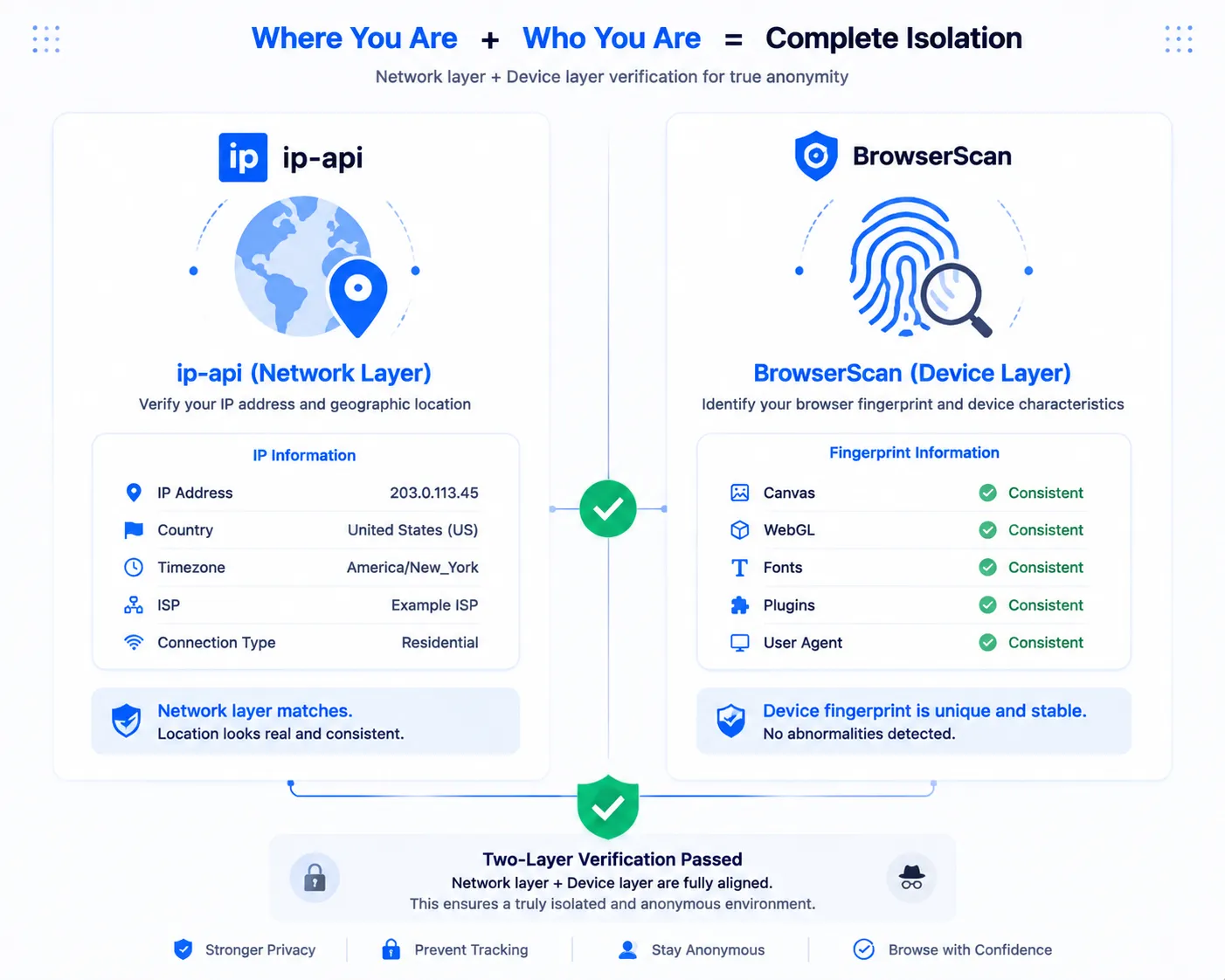
Using MasBrowser as an example, the complete flow has four steps:
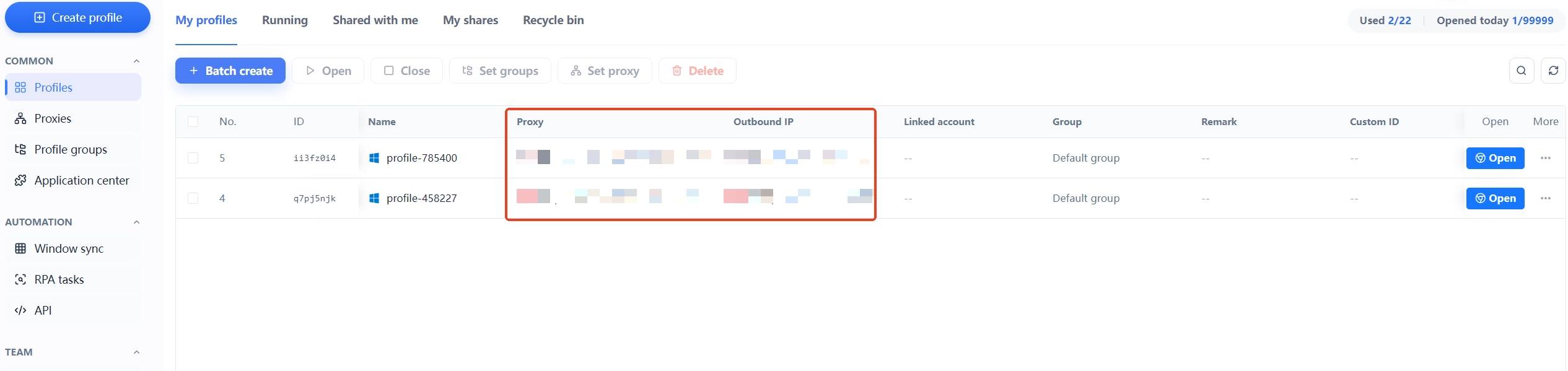
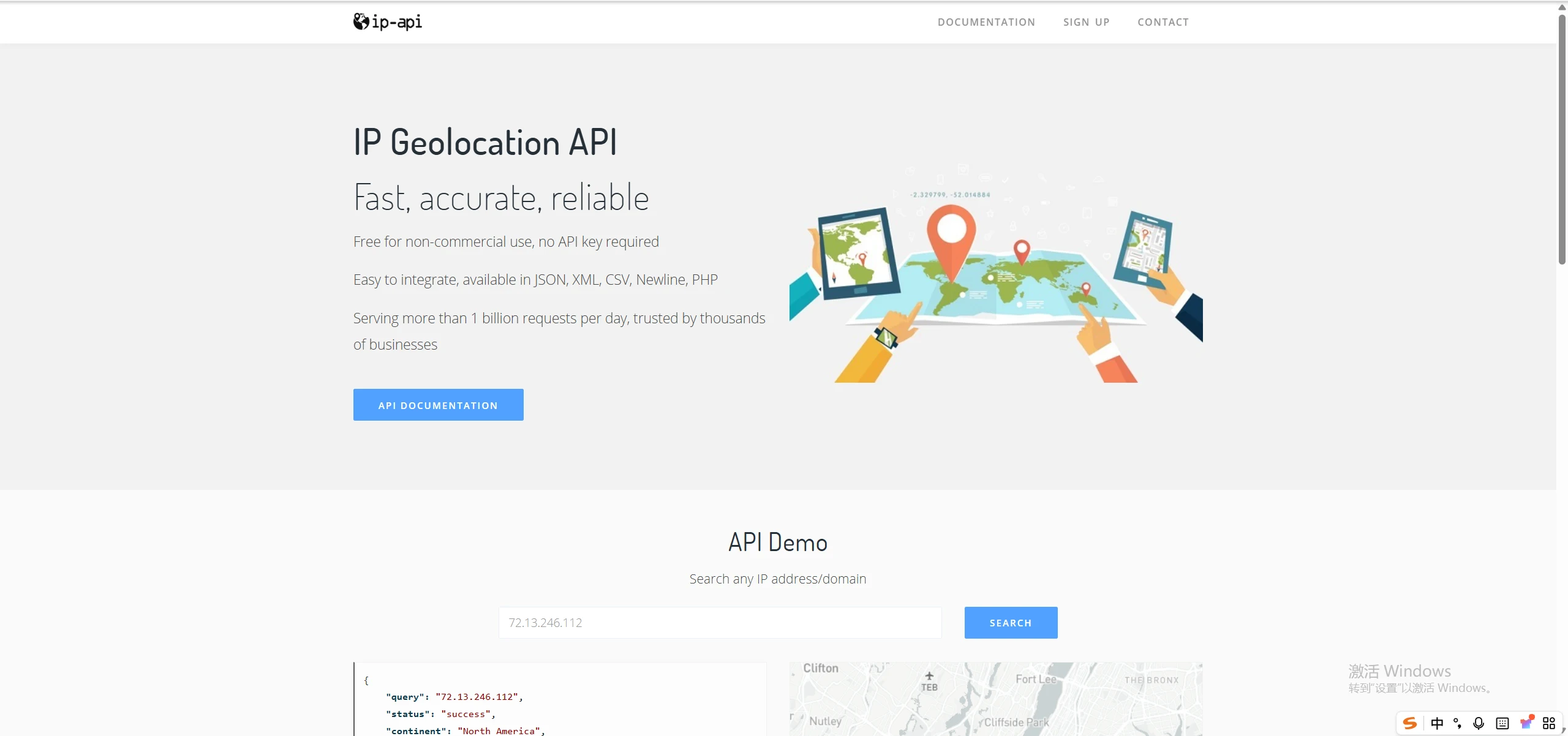
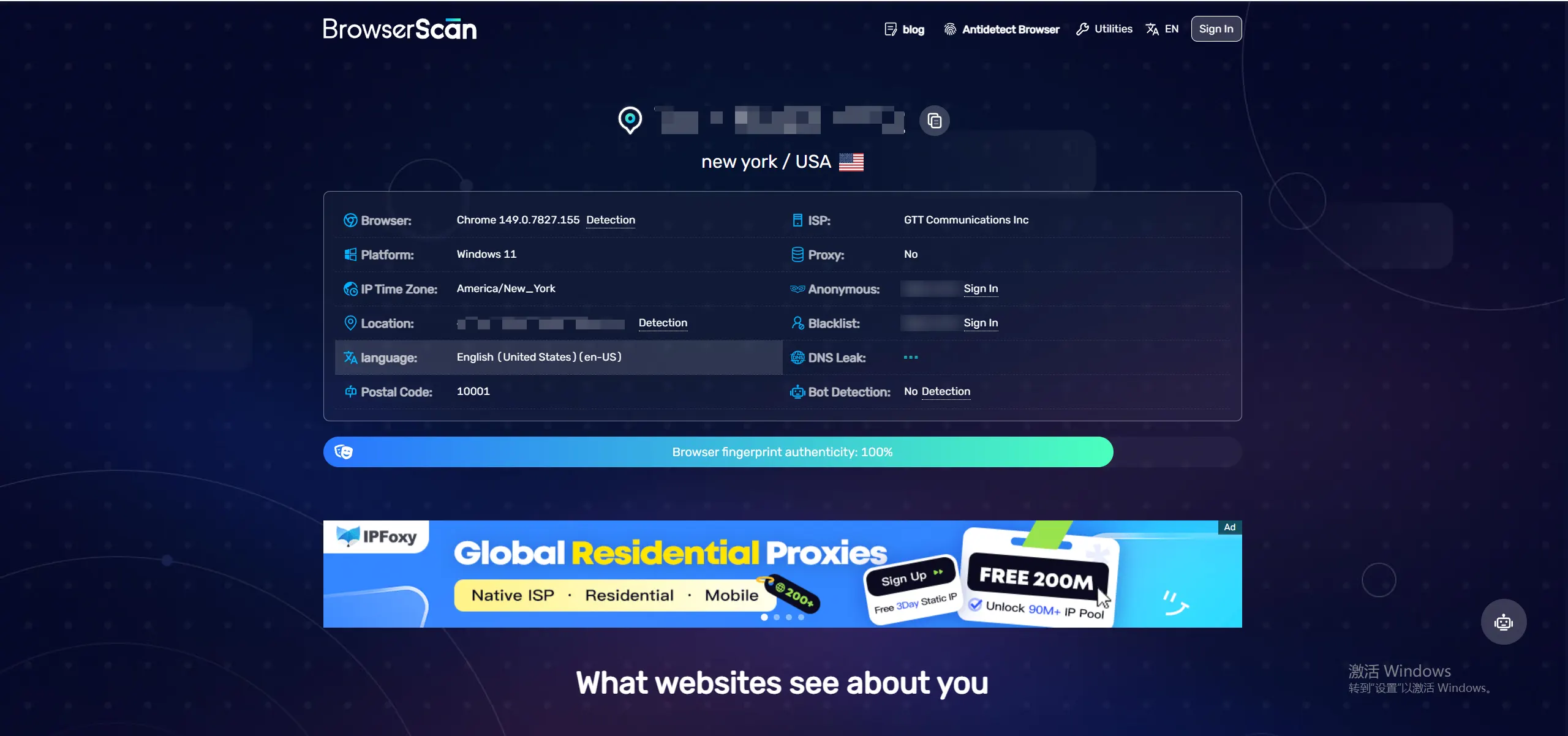
Key action: test each environment "separately" — don't open both at once and mix things up, or the records will cross-contaminate. Test one, record it, then test the next.
Compare the two environments' records, focusing on four groups of parameters:
| Comparison | Environment A | Environment B | Isolation condition |
|---|---|---|---|
| IP address | US IP | UK IP | Must differ |
| Timezone | America/New_York | Europe/London | Each matches its proxy region |
| UA / OS | Windows 11 / Chrome | Windows 11 / Chrome | Can be the same (common devices) |
| Canvas / WebGL / fonts | hash 1 | hash 2 | Must differ |
Judgment conclusions:
The easiest misjudgment: only looking at the IP. Some people see identical IPs and conclude isolation failed, when the fingerprints were actually separated — conversely, only checking fingerprints while ignoring shared IPs misses network-layer association risk. Both layers matter; missing either is incomplete.
Record example: write down each result for comparison and archiving — Environment A: US IP / America/New_York / Canvas hash d47e… / WebGL GTX 1650; Environment B: UK IP / Europe/London / Canvas hash 9c21… / WebGL RTX 3060. Different IPs, different hashes, timezones each matching — conclusion: isolation works. The value of recording: on the next re-test you can see at a glance whether anything changed, without re-remembering.
What if verification fails? Locate the problem with the judgment table and fix: same fingerprints → go back to the fingerprint section in environment settings and differentiate Canvas, WebGL, etc. (add "noise" or "custom"; the concrete methods are in Canvas Fingerprint); same IP → check whether both environments bound the same proxy and give each its own IP; timezone mismatch → set timezone and language to "configure based on IP". Fix one, re-test once, until all four pass.
Most of the "verification failed" scenarios above can actually be avoided upfront in MasBrowser — because isolation isn't about "patching afterward" but is a default capability at environment creation.
Going through the problems one by one:
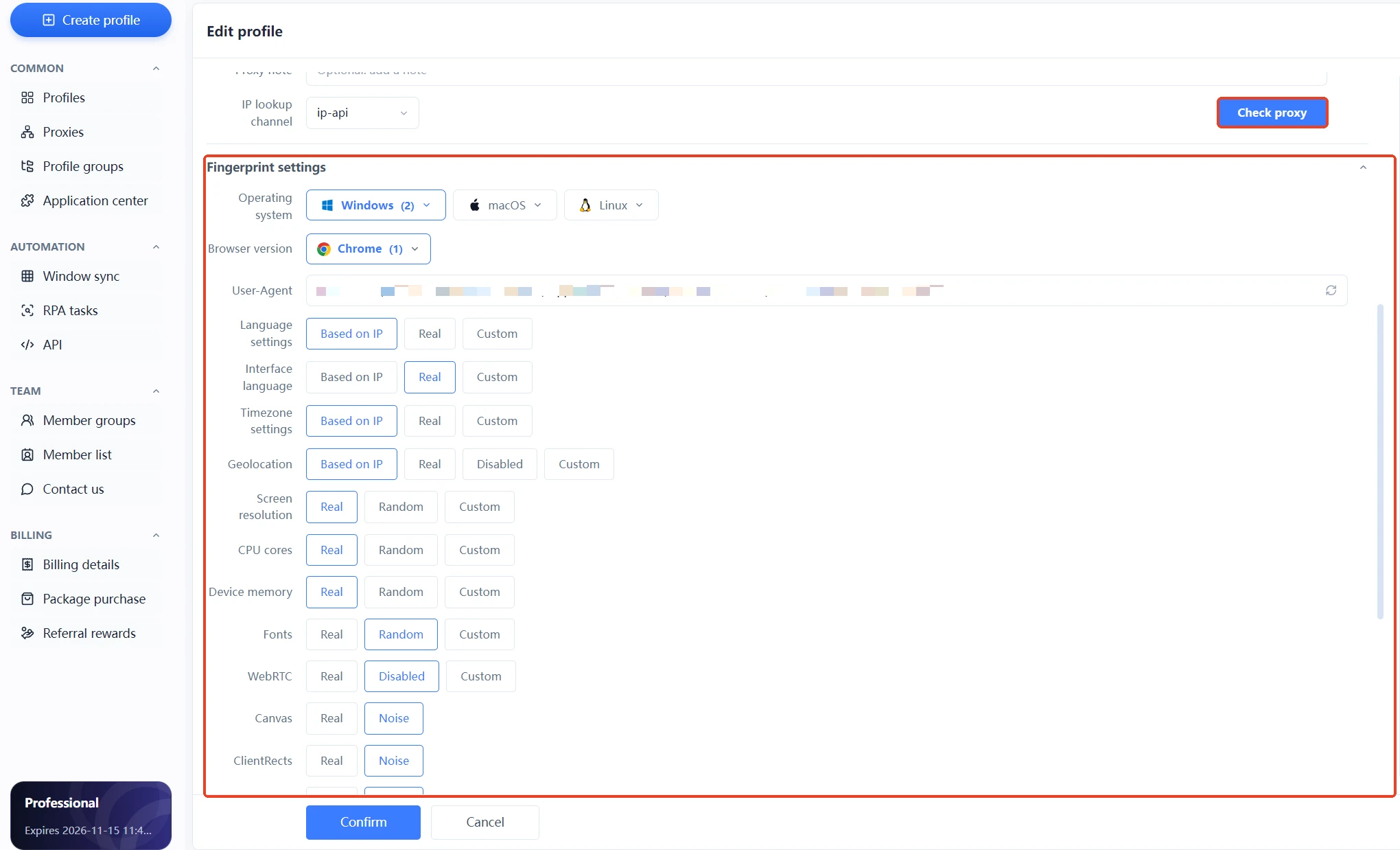 Its value: turning "isolation works" from "getting lucky tuning it right" into "the default state of a new environment". You configure once when creating environments, and every new environment is a "qualified isolation unit"; verification tools act as a double check, confirming environments actually behave as expected. When accounts grow, this "configuration-as-isolation" flow is far more manageable than manually troubleshooting environment by environment.
Recommended. ip-api covers the "network layer" (whether IPs are independent), BrowserScan covers the "device layer" (whether fingerprints are independent); only with both layers isolated is it complete isolation. Checking one layer misses the other layer's association risk.
Yes, but pay attention to which items match. UA, OS, and other "common parameters" matching is normal (many real users are Windows + Chrome); but if high-discrimination parameters like Canvas, WebGL, or fonts match, the fingerprint isn't differentiated — go back to environment settings and check.
You can verify the "fingerprint layer": create two environments without a proxy; if BrowserScan shows different fingerprints, the device layer is isolated. But the network layer (IP) isn't isolated — complete multi-account isolation still needs an independent IP per environment.
No. Verification passing only means the "environment dimension" is fine — platform risk control also looks at the behavior dimension (login times, operation rhythm). Environment isolation + normal behavior is complete account safety. A fingerprint browser solves environment issues; behavior rhythm depends on operational habits.
Configuration doesn't mean it works; verification is the final step of configuration. With ip-api + BrowserScan, two free tools, you can confirm in ten minutes whether environment isolation actually succeeded — different IPs, different fingerprints, and in the platform's eyes the two environments are two completely independent devices.
Don't wait until an account is banned to remember verification. The free plan already includes 2 environment slots; download MasBrowser, create two environments, run ip-api + BrowserScan on each once, and you'll have a definitive answer to "is my environment actually isolated". For complete independent environments and fingerprint isolation configuration, see the MasBrowser multi-account security management page.


