
MasBrowser
Customer supportLoading messages…
Loading messages…
You are viewing a previous conversation.
Enter to send · Shift + Enter for a new line
Loading messages…
You are viewing a previous conversation.
Enter to send · Shift + Enter for a new line
Core takeaway: When multi-account environments "get messier the more you manage", the mess is not in the environment count — it's in the workflow failing to shift gears as you scale. Up to three environments run on handcraft standards; around ten, window sync takes over the identical actions; twenty and above, RPA absorbs the repetitive ones. The three stages demand completely different work — and with three fixed rhythms (daily patrol, weekly review, monthly scaling) layered on top, chaos turns into an assembly line. This piece covers the layer our earlier articles didn't expand: there are dedicated posts for the single-environment tutorial and each individual feature, but "once you've scaled, what order do you operate in each day, and which actions get batched while which stay forever manual" — that's all here.
First, check the symptoms: with a single environment everything is smooth — create the environment, bind the proxy, log in, five minutes done. Push it to ten-odd environments and the picture changes — you shuttle between dozens of windows every day, remember from memory where each environment left off yesterday, aren't sure whether a proxy parameter was ever changed, and when something breaks you spend twenty minutes just finding which account caused it.
The cause is not the number of environments — it's that the workflow never shifted gears: as environments grew from 3 to 30, the "unit of operation" changed from "one environment at a time" to "by batch", but your daily actions are still the old routine. A tool like the MasBrowser fingerprint browser provides batch capability; batch capability is not a batch workflow — the latter you build yourself. Below, how to build it in three stages.
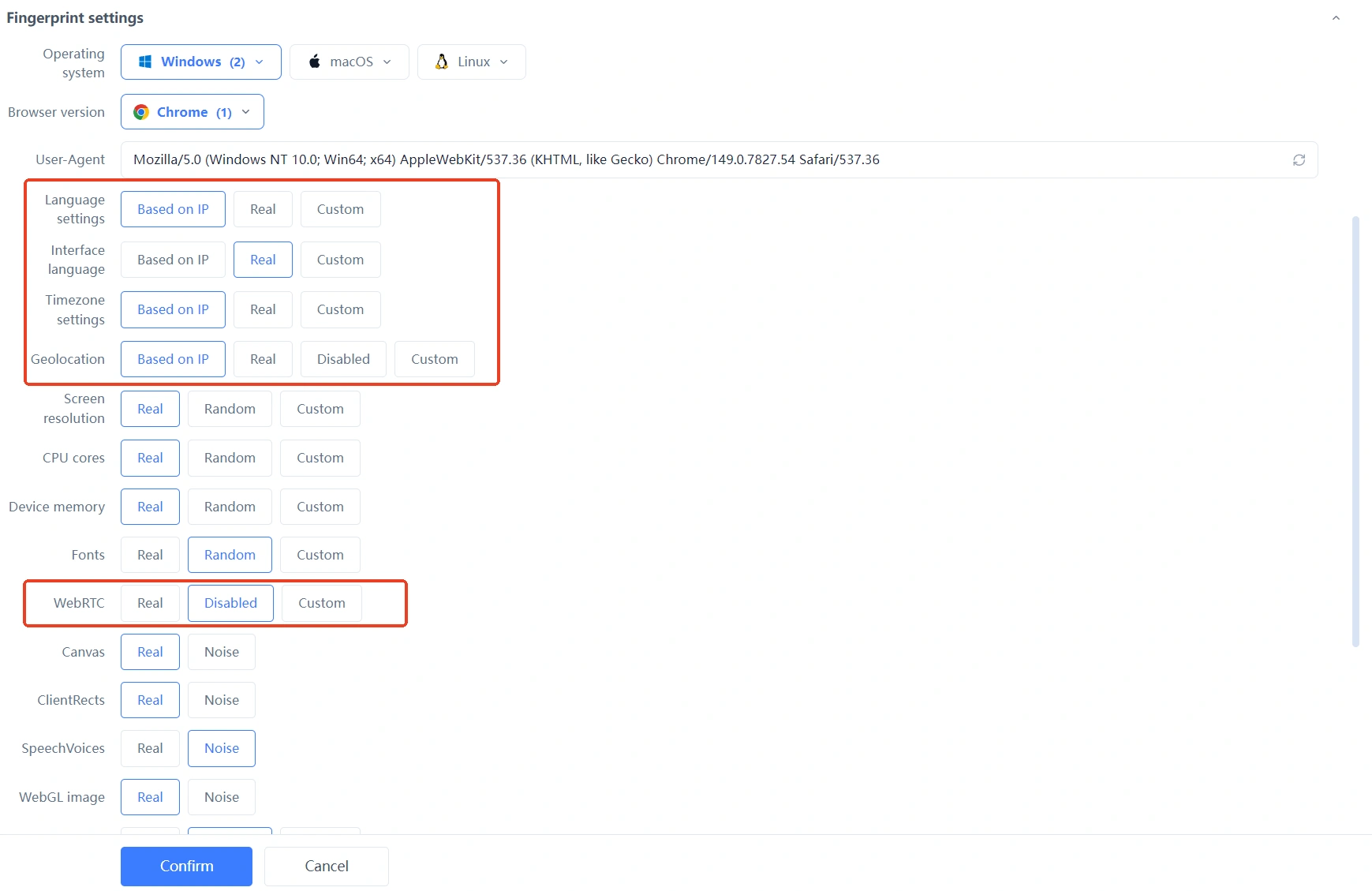
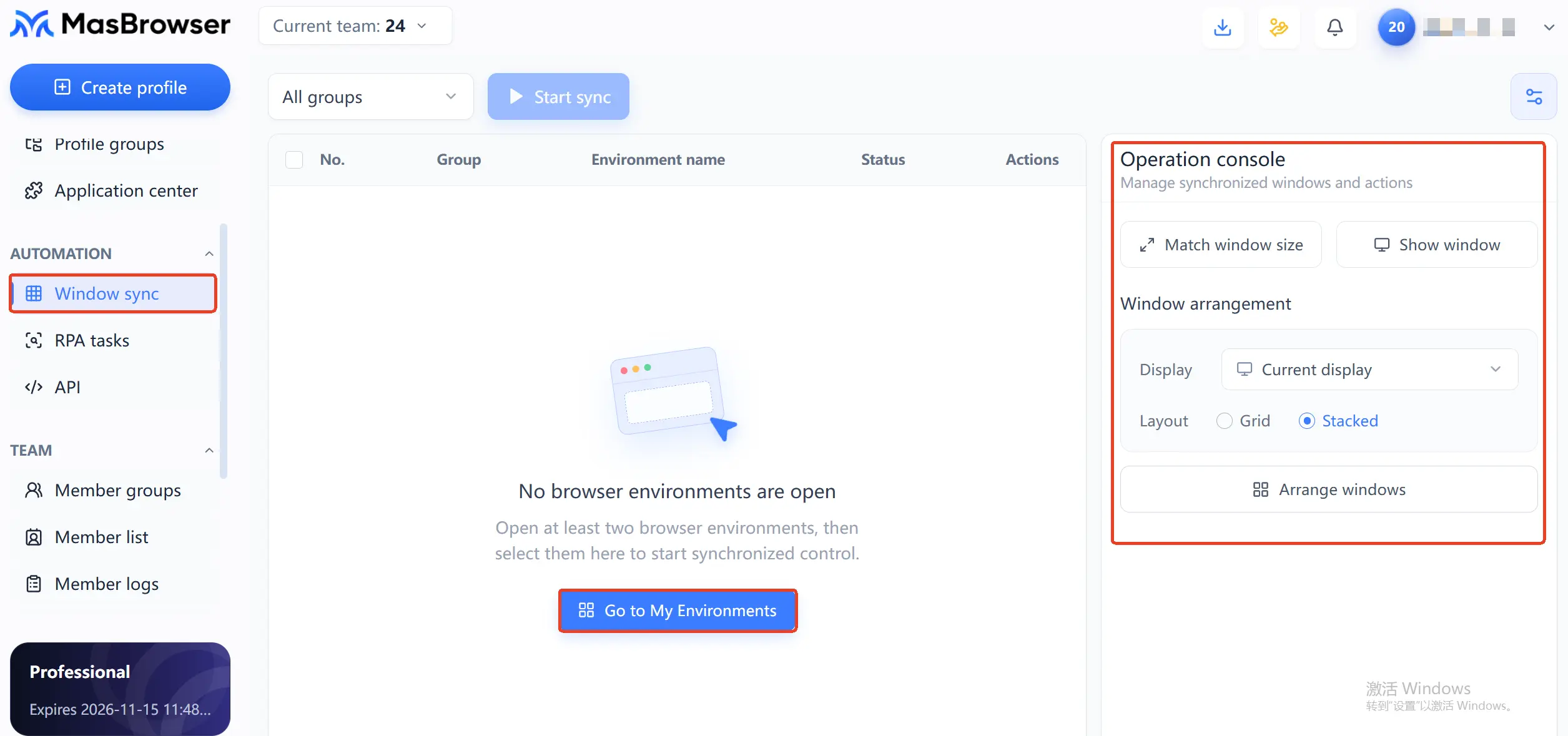
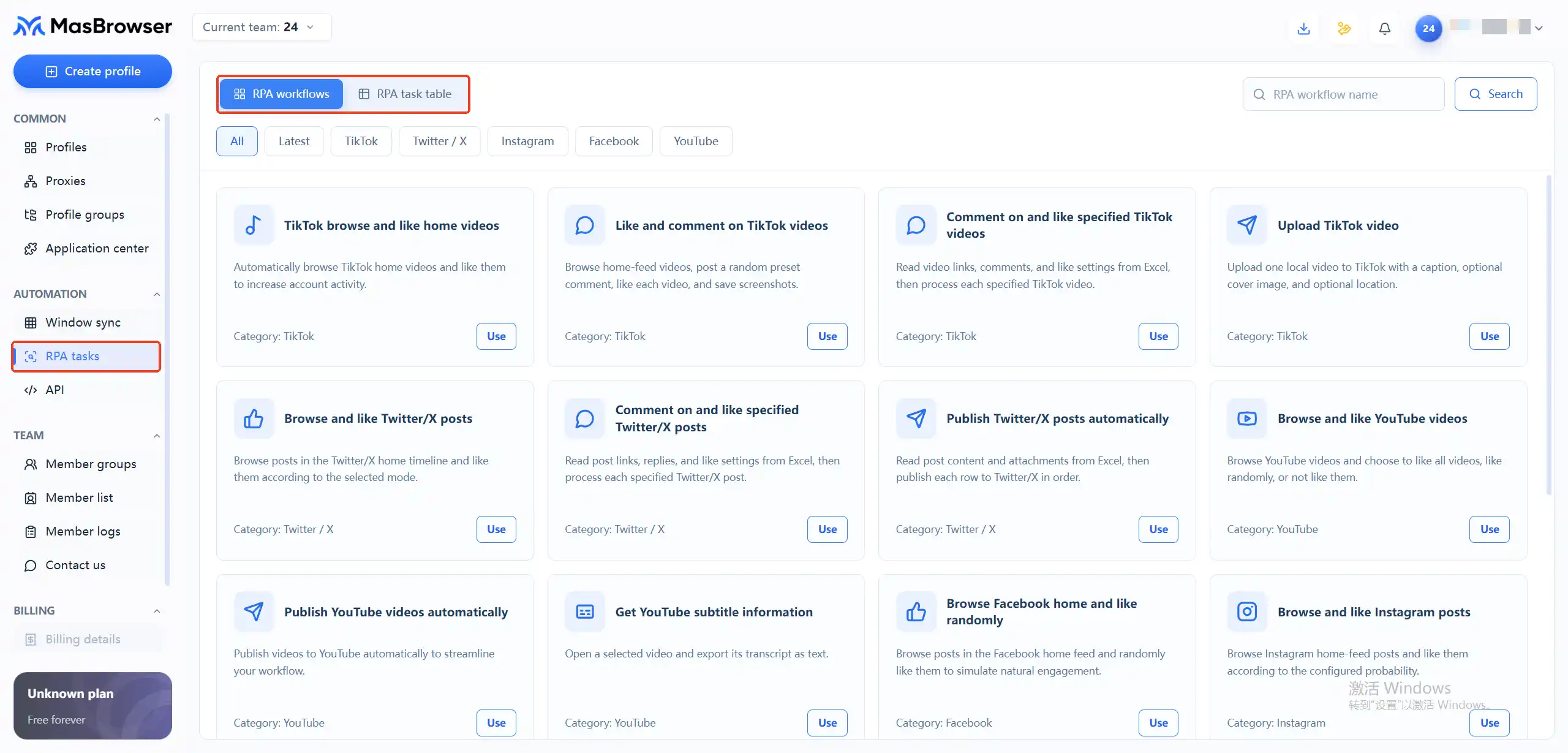 Stated bluntly, the upgrade triggers are: same actions over half an hour a day — bring in sync; the same flow more than three rounds a day — bring in RPA. Before the trigger line, stay manual; once crossed, upgrade — no over-building, no grinding through.
The stage decides which tools you use; the rhythm decides how each day starts and ends. Give each rhythm a fixed time budget and the workflow stops being "do whatever comes to mind" and becomes an assembly line:
Daily patrol, 10 minutes: sweep the environment list top to bottom — windows left open yesterday, environments with proxy test failures, accounts with warning flags; handle or tag each one. Run one fingerprint check on 1-2 key environments to confirm no drift from yesterday. Backfill the day's key actions into environment notes — notes are the ledger that travels with the environment, so tomorrow you pick up right where you left off.
Weekly review, 30 minutes: look at business data by group, aligning "environment-account-week's result" in one pass — which group's engagement is dropping, which environment shows abnormal logins, which offer's conversions are normal. The review's output is next week's action list: which environments scale up, which pause, which change proxies. The full framework for asset inventory and residual-value judgment lives in the account asset checklist piece; the weekly review is just its lightweight version.
Monthly scaling, as needed: add environments only when the business grows, and first spin up one test environment to validate the configuration before batch-copying; conversely, idle environments with no login records for 90 days get one consolidated cleanup at month-end — before archiving, confirm there's no login state or assets inside.
The most accident-prone spot in any workflow is batching actions that shouldn't be batched. One criterion settles it: is this action inherently identical across environments? And is a mistake reversible? Only when both hold do you batch.
Window sync and RPA are amplifiers: they amplify actions that are correct and homogeneous; point them at a mistake and you get a neat row of identical mistakes.
Yes, but split the time blocks: do handcraft actions first (registration, sensitive operations, exception handling), then enter batch windows (sync, group operations). Reversing the order invites accidental operations on environments when you're rushed.
Past 5, group them — the dimension follows your business lines (platform or project). The value of grouping cashes in during the sync stage: sync, batch operations, and weekly reviews all run on groups.
Window sync first: low barrier, effective the same day, covering most sync-stage needs; once the actions stabilize and repeat three-plus rounds daily, solidify them into an RPA flow. Teams that skip sync and jump straight to RPA usually waste more time debugging flows.
Not yet. Before deleting, check for login states, bound assets, and pending payouts — the full method for residual-value assessment is in the account asset checklist piece. Only archive or recycle after confirming no assets; don't trash accounts still producing just to tidy a list.
From single environment to batch matrix, what changes isn't the difficulty of operations — it's the unit of operation: from "environment by environment" to "by batch, by group, by flow". Remember the gear-shift triggers for the three stages, fix the daily-patrol / weekly-review / monthly-scaling rhythms, hold the line with "batch only what's identical and reversible", and even dozens of environments stay as clear as three.
Tool costs get spread thinnest in the matrix stage: the free plan's 2 environments are enough to run the handcraft stage's standard end to end; at 10 environments the yearly plan works out to roughly $0.34 per environment per month, and about $0.13 at 100 — once the workflow is straightened out, environment growth is no longer a burden. Download MasBrowser and start by making your first environment a standard part.


